This article routes setup-stage symptoms to the matching tutorial or troubleshooting
article.
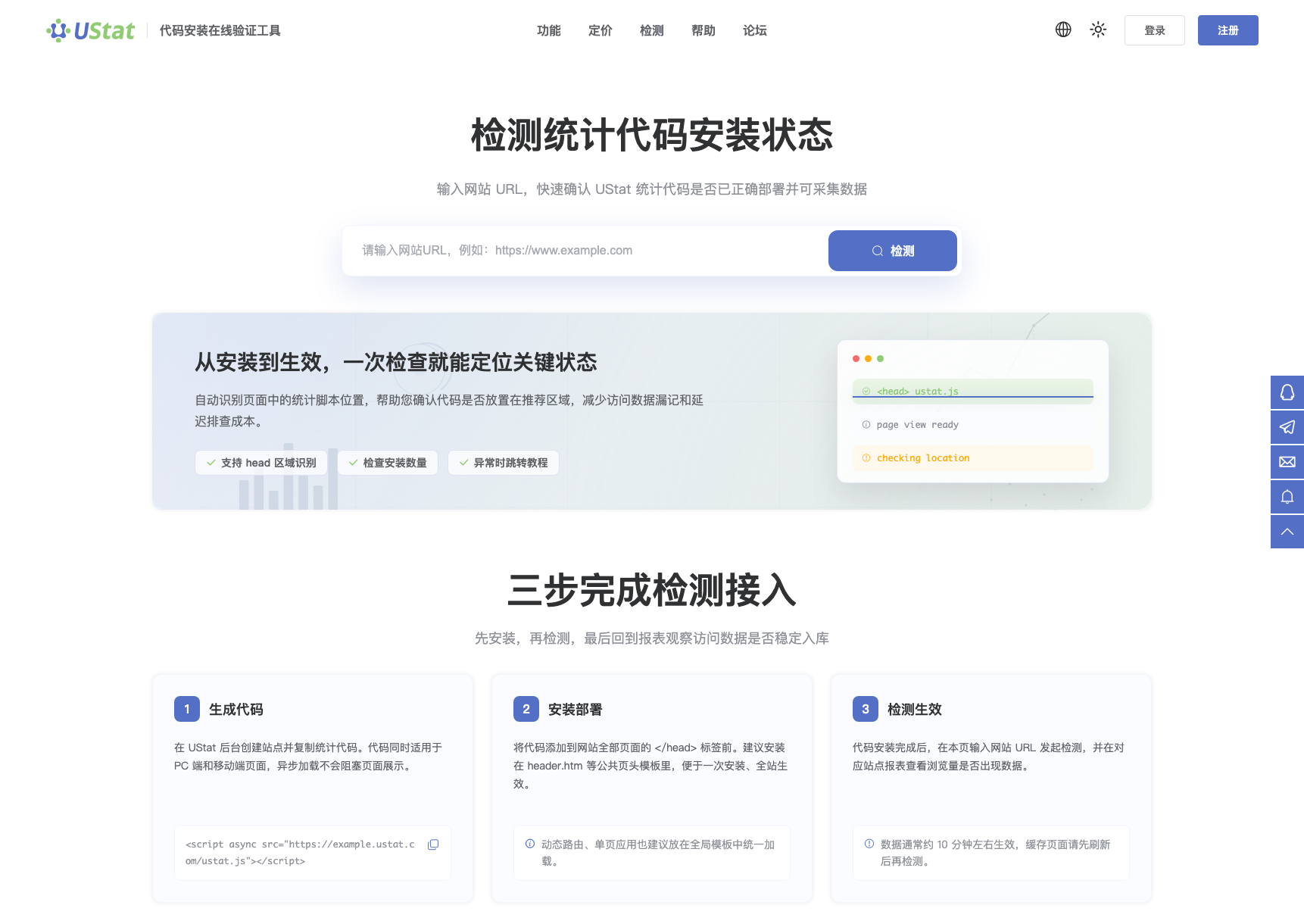
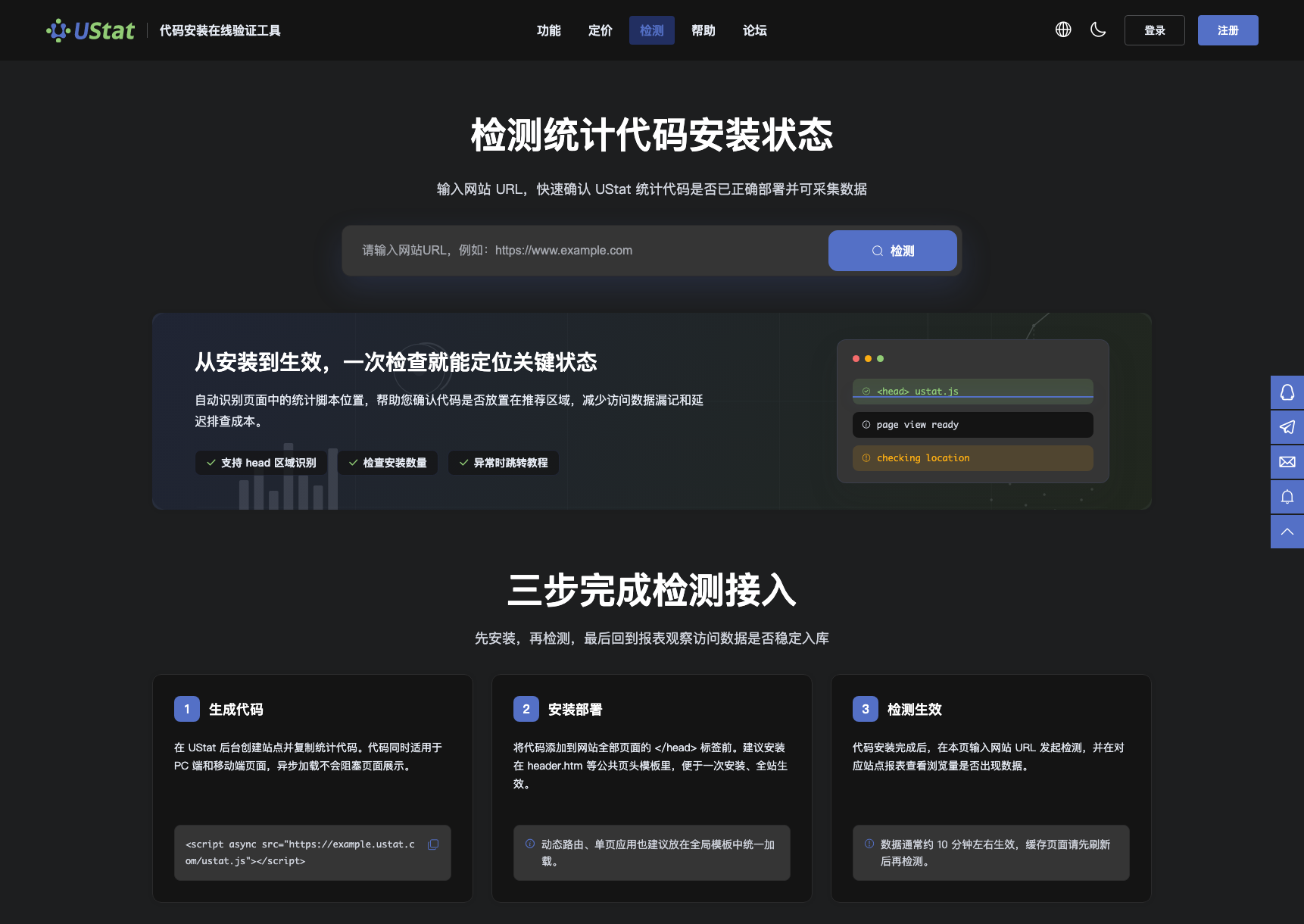 Interface example. Actual console display may vary.
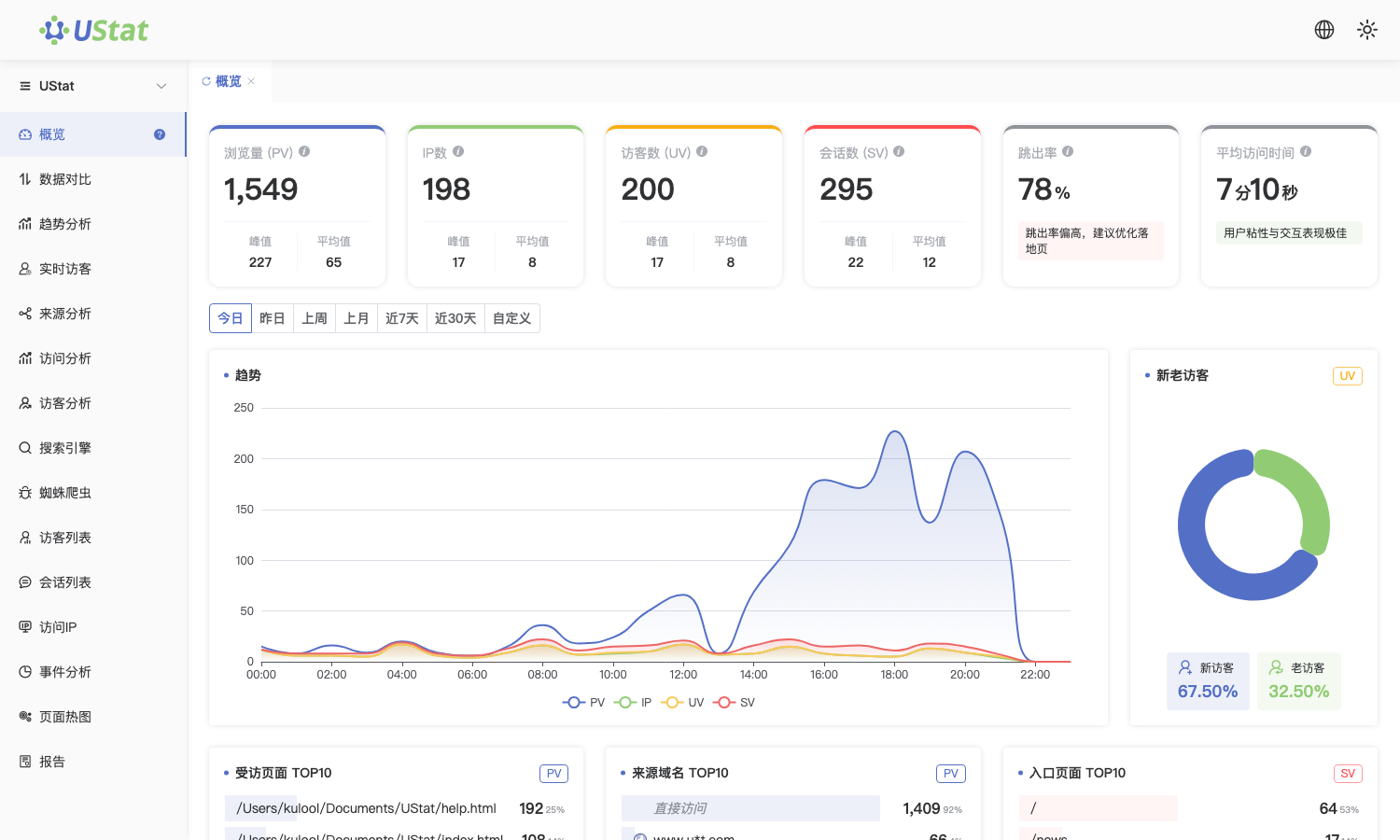
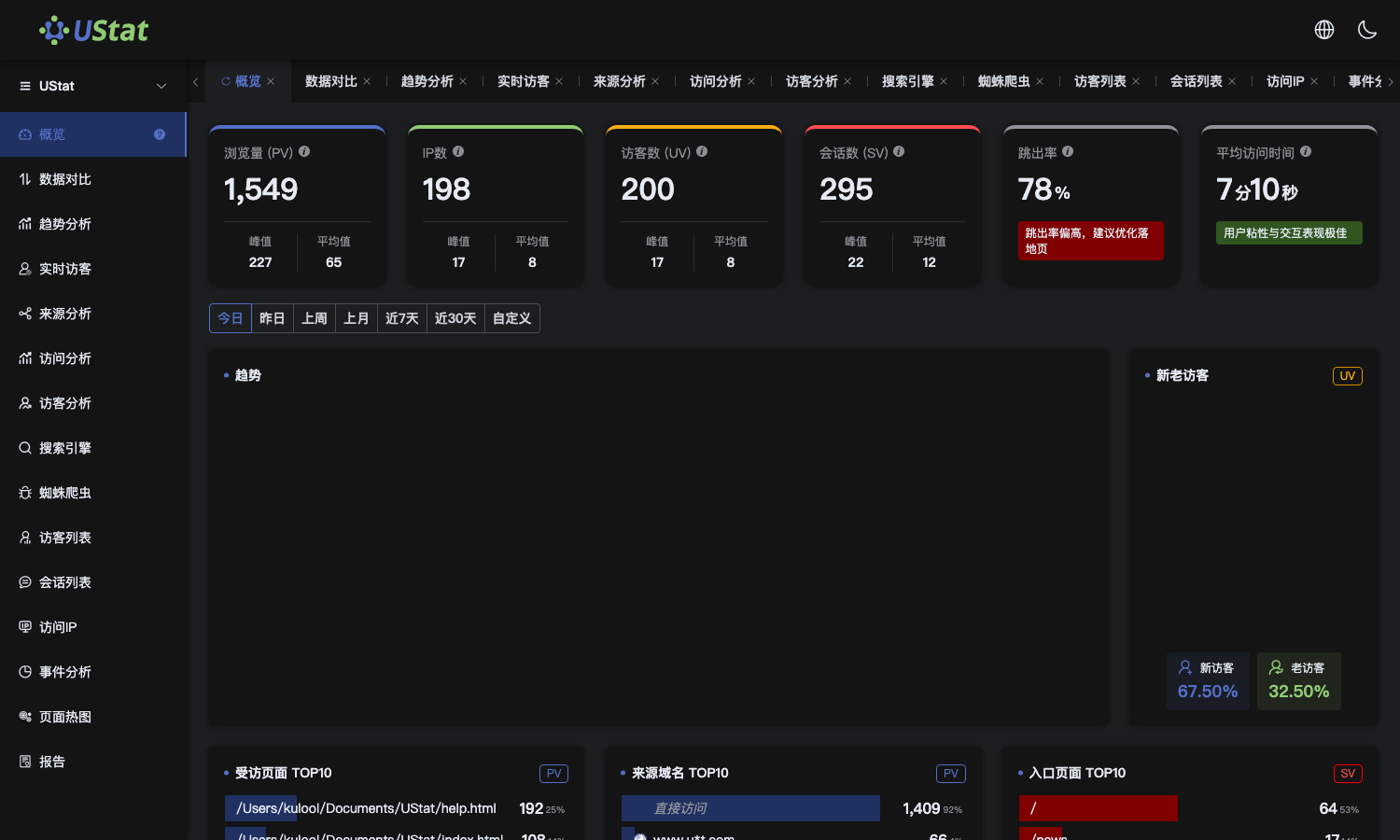 Interface example. Actual console display may vary.
When to use
Use it during setup when a problem appears but the cause is not yet clear, so
you can choose the next article by symptom.
Steps
-
If you do not know how to submit a URL or understand checker results,
open "Code checker guide".
-
If the check passes but reports are empty, open "Troubleshoot missing
data after install".
-
If only some pages lack data across the site, open "Shared templates and
SPA installation".
-
If duplicate code, domain mismatch or stale cache appears, record the
checked URL, release time and screenshots before contacting support.
Notes
-
This article helps choose the next step and does not expand full operations.
-
When contacting support, provide site domain, problem page, screenshots and
latest release time together.
