This article explains how to inspect concentration, region attribution and
high-frequency clues by network exit.
When to use
Use it to inspect concentration, region attribution and high-frequency clues by
network exit.
Steps
-
Open IP Details and choose the time range to review.
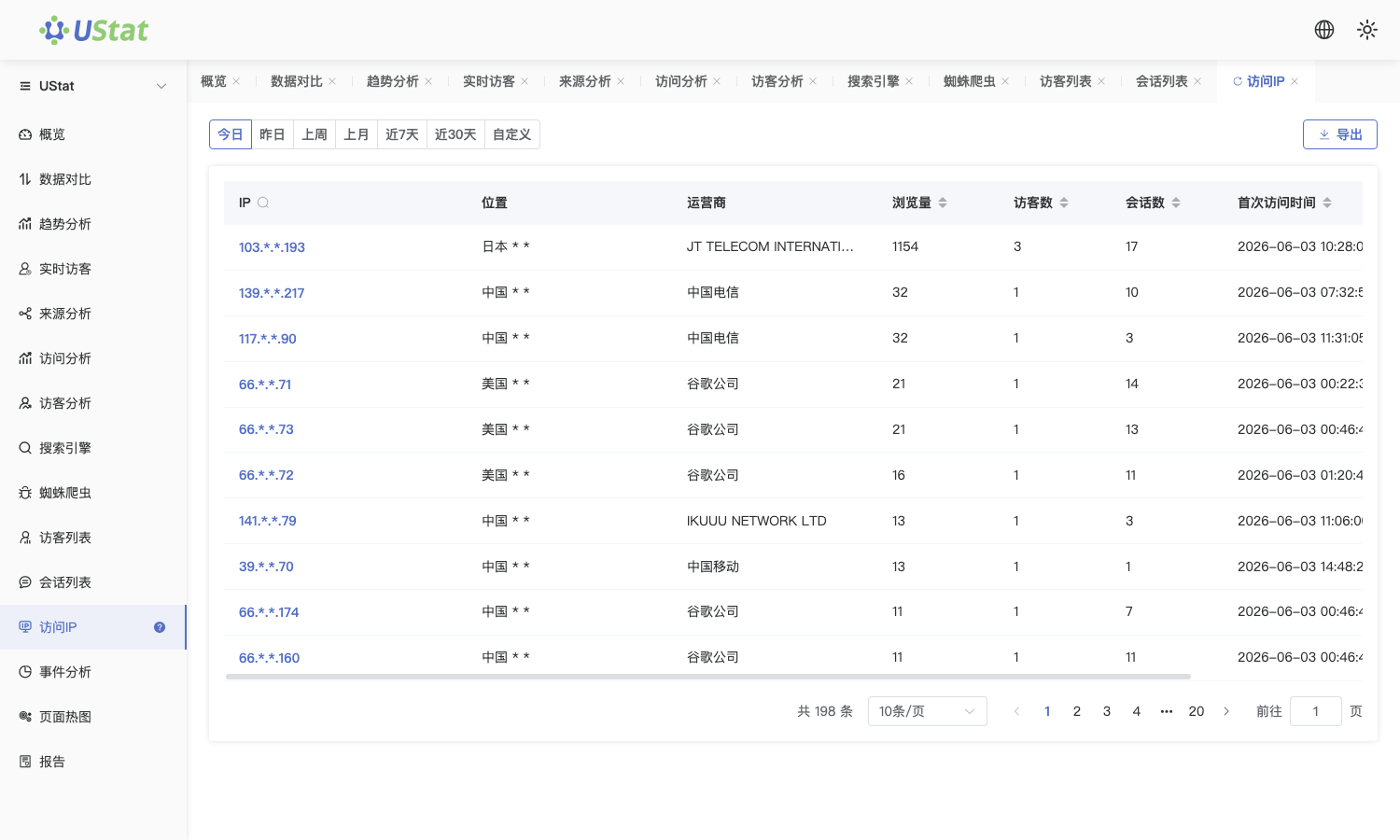
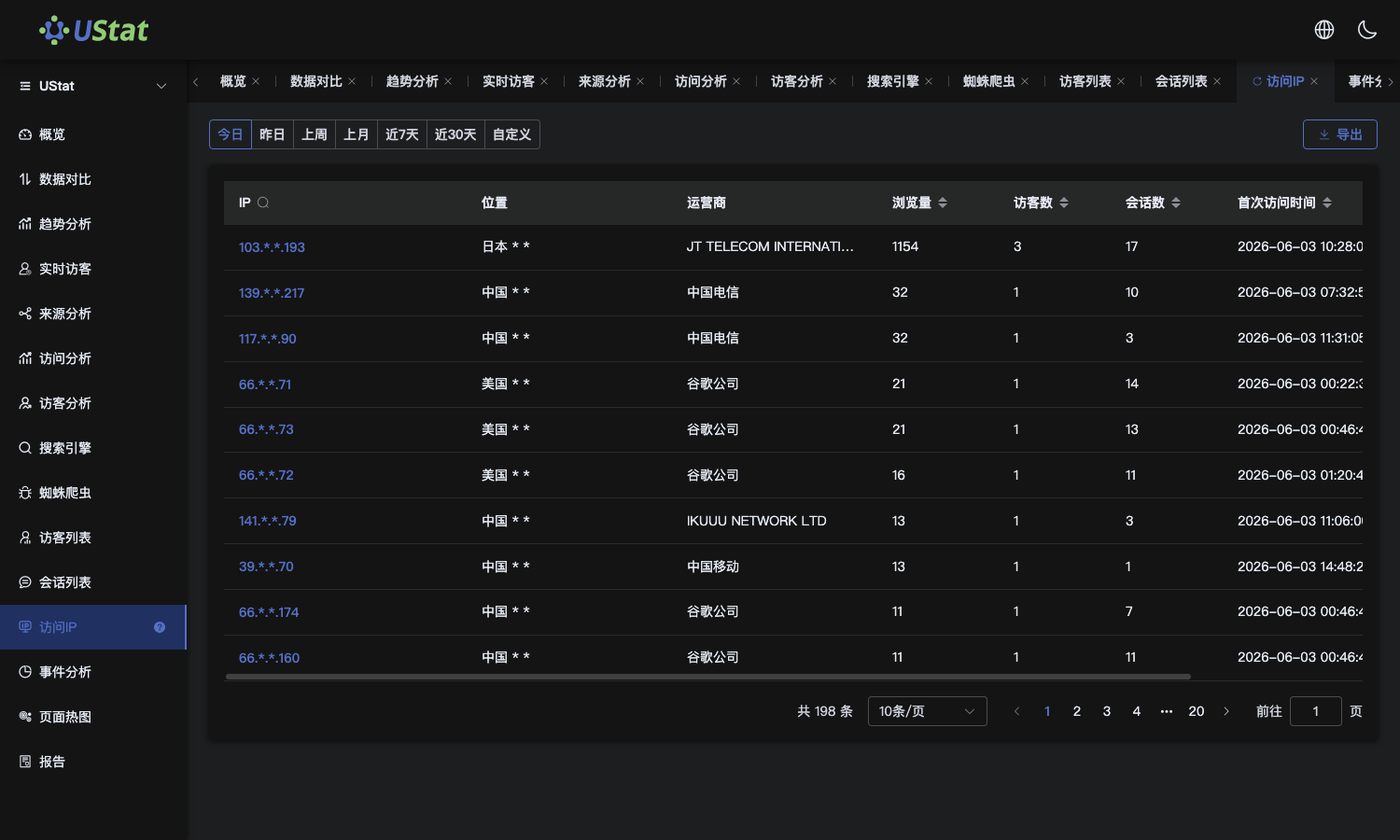 Interface example. Actual console display may vary.
-
Sort by visit count, region or latest visit time to find concentrated
network exits.
-
Review visit count, active time and related records for the IP to judge
whether follow-up is needed.
-
To decide whether traffic is abnormal, bring the IP, time window and
sample records into the abnormal-traffic workflow.
Notes
-
IP is a network-exit dimension and is not the same as an independent
visitor.
-
In corporate networks, mobile networks or proxy environments, multiple
people may share one IP.
