This article explains how to organize anomaly changes, source clues, session samples
and IP evidence into a troubleshooting conclusion.
When to use
Use it after a clear fluctuation appears to organize anomaly scope, source clues
and sample evidence into a troubleshooting conclusion.
Steps
-
Use Trend Analysis to mark the anomaly start time, end time and affected
metrics.
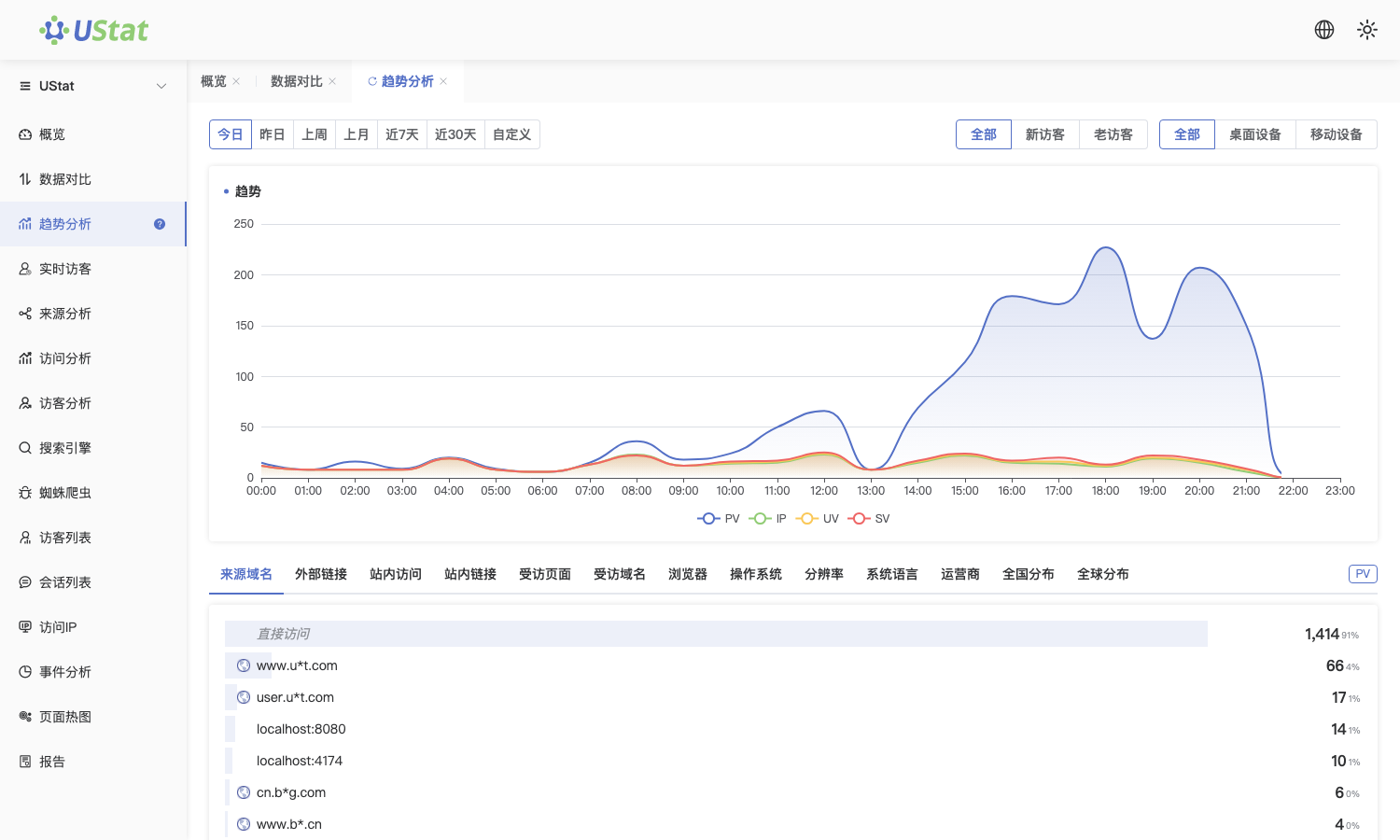
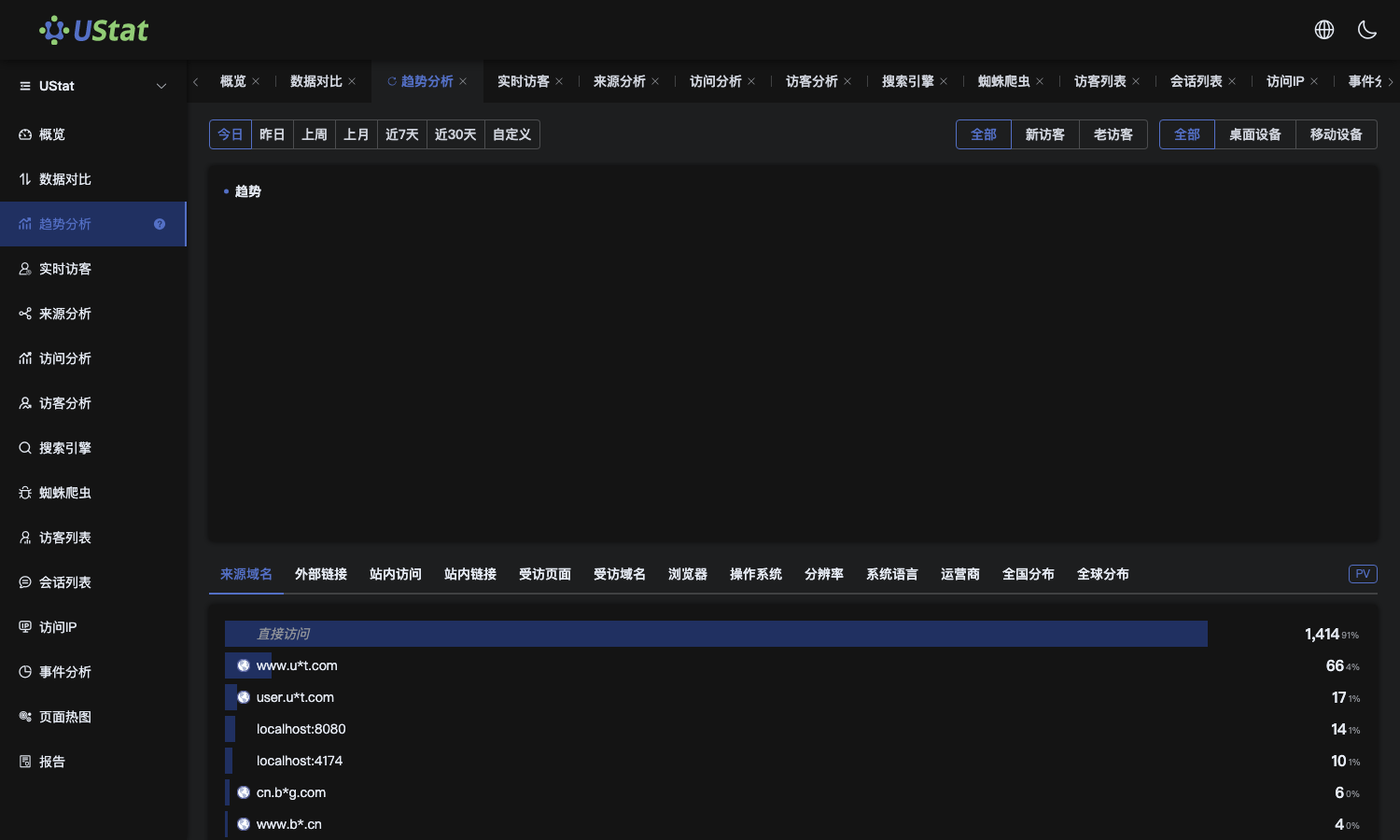 Interface example. Actual console display may vary.
-
Open Source Analysis to judge whether the anomaly concentrates in one
channel, external link, search source or direct traffic.
-
Extract session samples from the abnormal period to confirm whether
paths concentrate on fixed pages or flows.
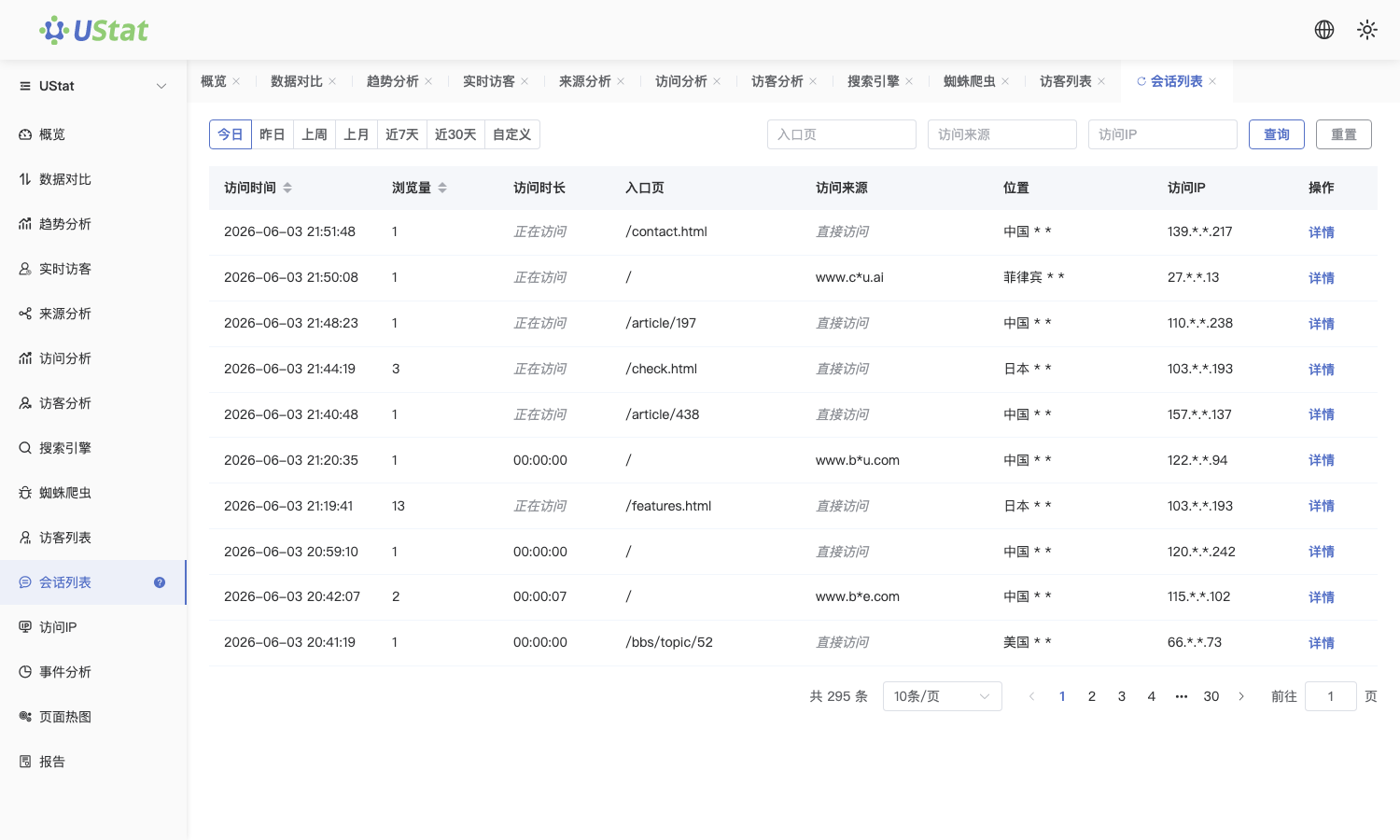
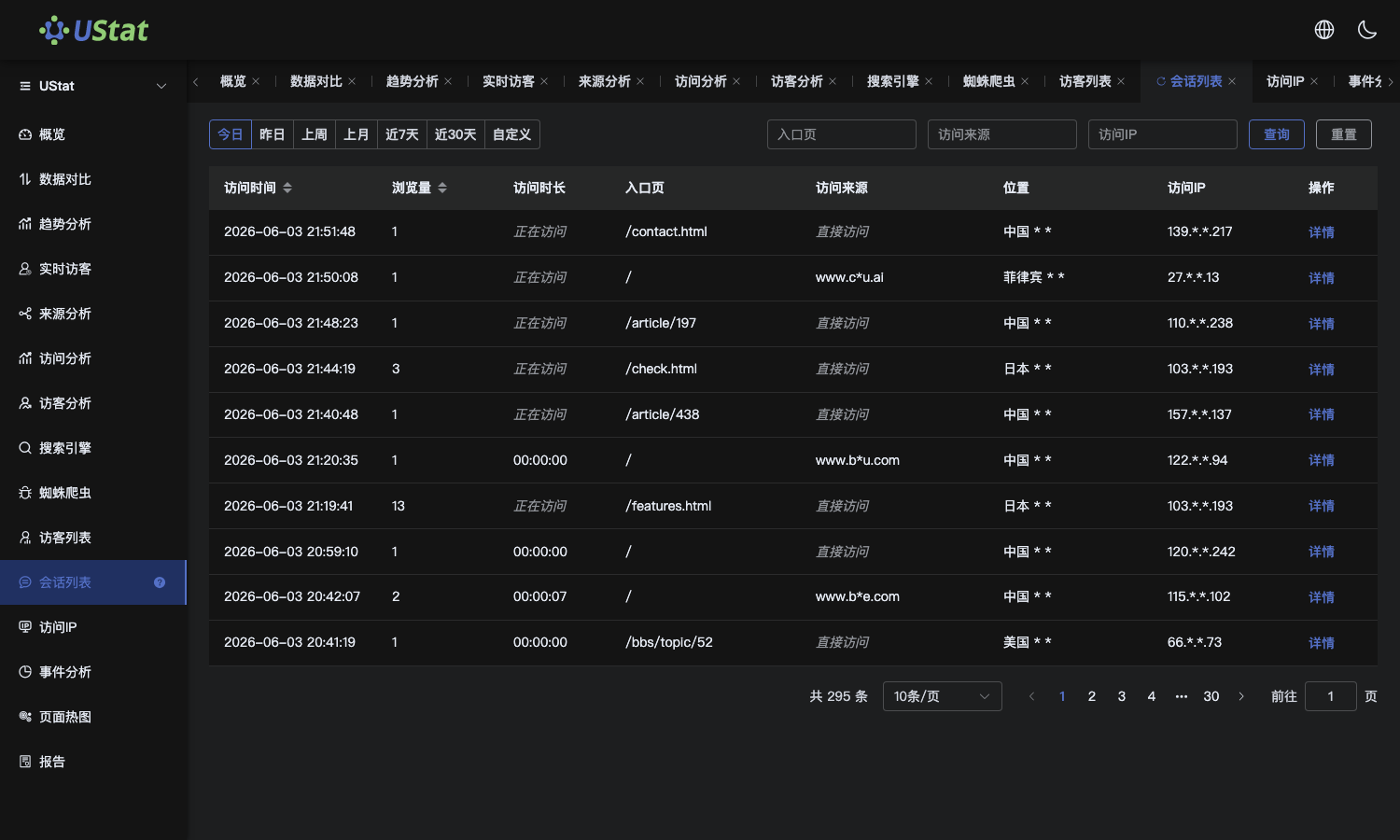 Interface example. Actual console display may vary.
-
Finally add IP details to see whether a few high-frequency network exits
exist, then organize time, source, path and IP evidence.
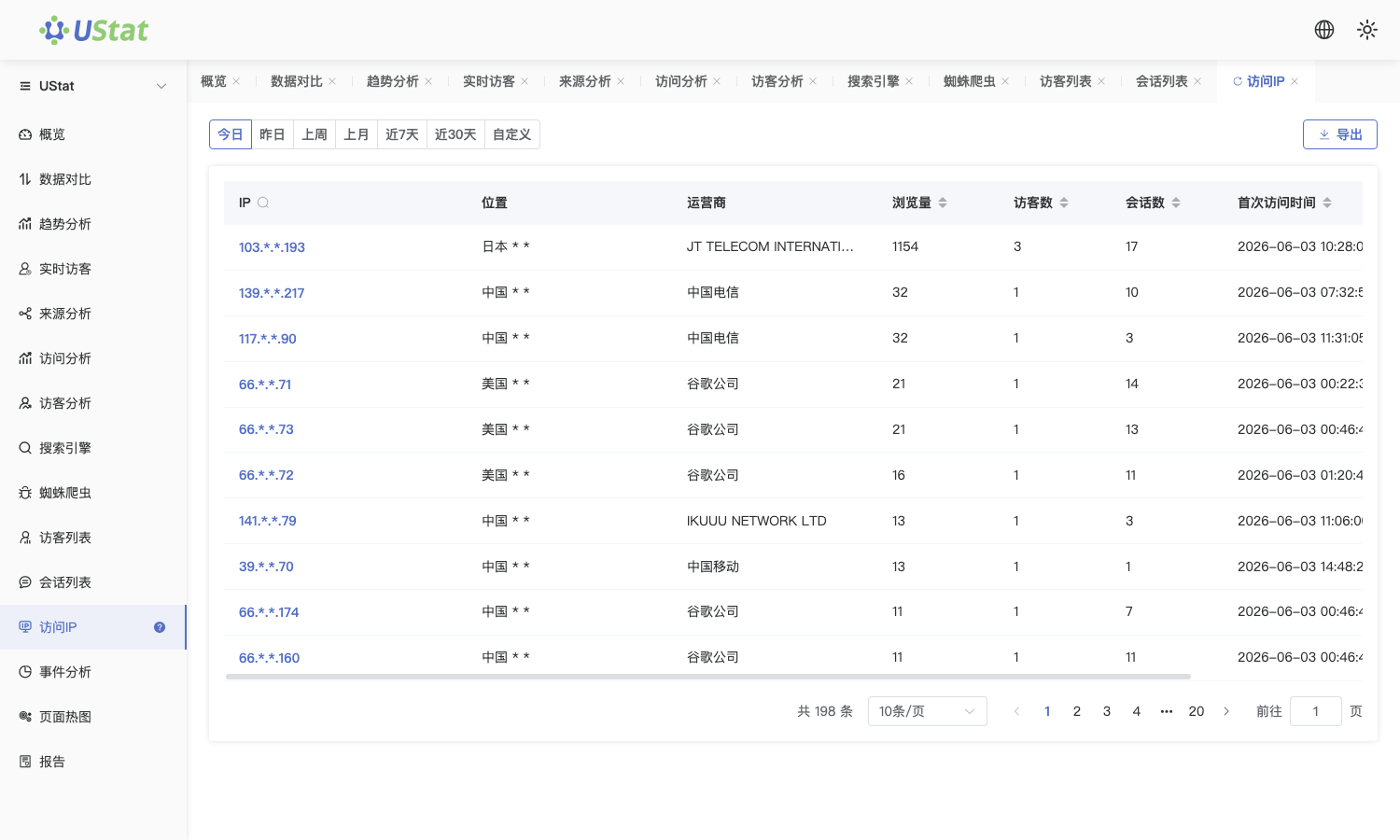
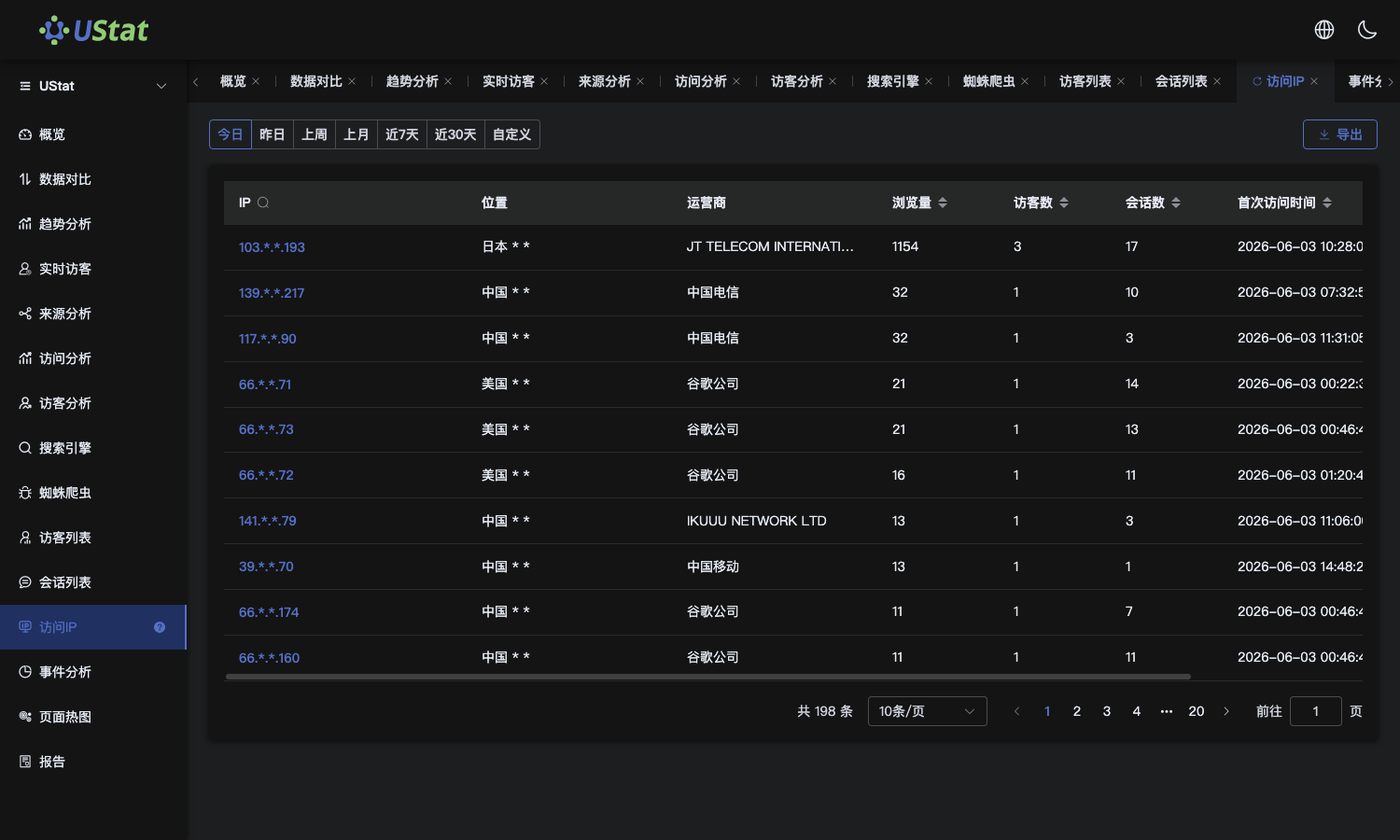 Interface example. Actual console display may vary.
Notes
-
Abnormal-traffic troubleshooting is an evidence-combination workflow; do not
conclude from one report only.
-
If security or attacks may be involved, compare server logs, business
activities and campaign records as well.
