This article introduces how to read search, referral, direct and other channel data
in Source Analysis.
When to use
Use it to understand where traffic comes from and evaluate campaigns, organic
search or external referrals.
Steps
-
Open Source Analysis and confirm the current site and time range.
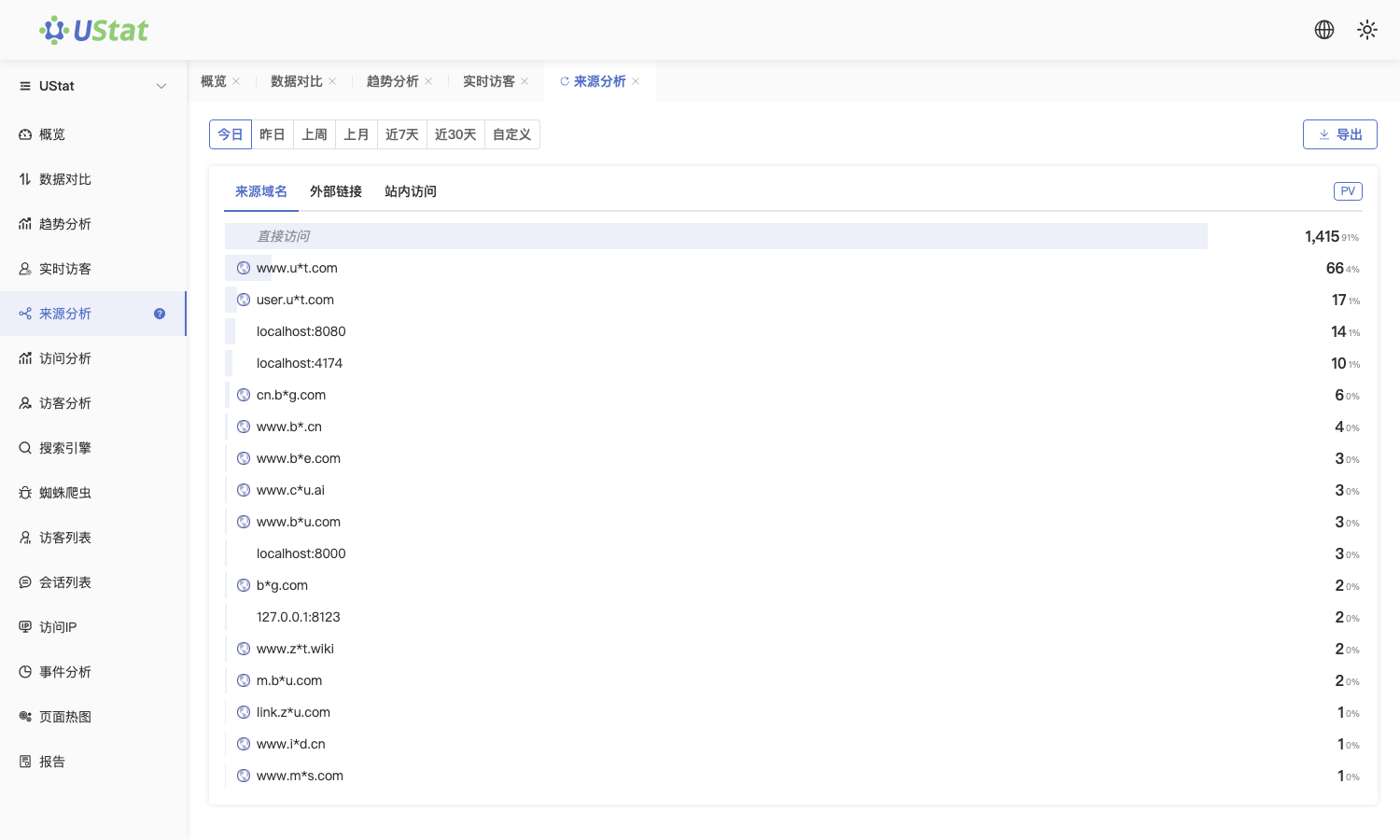
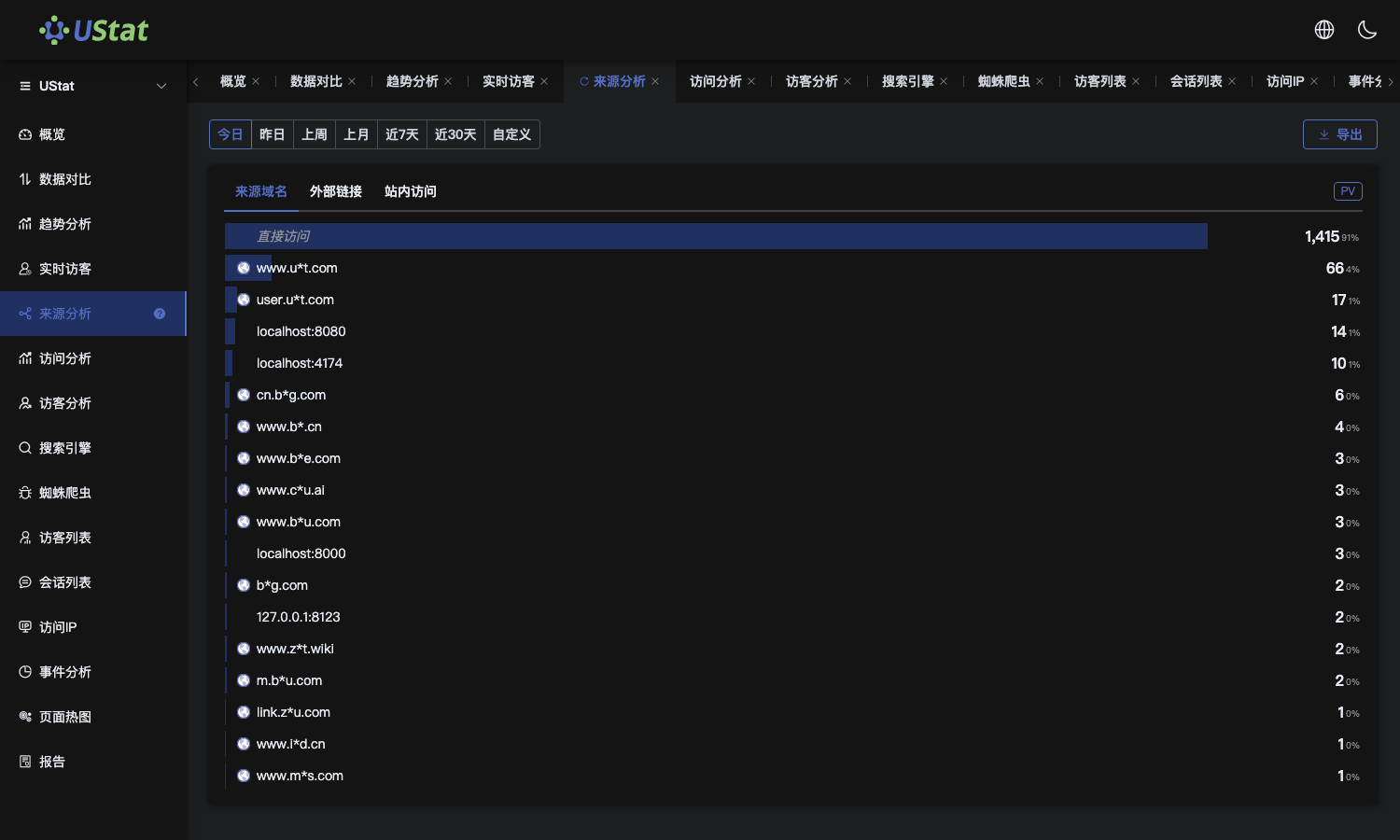 Interface example. Actual console display may vary.
-
Review visits and share by source type to identify major traffic
entries.
-
Click or filter a source to inspect pages visited and visitor quality
from it.
-
If direct traffic rises abnormally, check campaign links, missing
referrers and session details.
Notes
-
Source Analysis answers "where traffic came from", not "what users did on
the page".
-
Keep identifiable parameters in campaign links for later attribution.
