This article explains how to continue checking real visits, filters, domains and
cache when detection succeeds but reports stay empty.
When to use
Use it when the checker says the code is installed but reports are still empty
or no new visits appear shortly after.
Steps
-
First confirm that the checked URL is the page users actually visit, not
a test page, old domain or admin preview.

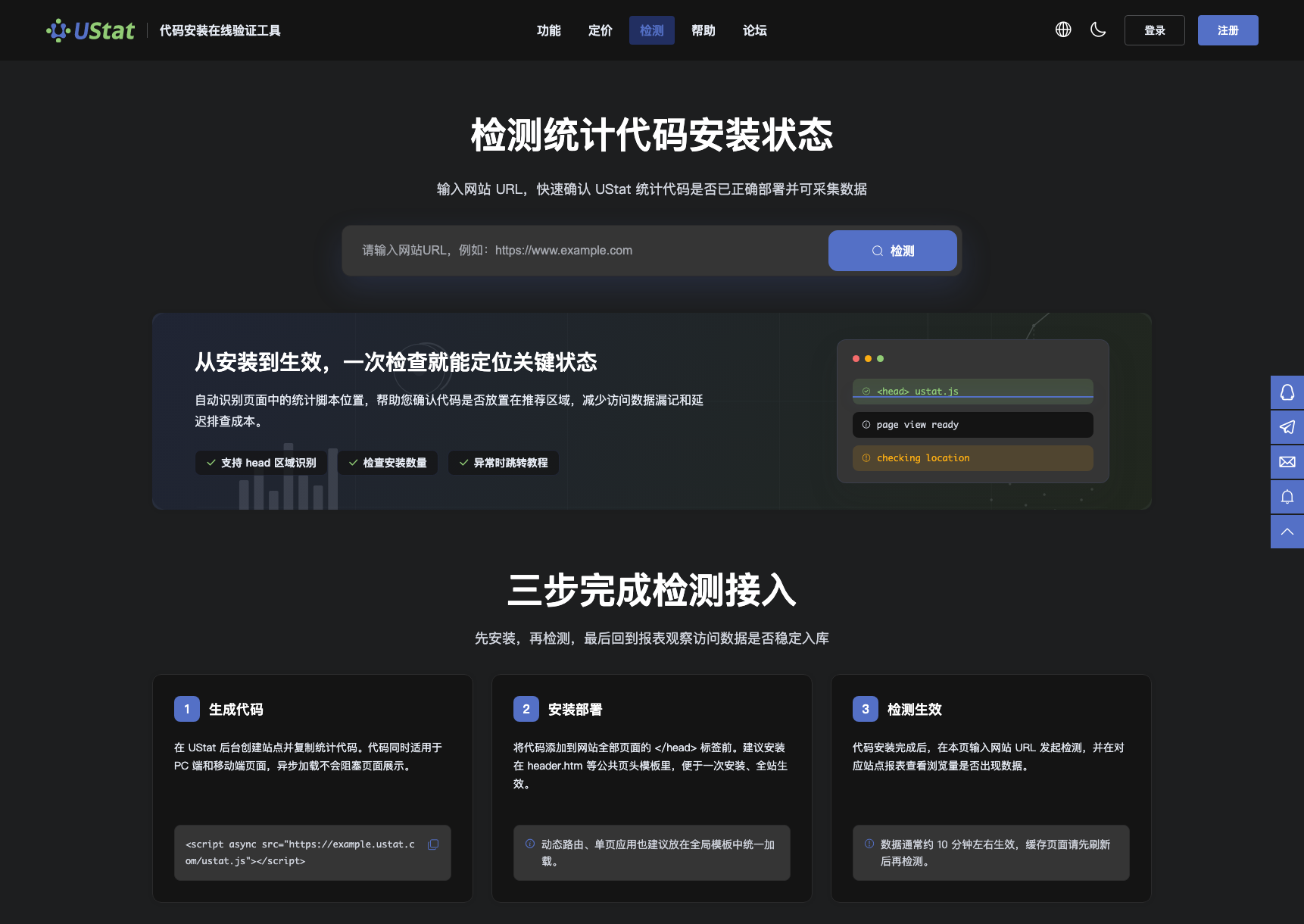 Interface example. Actual console display may vary.
-
Open the real page in a normal browser and complete one visit; do not
rely only on local environments, cached previews or unpublished pages.
-
Return to reports and check site, date range, filters and ingestion
timing to ensure valid data is not filtered out.
-
If data is still missing, check domain matching, www/non-www
consistency, CDN refresh and whether templates have been published.
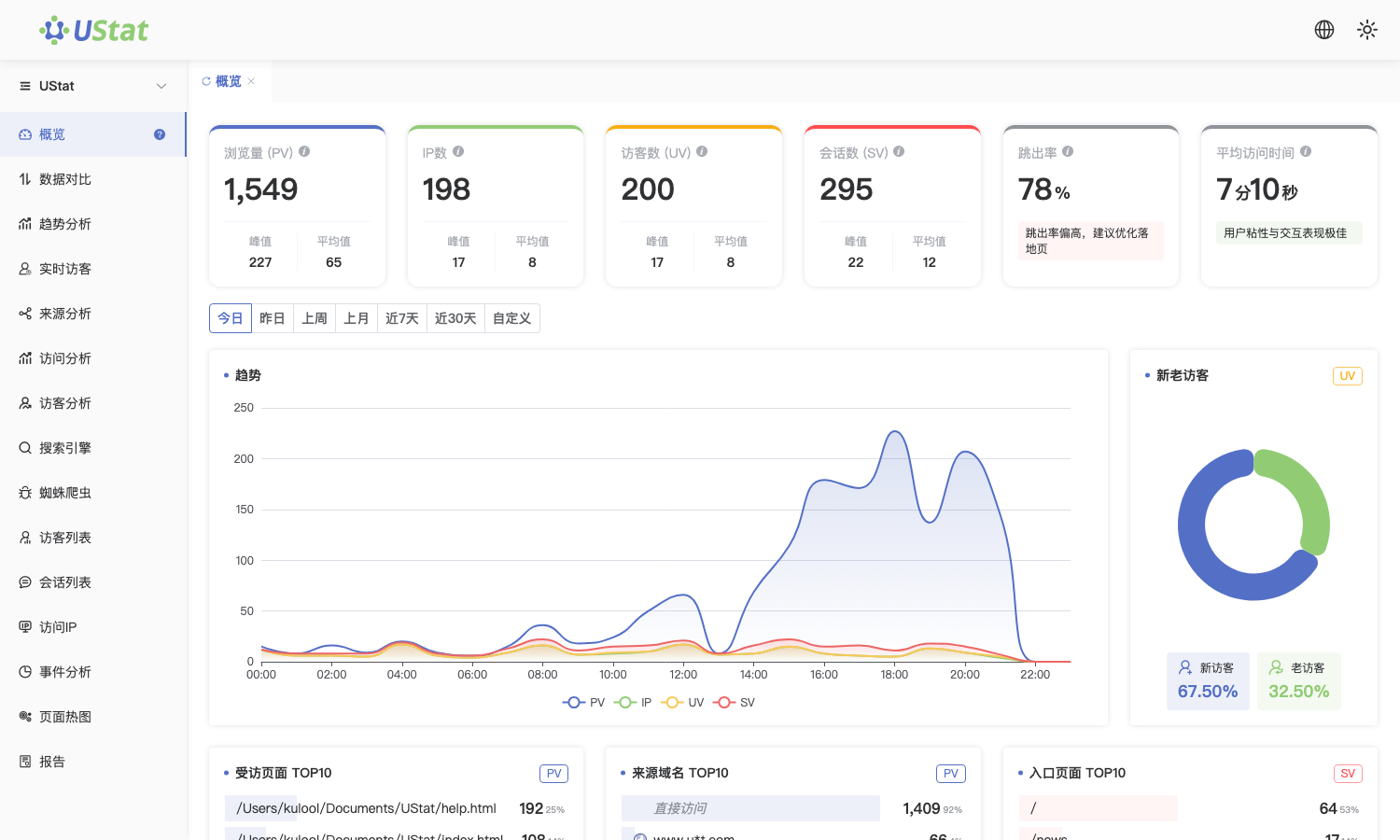
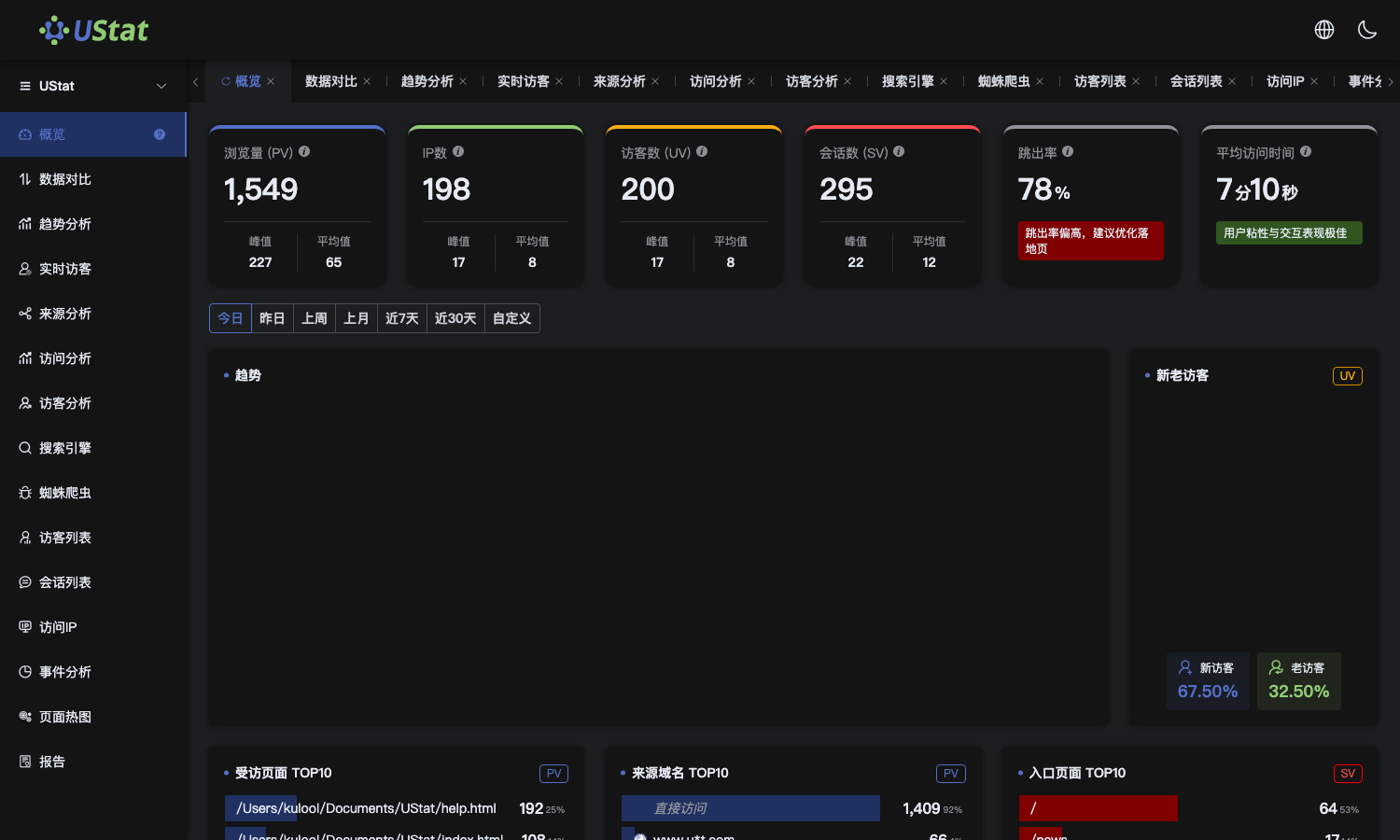 Interface example. Actual console display may vary.
Notes
-
A successful check means the code can be found on the page; it does not
prove that reportable visits already exist in the selected period.
-
For no data across the whole site, check shared templates and domain
settings first; for a single page, check template differences.
