This article explains how to choose time ranges, analysis periods and comparison
periods consistently.
When to use
Use it when analyzing across reports, reviewing cycles or aligning time
definitions with collaborators.
Steps
-
Clarify the goal first: today’s status, last 7 days review, or monthly
change.
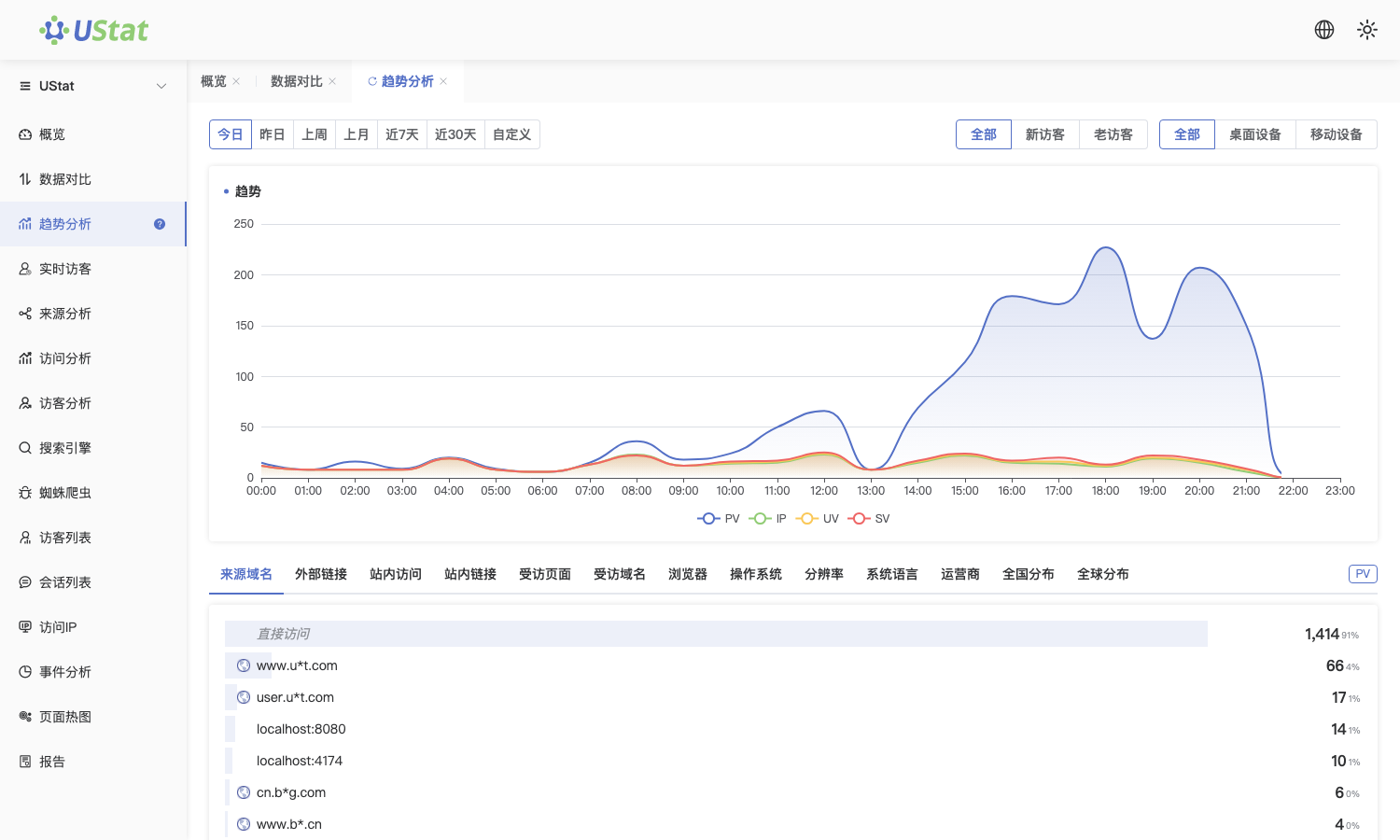
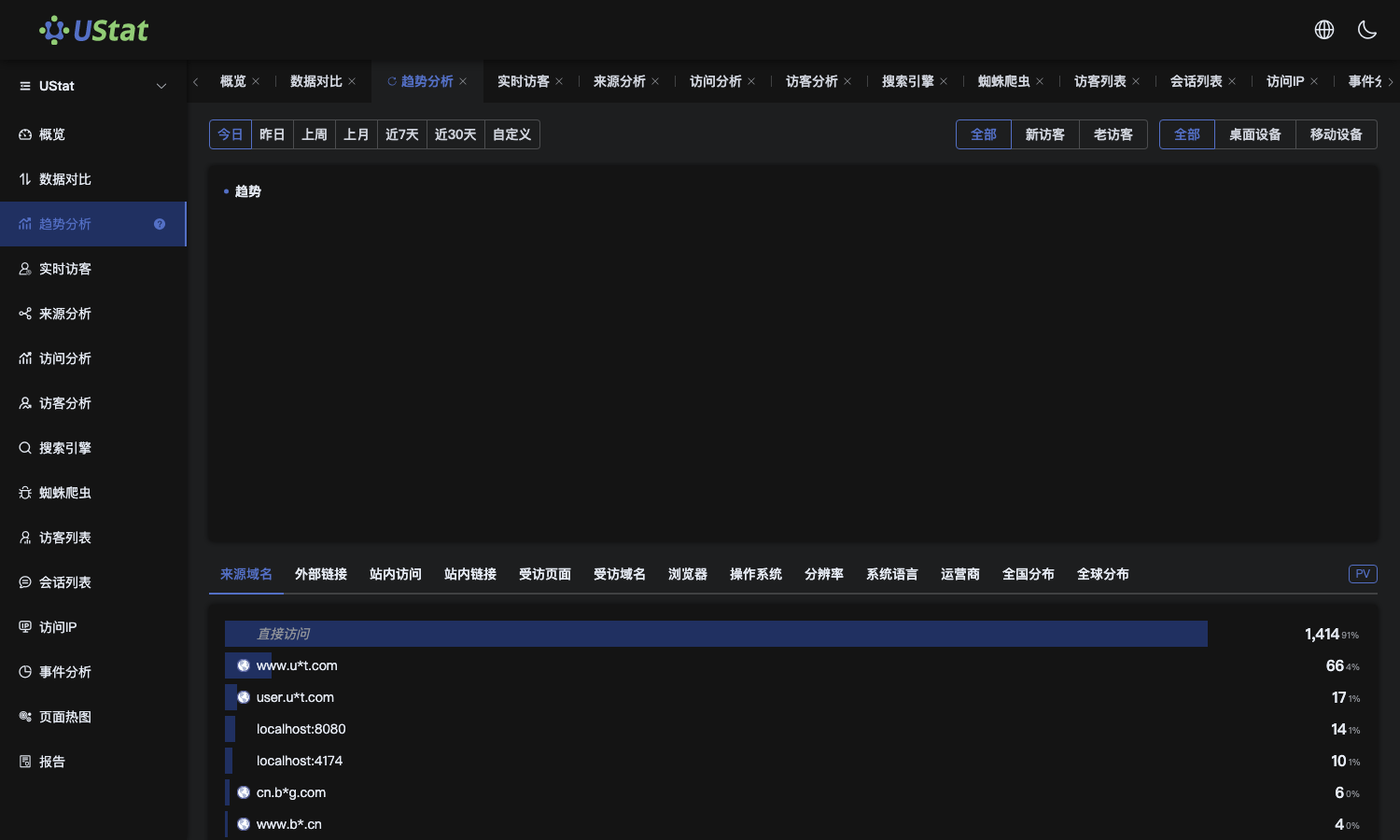 Interface example. Actual console display may vary.
-
Select the matching range in the time filter and confirm charts and
details refresh together.
-
For comparison, choose periods with the same length.
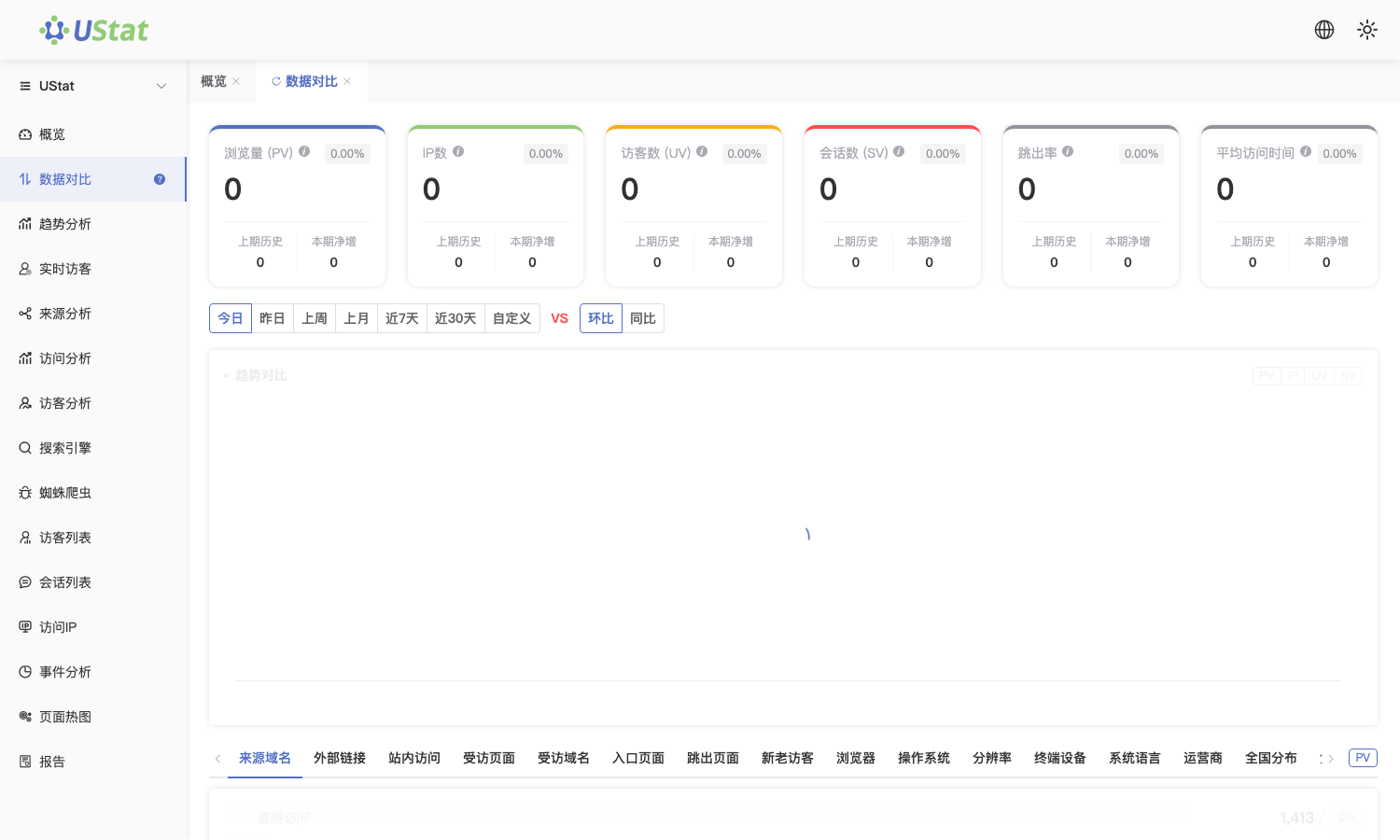
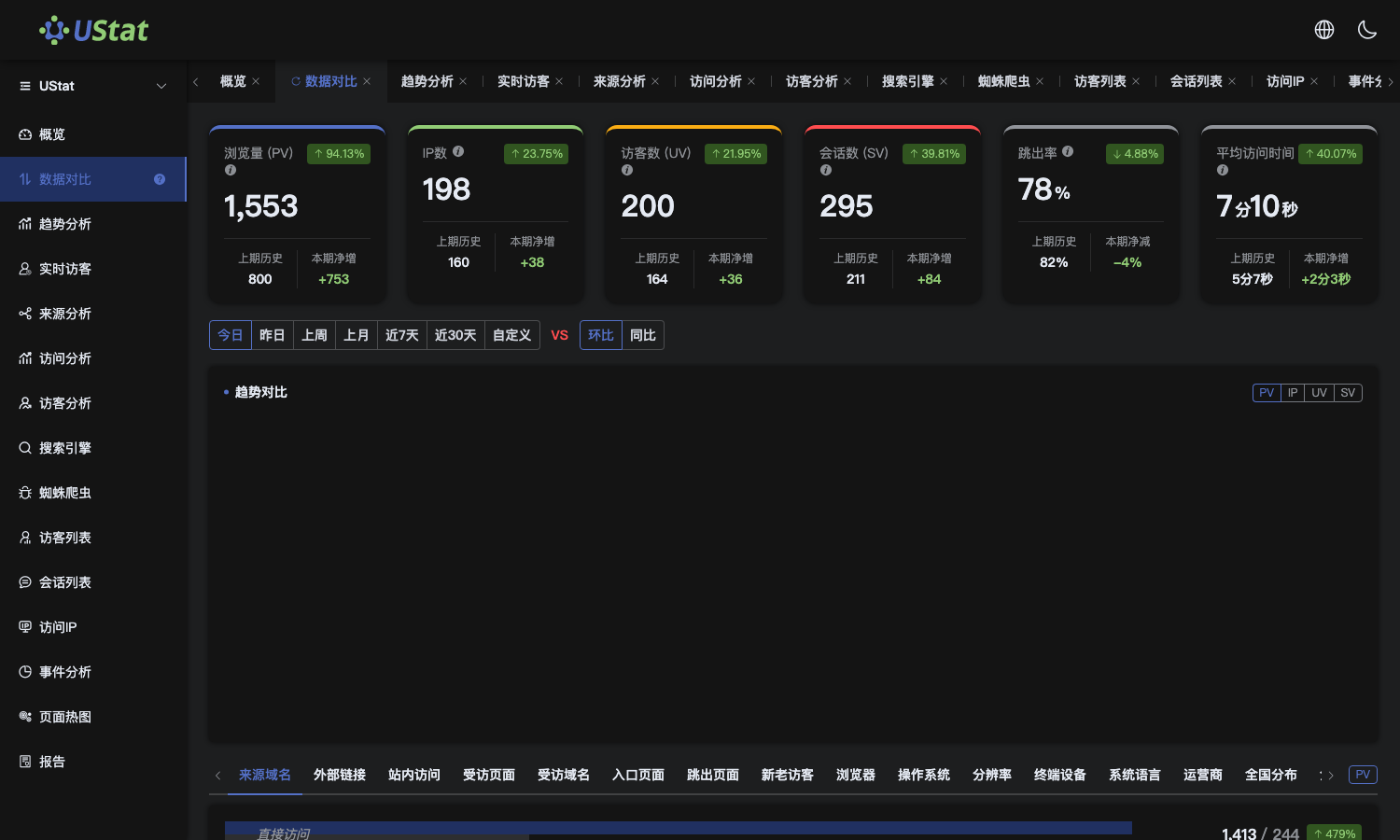 Interface example. Actual console display may vary.
-
For troubleshooting, narrow the range to specific hours or dates before
checking sources, sessions and IP details.
Notes
-
Data from different time ranges should not be compared directly.
-
Teams across time zones should agree on time interpretation in advance.
