This article explains how to plan periodic report content, recipients and temporary
review workflows.
When to use
Use it when the team wants a fixed review rhythm and needs to define report
content, recipients and sending rules first.
Steps
-
Use Overview to decide which core metrics and sites the periodic report
should cover.
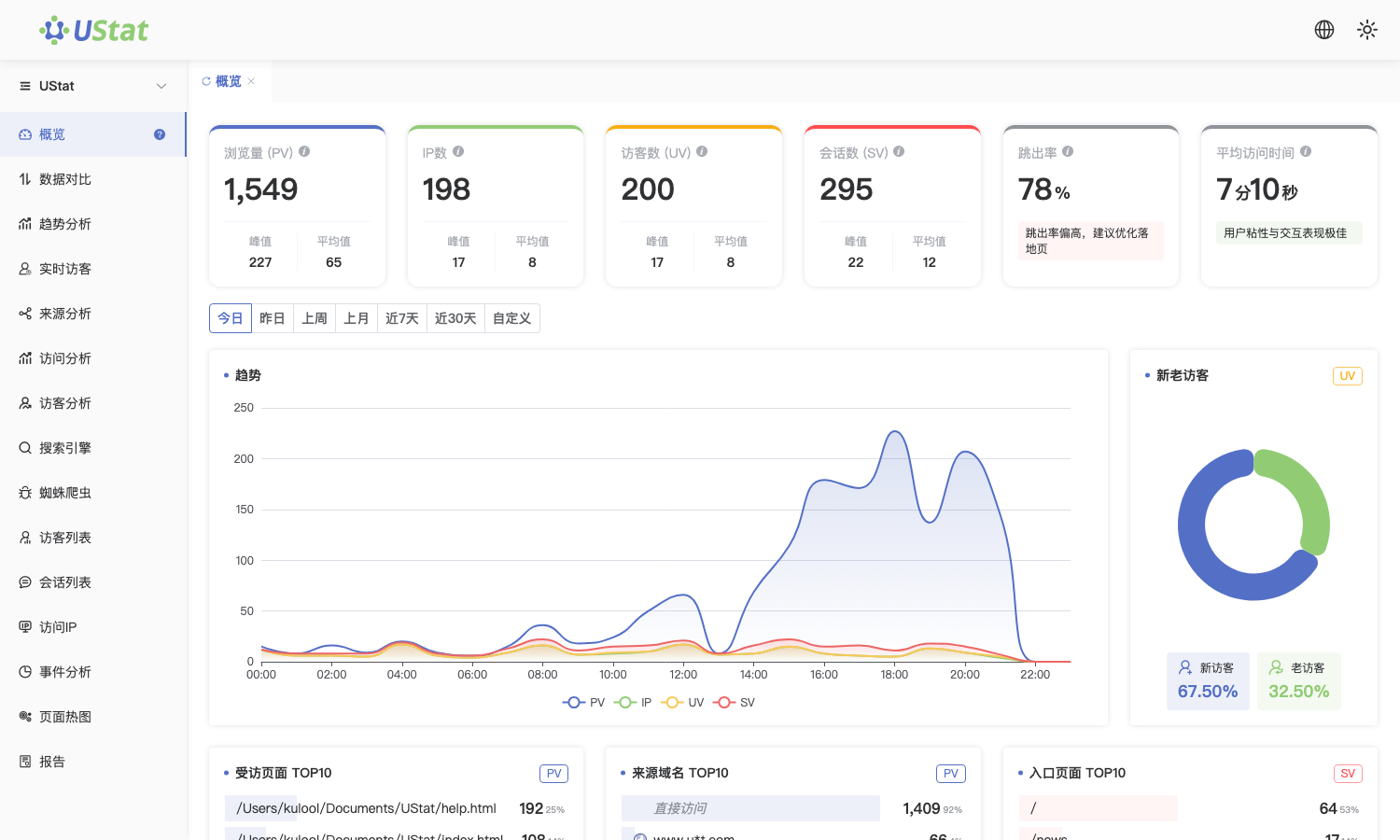
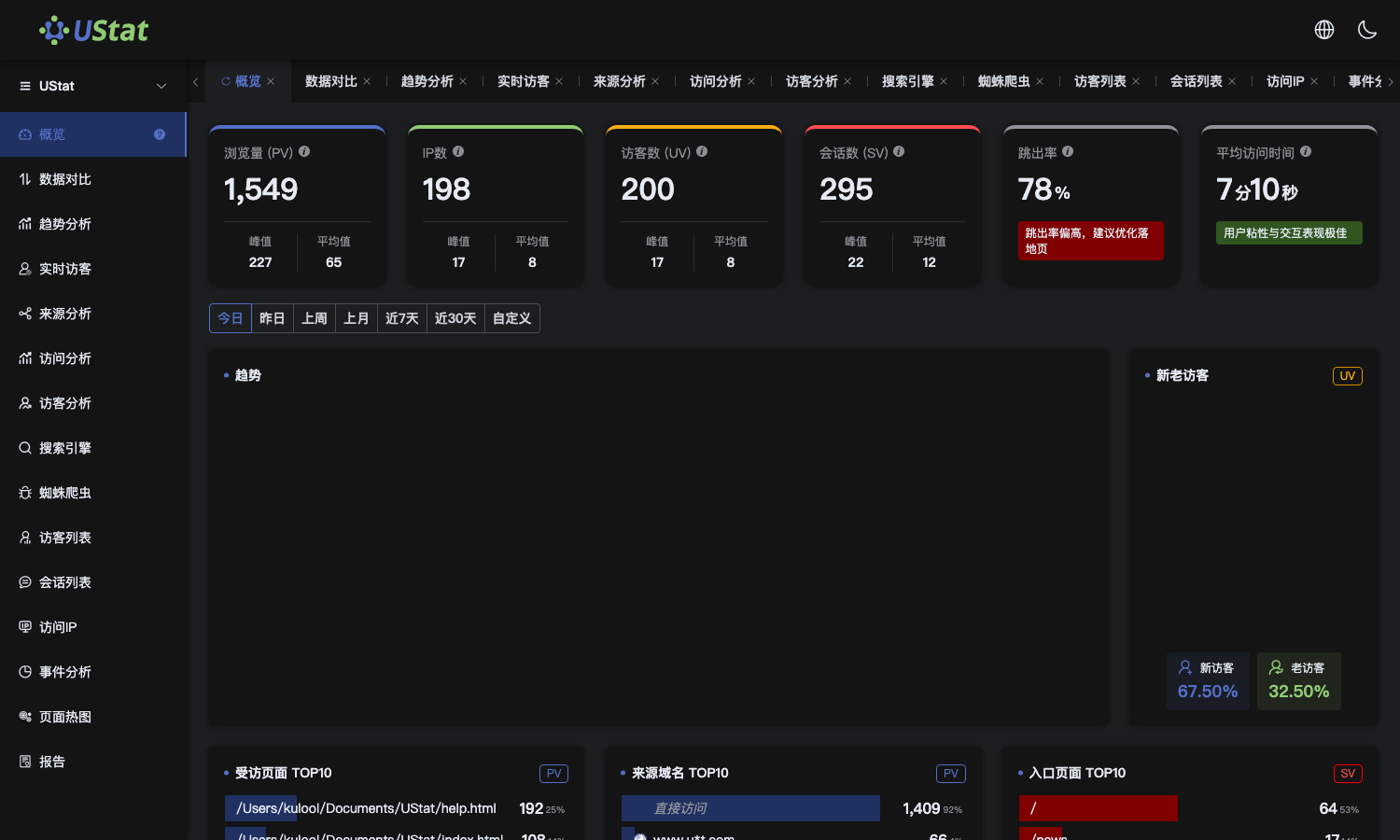 Interface example. Actual console display may vary.
-
List recipients, sending frequency, watched metrics and anomaly
conditions that need separate notes.
-
Before automated push is available, use scheduled report sharing or
export as a temporary review process.
-
After the capability is available, turn the stable review template into
an automatic sending rule.
Notes
-
Report push is for periodic reminders and routine reviews, not one-time
sharing.
-
If someone only needs to view data once, use site report sharing.
