This article explains how hotspots and scroll depth reveal attention and interaction
inside one page.
When to use
Use it after choosing one page to judge whether key areas are seen and whether
buttons are clicked.
Steps
-
Open Click and Scroll Heatmaps, then choose a specific page and a stable
time range.
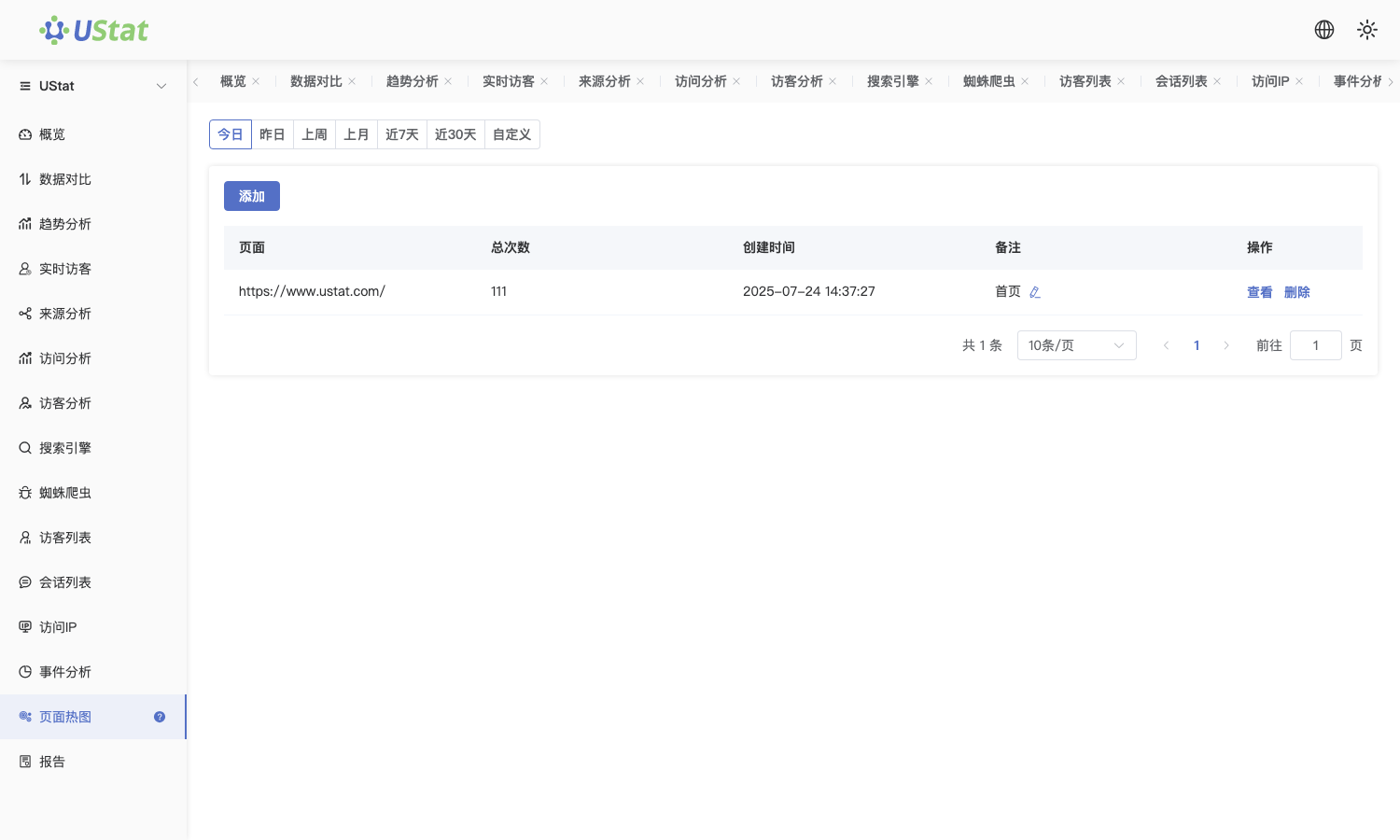
 Interface example. Actual console display may vary.
-
Review click hotspots to confirm whether CTAs, navigation, links, images
or form areas receive expected interactions.
-
Review scroll depth to judge whether users reach pricing, explanation,
form or conversion sections.
-
Turn heatmap findings into layout changes, such as moving buttons,
shortening first-screen content or reordering modules.
Notes
-
Use this article to evaluate visual behavior and interaction distribution
inside one page.
-
Observe data before and after page revisions separately to avoid mixing
different versions.
