This article explains how to observe peaks, dips and growth rhythm over time in
Trend Analysis.
When to use
Use it to locate when traffic changed and prepare for source or page
troubleshooting.
Steps
-
Open Trend Analysis and choose hourly, daily or longer granularity.
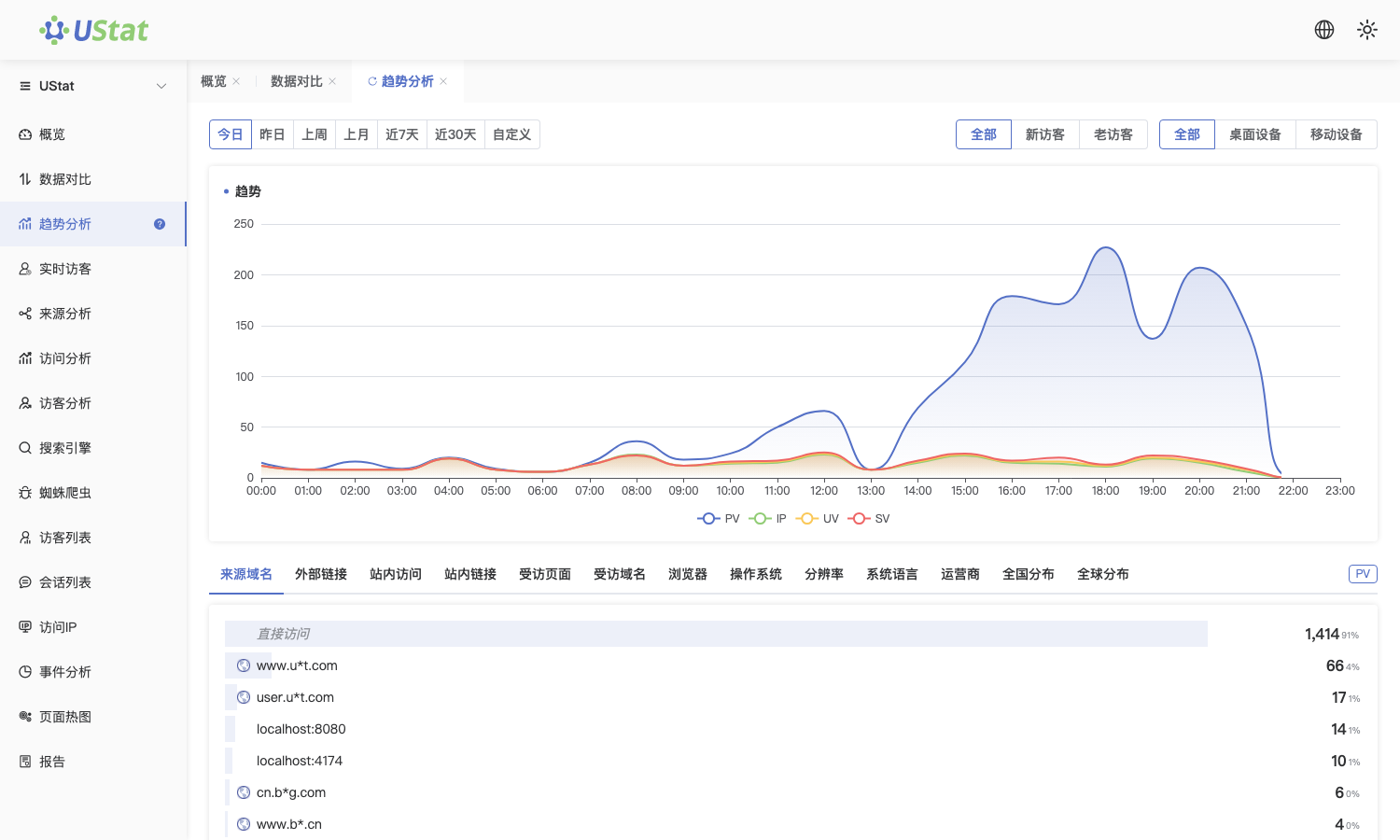
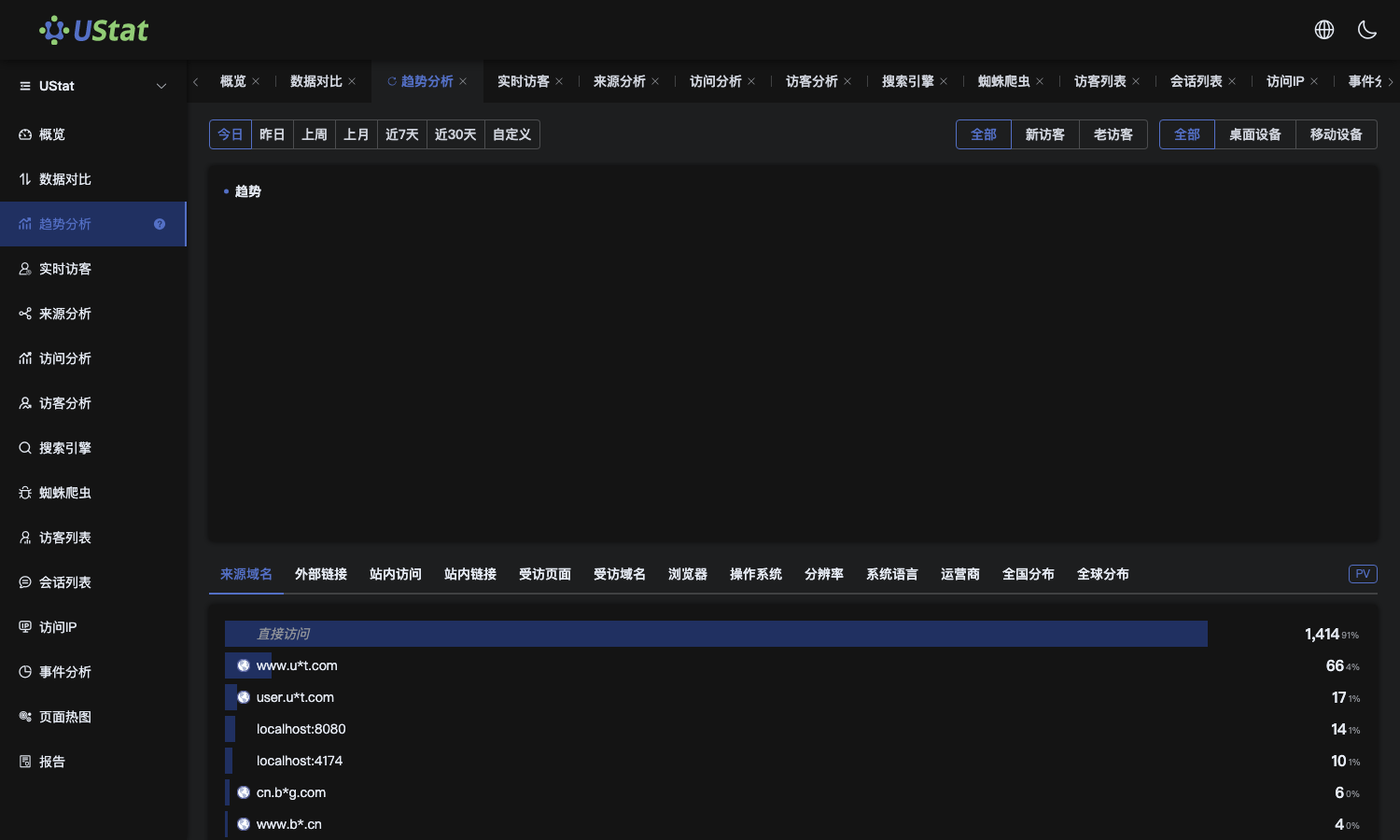 Interface example. Actual console display may vary.
-
Look for sudden increases, drops or long flat periods in the curve.
-
For abnormal time points, check sources, visited pages or IP details for
causes.
-
During reviews, record operational actions or external events around the
trend change.
Notes
-
A short spike is not always abnormal; it may come from campaigns, crawlers
or cache warm-up.
-
Trend Analysis locates timing, but does not replace source and visitor
details.
