This article explains how to evaluate traffic scale, entry contribution and landing
performance by URL.
When to use
Use it to summarize traffic by URL and identify high-view pages, entry pages and
page-structure issues.
Steps
-
Open Page Visit Analysis and review visited-page rankings and entry-page
rankings first.
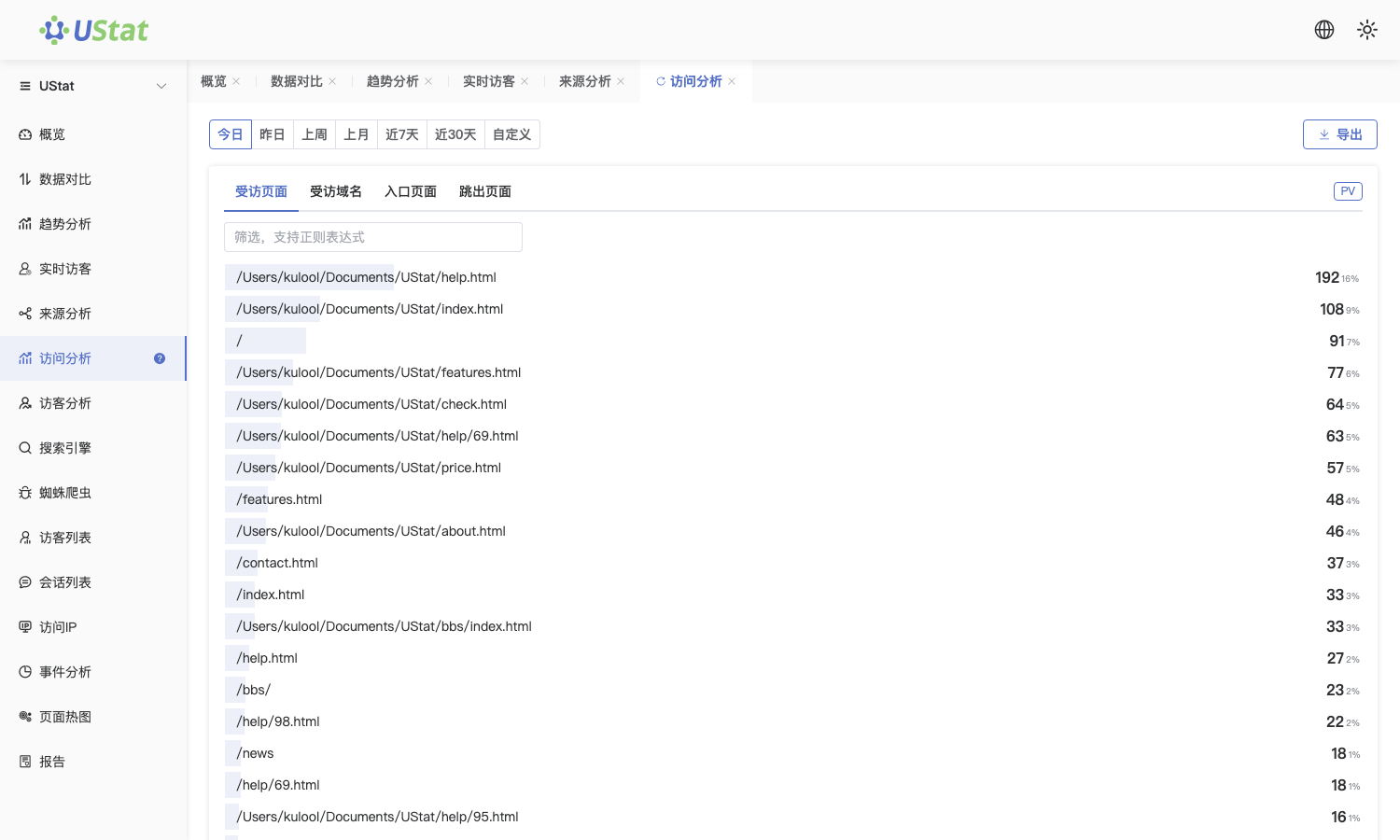
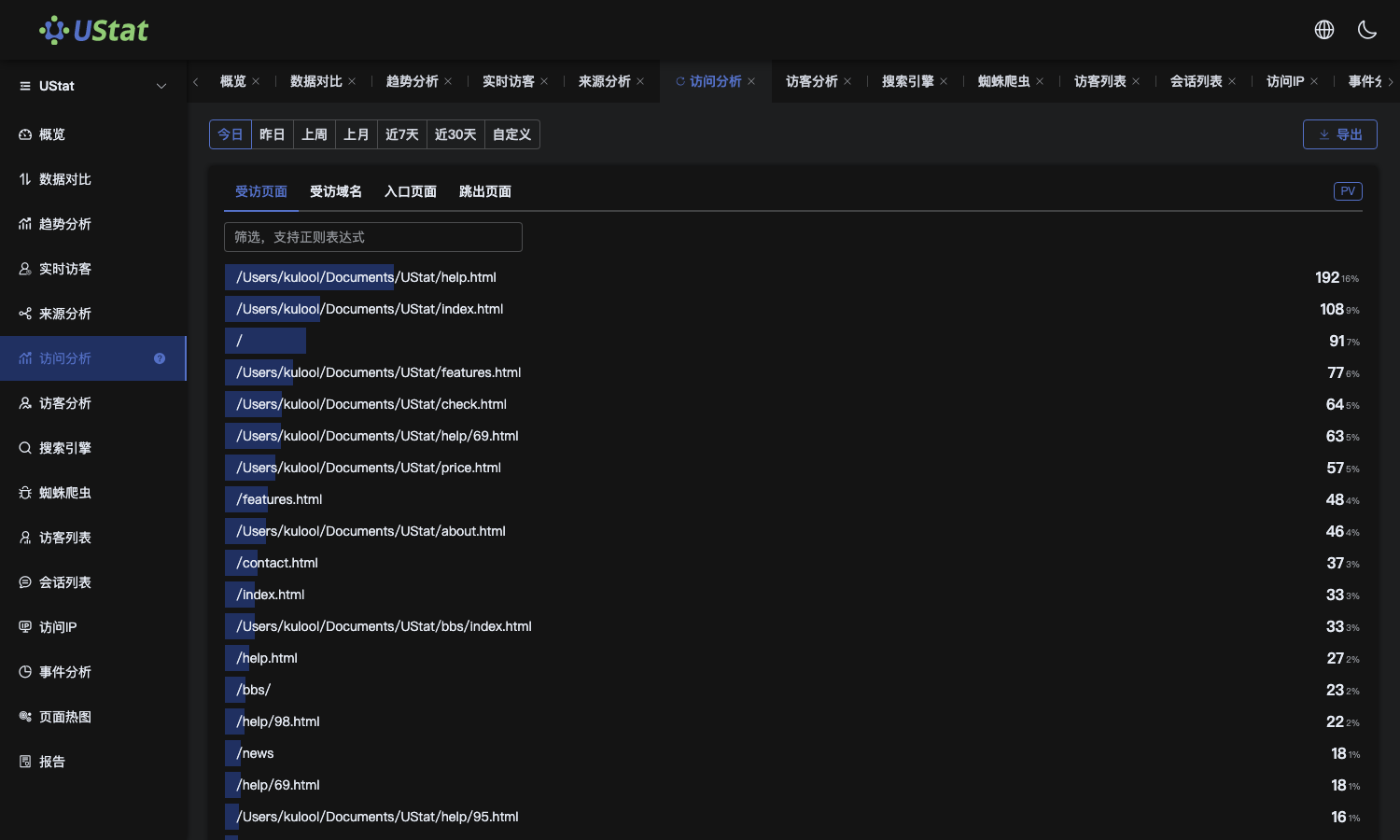 Interface example. Actual console display may vary.
-
Use PV, UV, entry count and bounce behavior to judge whether a page
mainly provides exposure, entry traffic or downstream support.
-
Filter page types such as category pages, detail pages or campaign pages
to compare how different structures perform.
-
Record URLs with high traffic but weak continuation as optimization
targets, then use source reports or heatmaps to inspect causes.
Notes
-
Use this article to prioritize URLs and identify entry-page performance.
-
After selecting pages to optimize, continue with the matching report to find
causes.
