This article explains how to add collection logic for frontend actions such as
buttons, forms and downloads.
When to use
Use it to add collection logic for frontend actions such as button clicks, form
submissions or downloads.
Steps
-
Define the collection boundary first, such as one successful submission,
one valid click or one completed download.
-
Add reporting code at the related interaction point, keep the name
stable and readable, and avoid changing it with page copy.
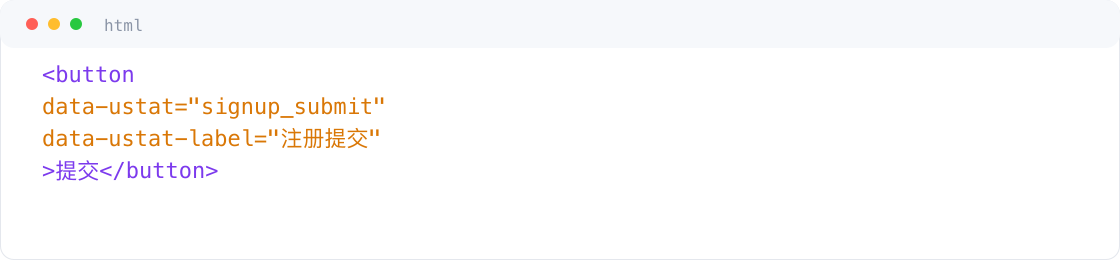
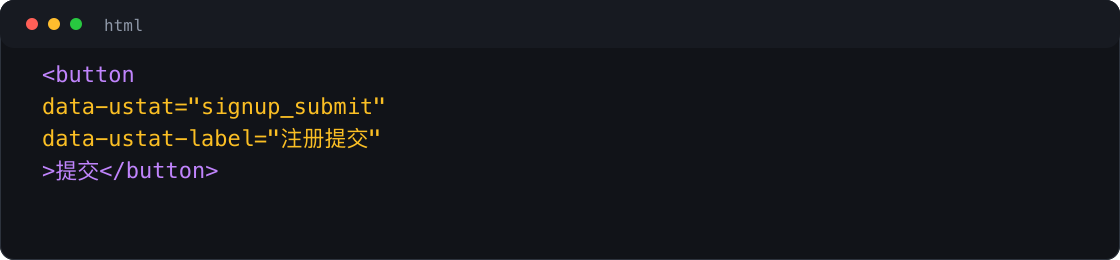 Interface example. Actual console display may vary.
-
After publishing to the real page, manually trigger the action once and
confirm the production script sends the report.
-
Open Event Analysis, check whether the new name appears, then verify
trigger time and count.
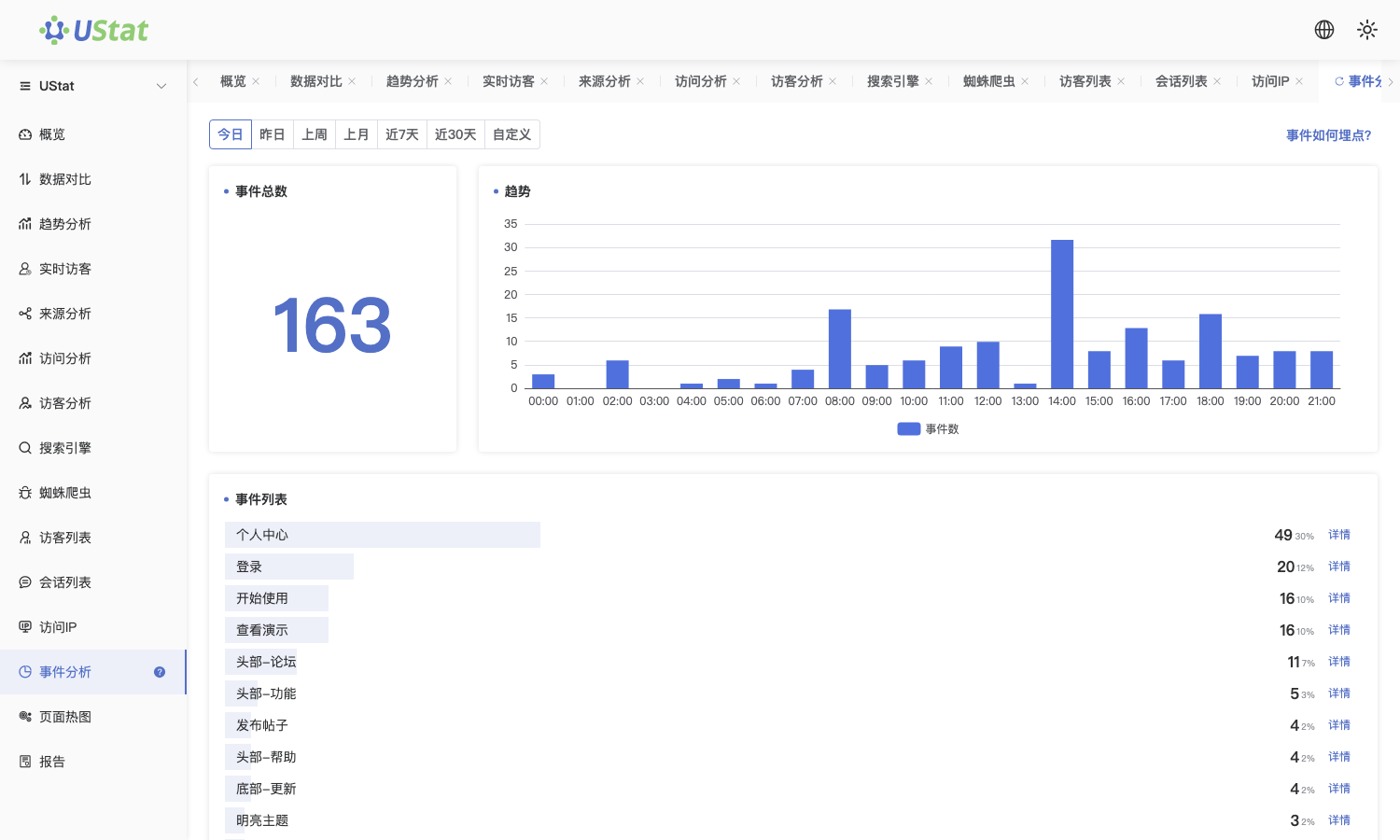
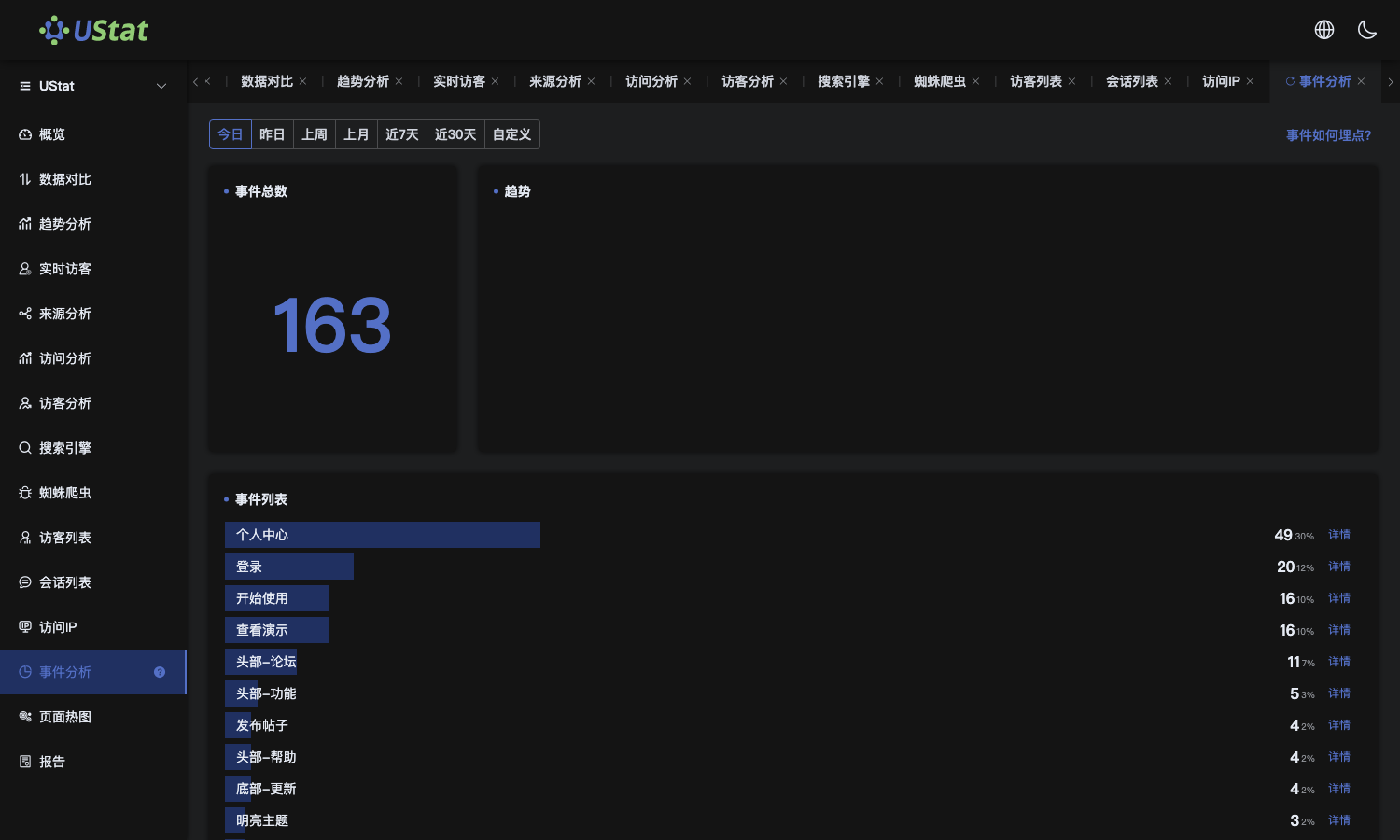 Interface example. Actual console display may vary.
Notes
-
This article explains how to add collection logic; it does not interpret
data conclusions.
-
Before release, fix the name, trigger condition and trigger timing to avoid
definition changes later.
