This article explains how to reconstruct page order, stay behavior and exit position
in one continuous visit.
When to use
Use it to reconstruct page order, stay behavior and exit position within one
continuous visit.
Steps
-
Open Session List and choose the time range to inspect.
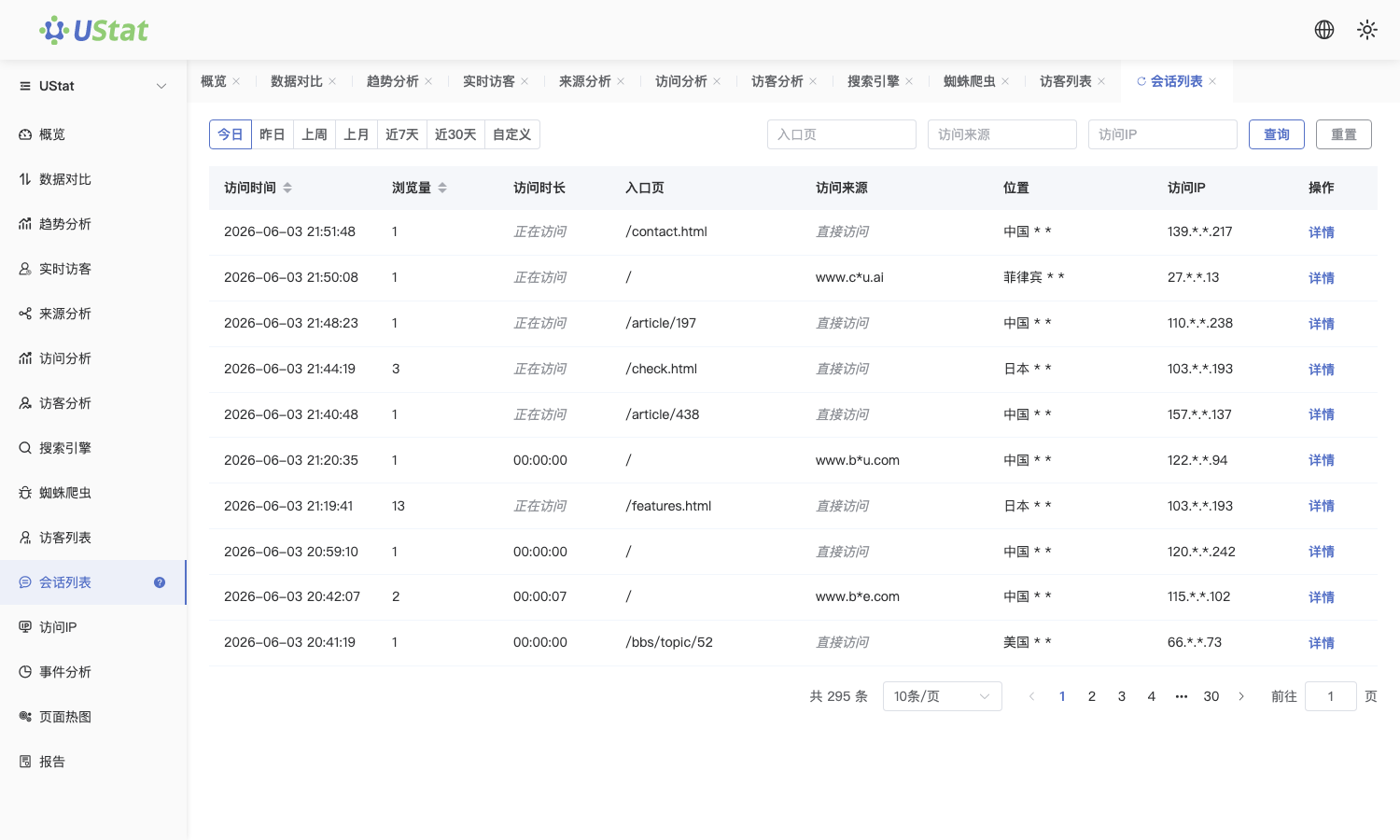
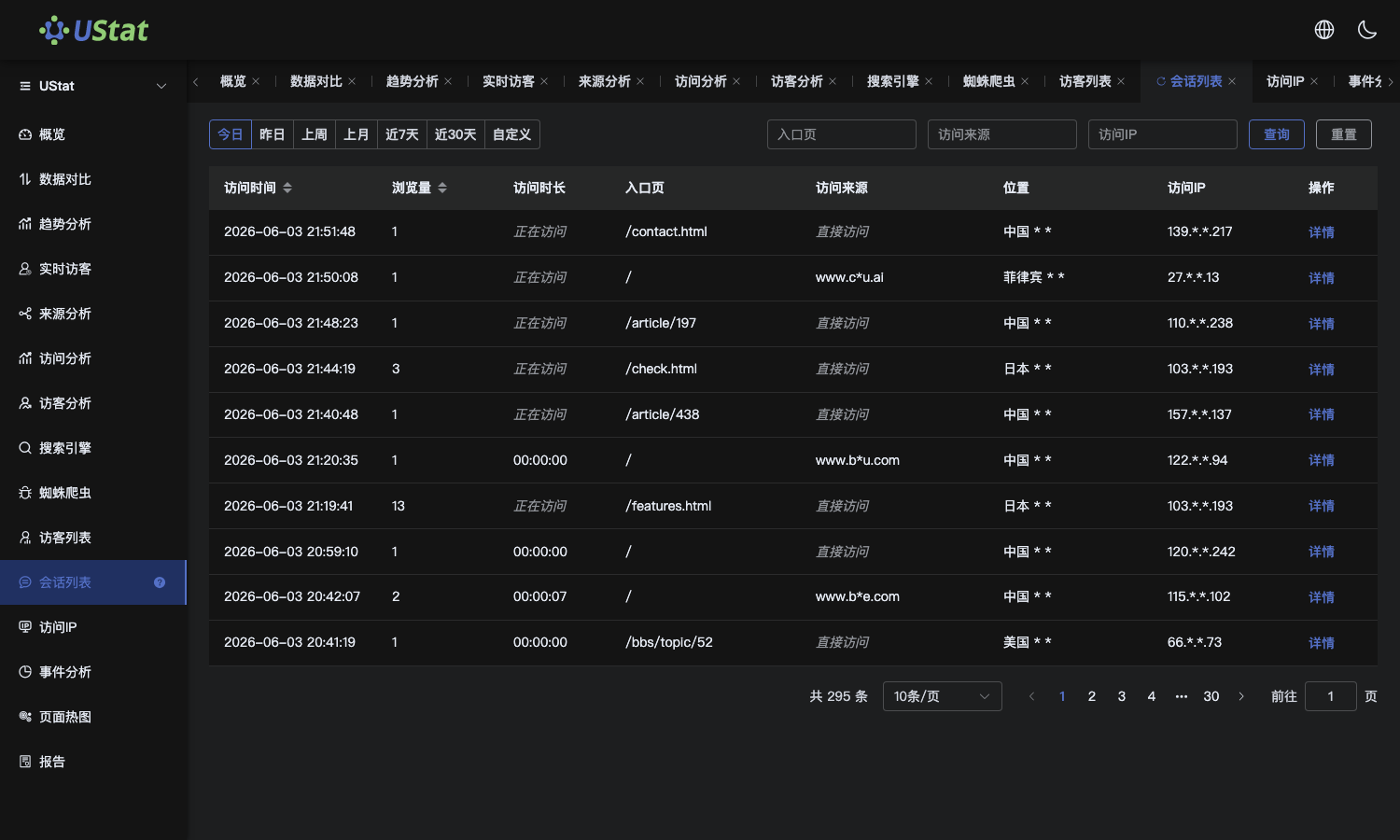 Interface example. Actual console display may vary.
-
Review entry page, following pages, stay time and exit page within a
single session.
-
Compare multiple sessions from the same source or entry page to see
whether users leave at a fixed step.
-
When an abnormal path appears, record session samples and continue with
page content, source reports or technical logs.
Notes
-
Session List focuses on one continuous visit and is not the same as a
long-term visitor profile.
-
Path conclusions should be interpreted together with page content and
business workflow.
