This article explains how to let collaborators view selected site reports online
through share links.
When to use
Use it to let clients, teammates or external collaborators view a selected
report online without handing over raw detail files.
Steps
-
Open the site report to share and confirm site, date range and displayed
metrics are correct.
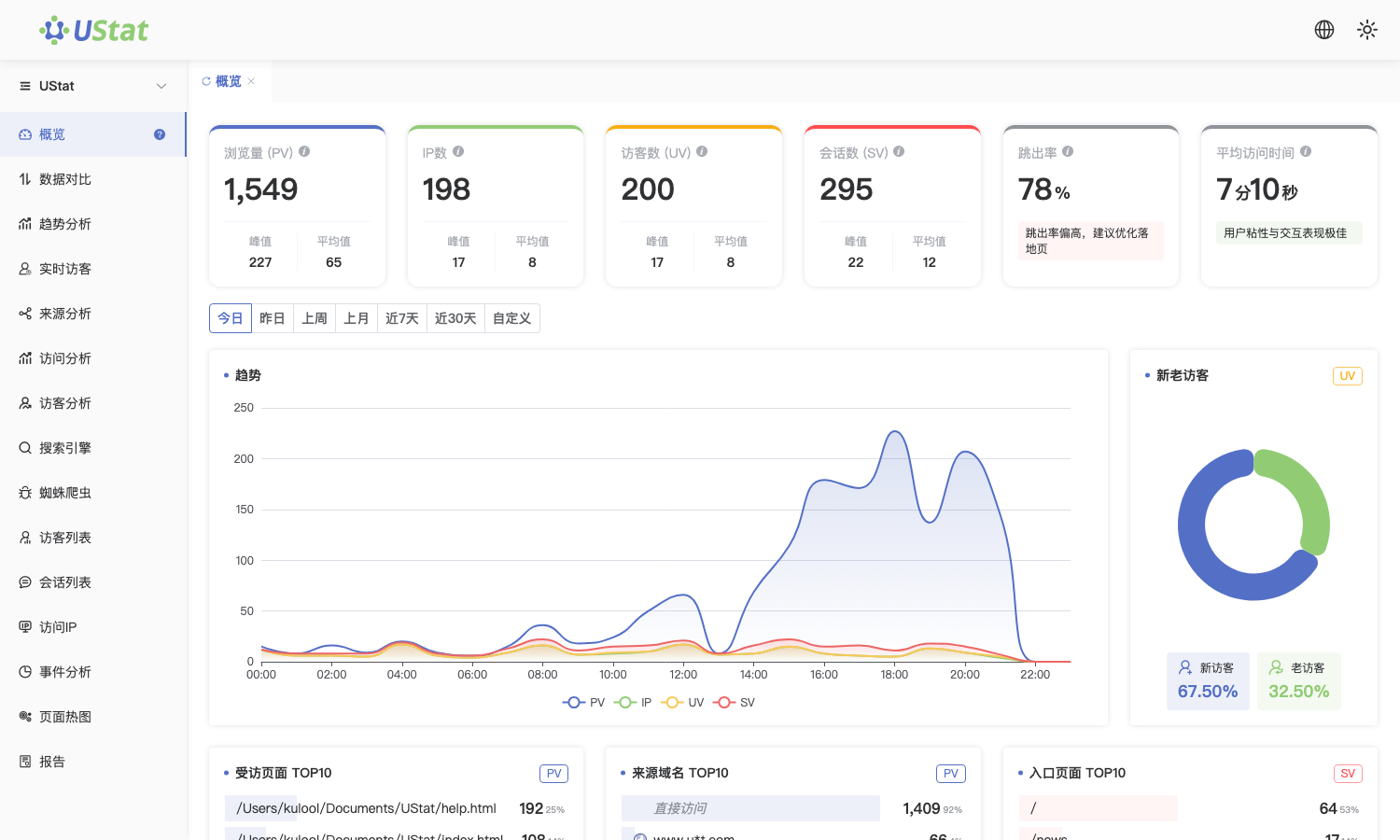
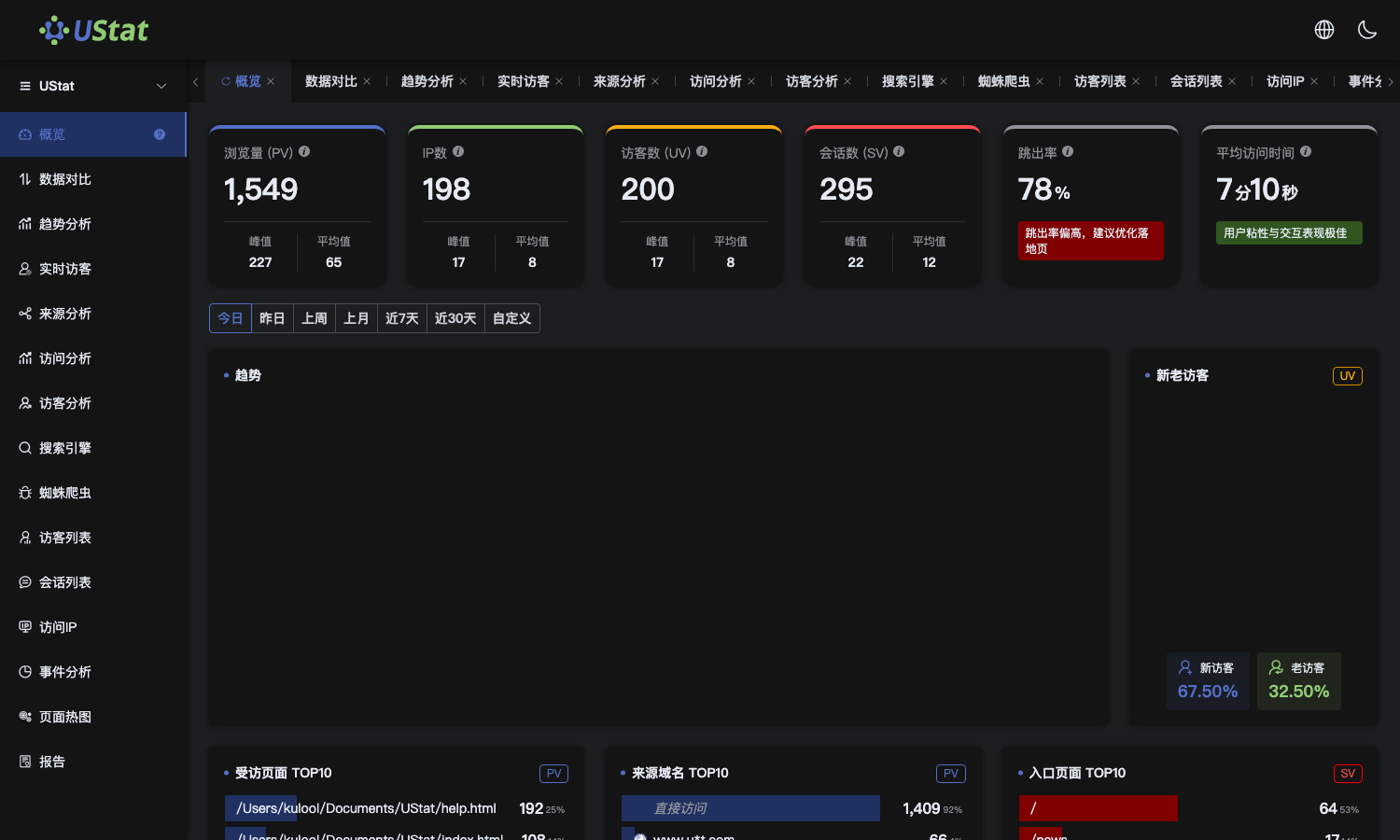 Interface example. Actual console display may vary.
-
Clarify whether recipients only need to view results or also need
download, preparation or secondary analysis later.
-
Create or send the share link according to the collaboration scope and
provide it only to people who need access.
-
After a project ends, team members change or the report expires, review
the sharing scope in time.
Notes
-
Report sharing focuses on online viewing and collaboration, not data export.
-
Before external sharing, confirm whether the report contains sensitive
business, customer or campaign information.
