This article explains how to turn filtered data into materials for archive,
reporting and offline analysis.
When to use
Use it to turn filtered data into offline material for archive, reporting,
review or cross-team analysis.
Steps
-
Decide the export object first: page rankings, visitor details, session
samples, IP records or other report results.
-
After entering the related report, apply date range, source, object or
keyword filters first.
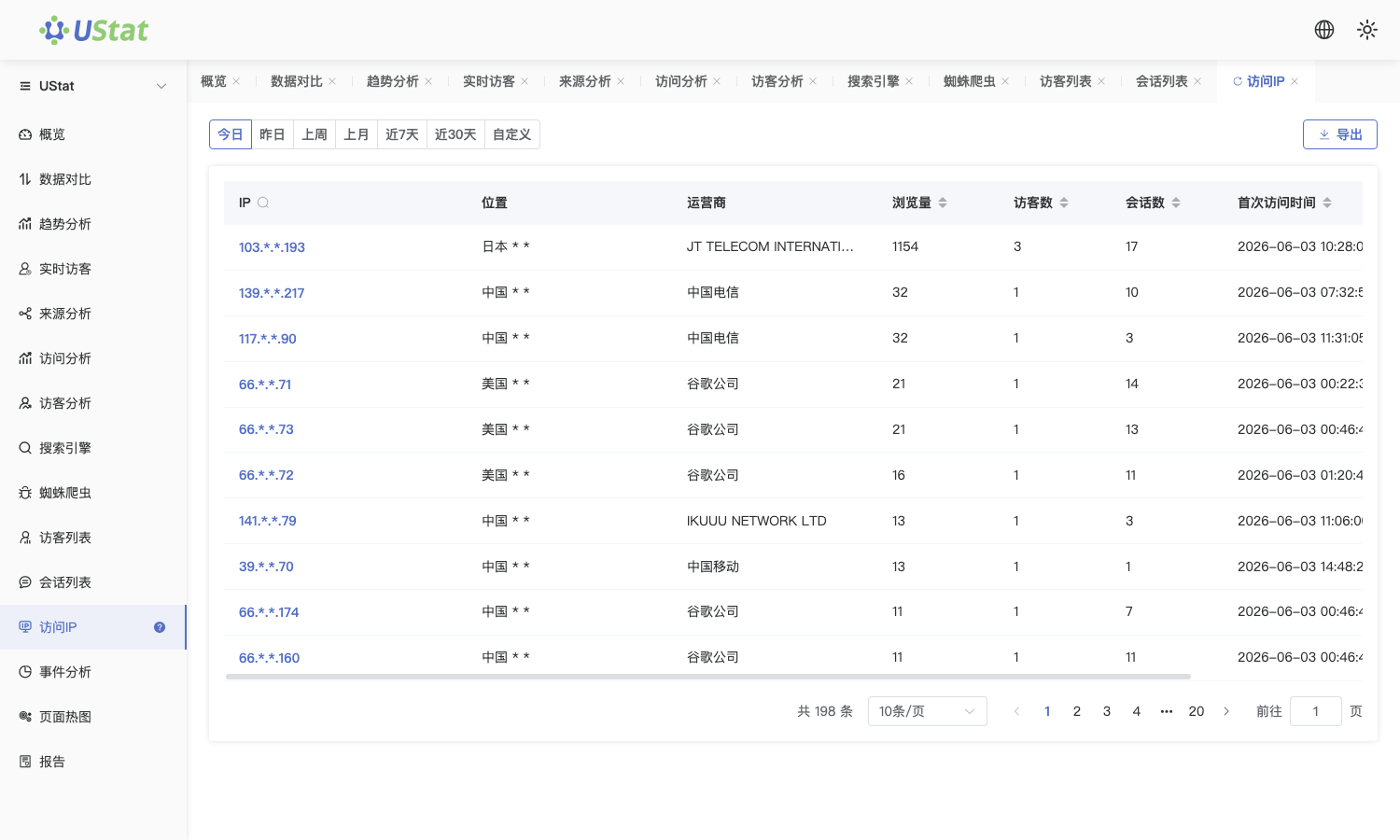
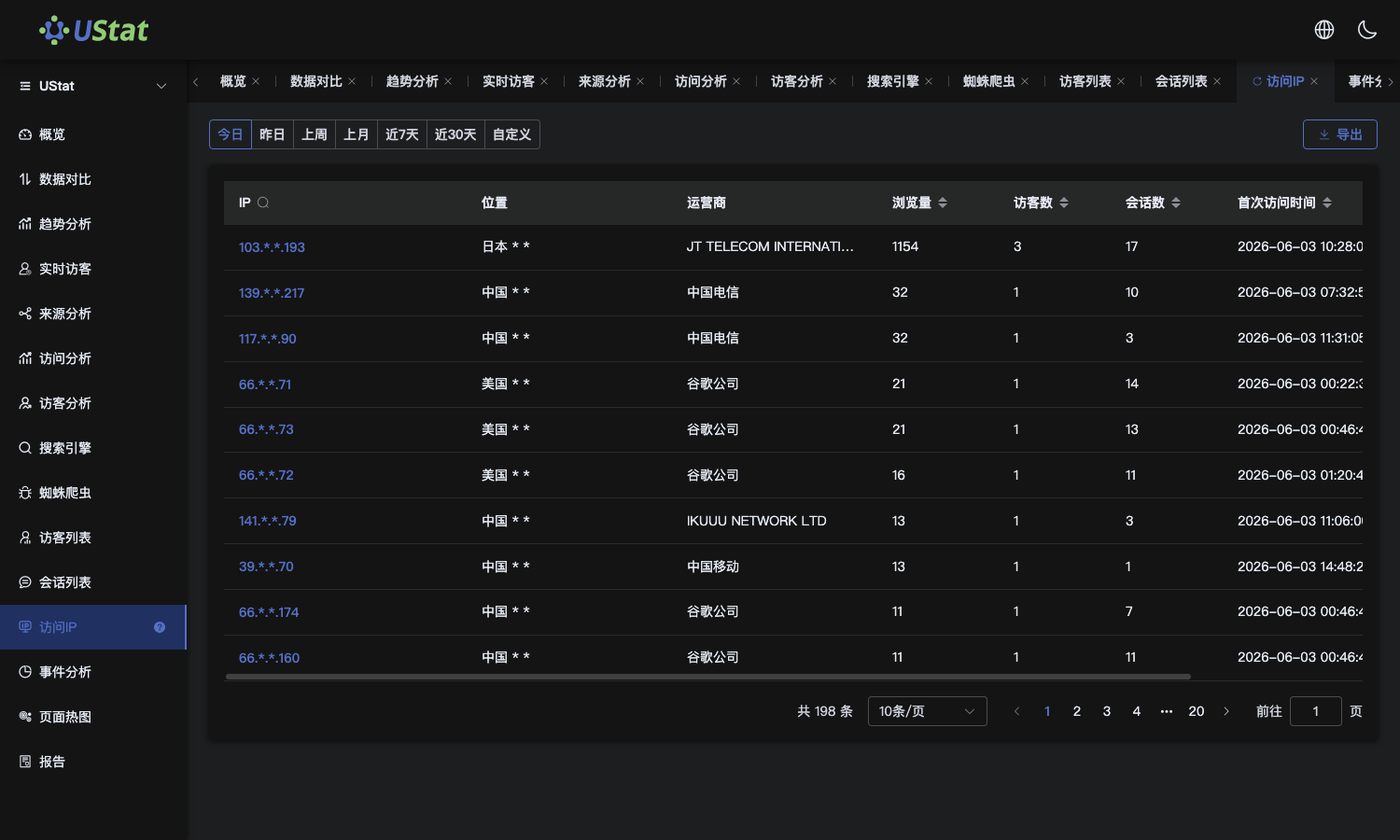 Interface example. Actual console display may vary.
-
When the visit process must be explained, choose representative samples
from Session List and add them to the analysis material.
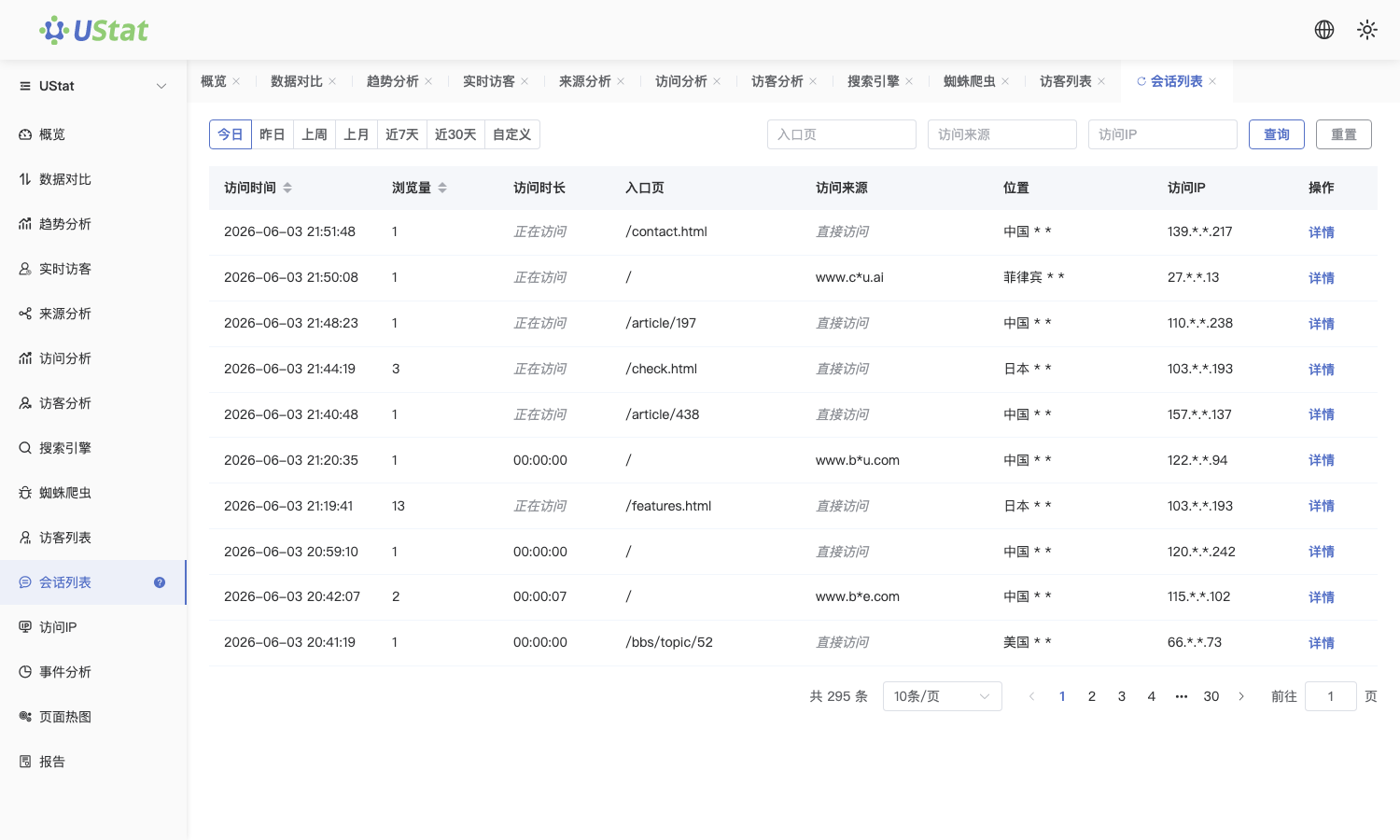
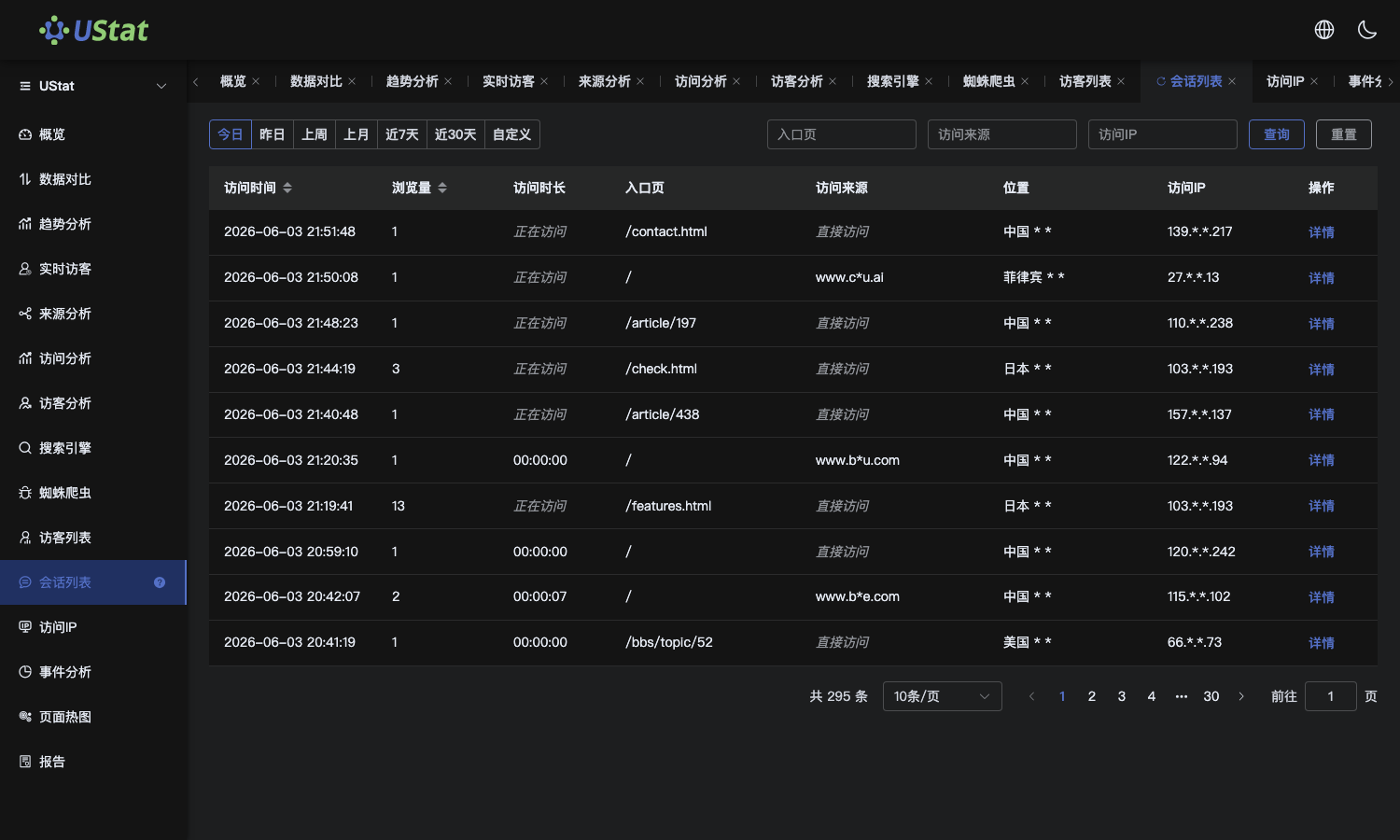 Interface example. Actual console display may vary.
-
Before exporting or sending, check for sensitive information and
desensitize, limit scope or add notes according to team rules.
Notes
-
Data export is for offline processing and secondary analysis, while report
sharing is for online viewing.
-
Exported files represent only the current filters, not all site data.
