This article explains recommended tracking-code deployment for template sites, CMSs
and single-page applications.
When to use
Use it for shared templates, frontend route changes or projects that need one
stable site-wide installation.
Steps
-
Find the shared site entry, such as header, layout, HTML template or
root App component.
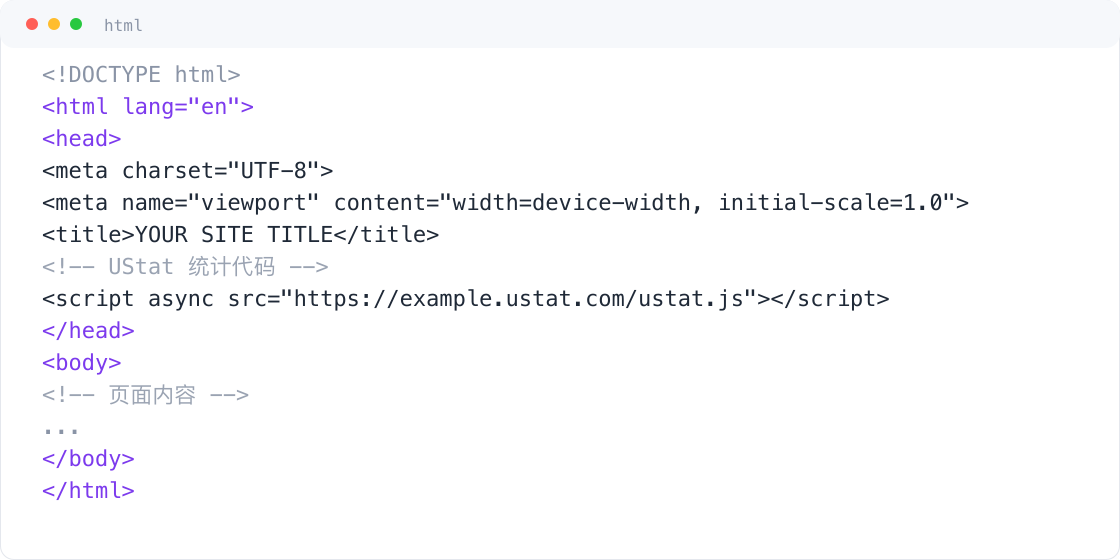
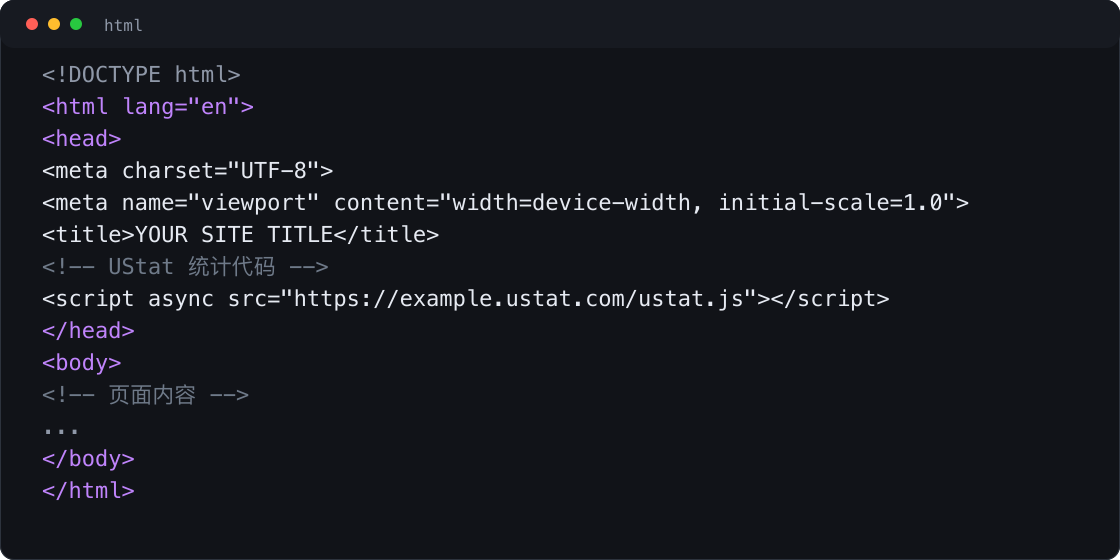 Interface example. Actual console display may vary.
-
Place the tracking code in the recommended location and ensure all pages
can load it.
-
For SPAs, confirm the script remains available after route changes and
add page-view reporting if needed.
-
After publishing, check a real page and then confirm data in Overview.
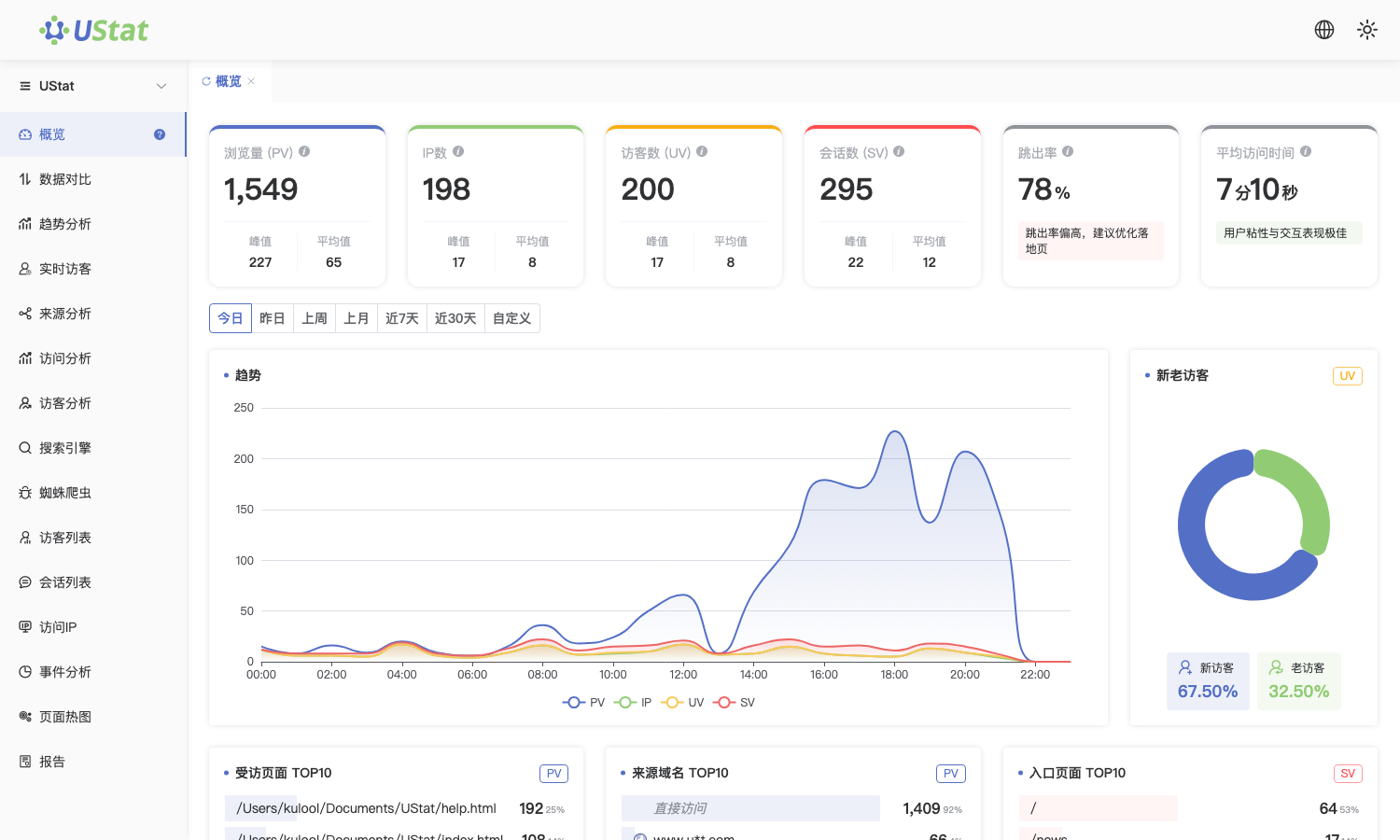
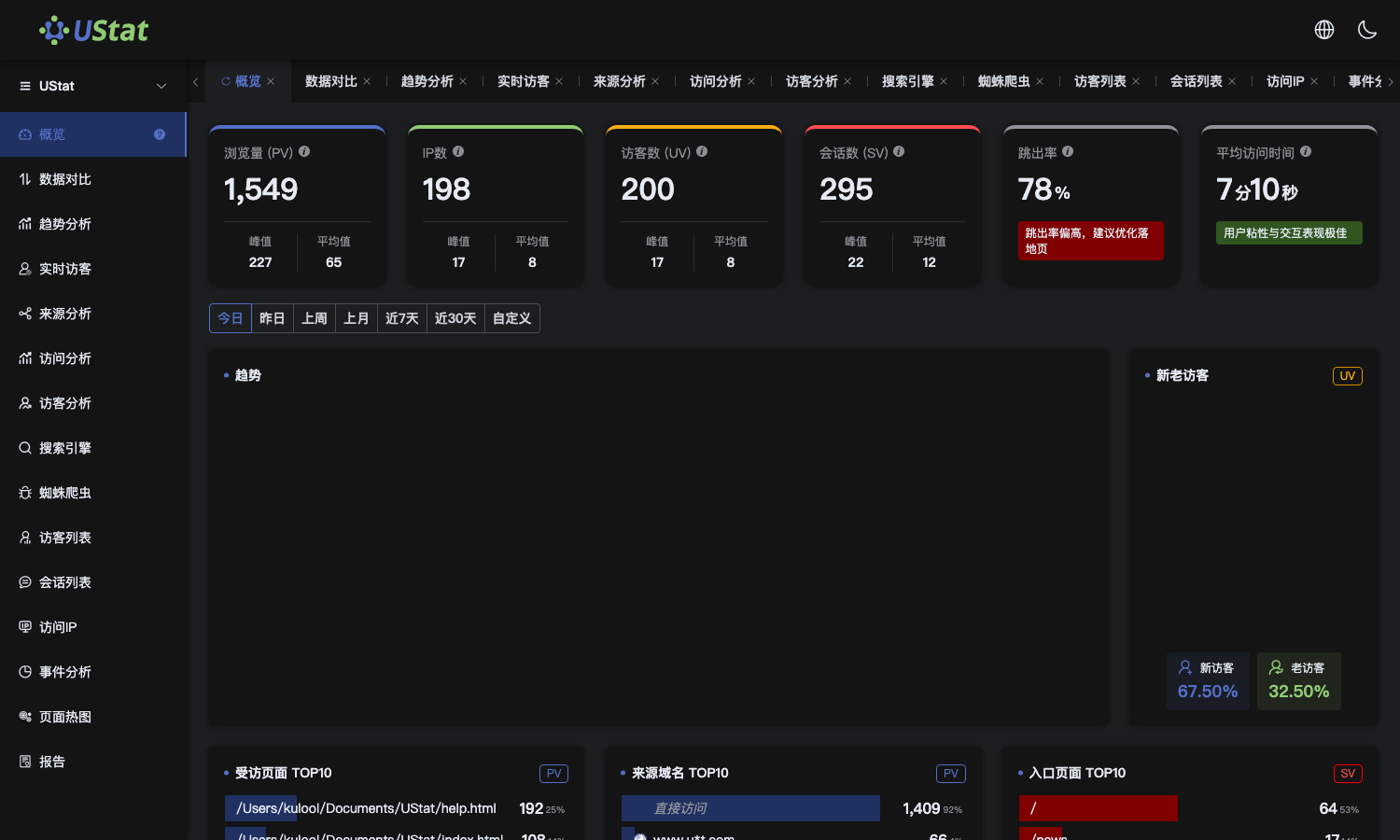 Interface example. Actual console display may vary.
Notes
-
Do not paste the tracking code into both shared templates and business
pages.
-
For multi-domain projects, confirm that every visited domain belongs to the
current site configuration.
