This article explains invitation entry, invitation link usage and suitable
collaboration scenarios.
When to use
Use it when inviting colleagues or friends to register UStat and continue with
site setup.
Steps
-
After signing in, open the account or related entry and find invitation
or referral access.
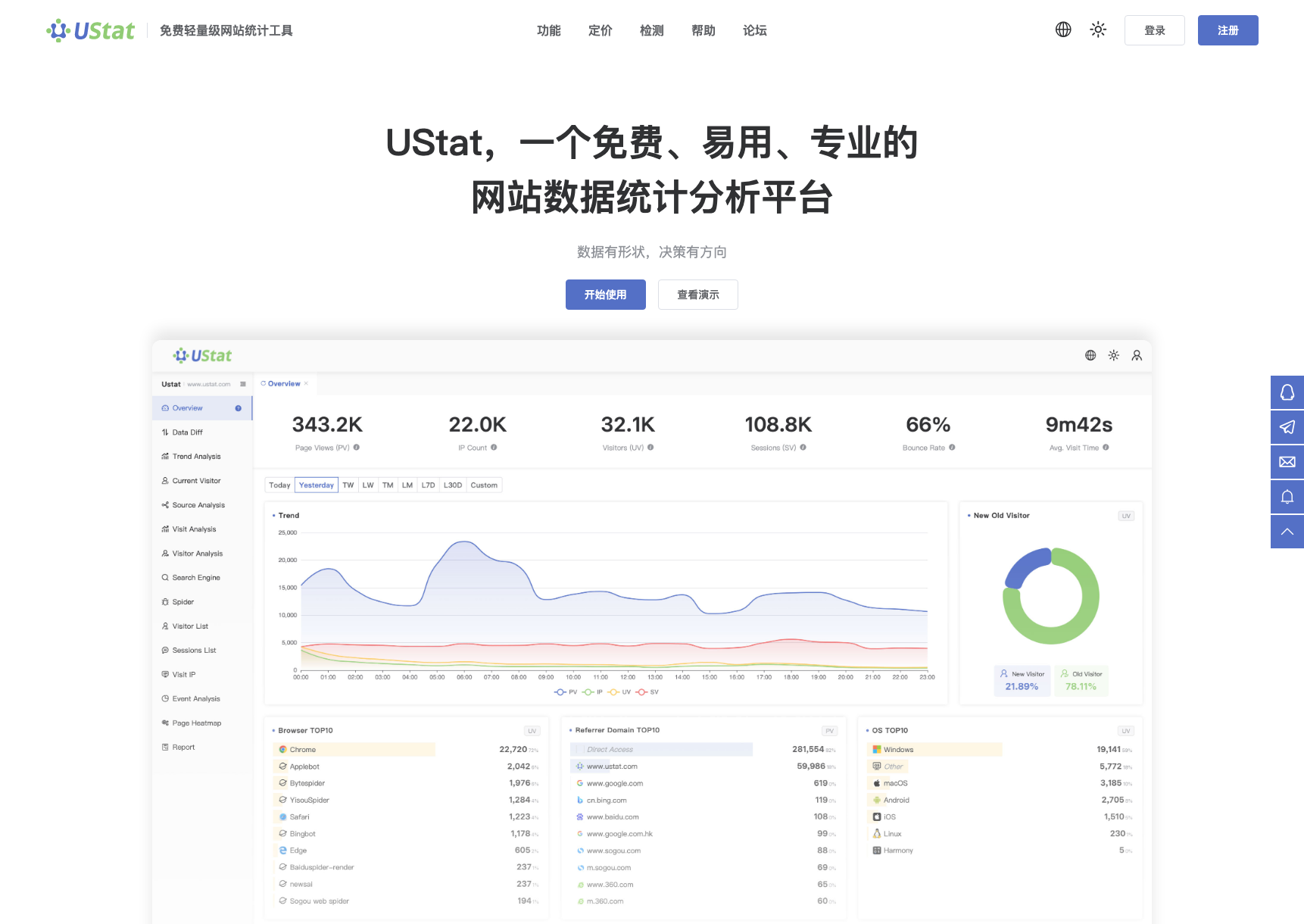
 Interface example. Actual console display may vary.
-
Copy the invitation link and send it to colleagues or friends who need
UStat.
-
After they register through the link, check invitation status according
to the page prompts.
-
For team collaboration, also explain site setup flow and permission
boundaries.
Notes
-
Invitation registration is not site permission management. Use formal
collaboration methods for shared data.
-
Invitation rules may change with campaigns. Follow the current page
description.
