This article explains how to use period comparison to identify traffic changes,
optimization effects and abnormal fluctuation.
When to use
Use it to review campaigns, content updates, ad delivery or site changes before
and after release.
Steps
-
Open Data Comparison and select the periods to compare.
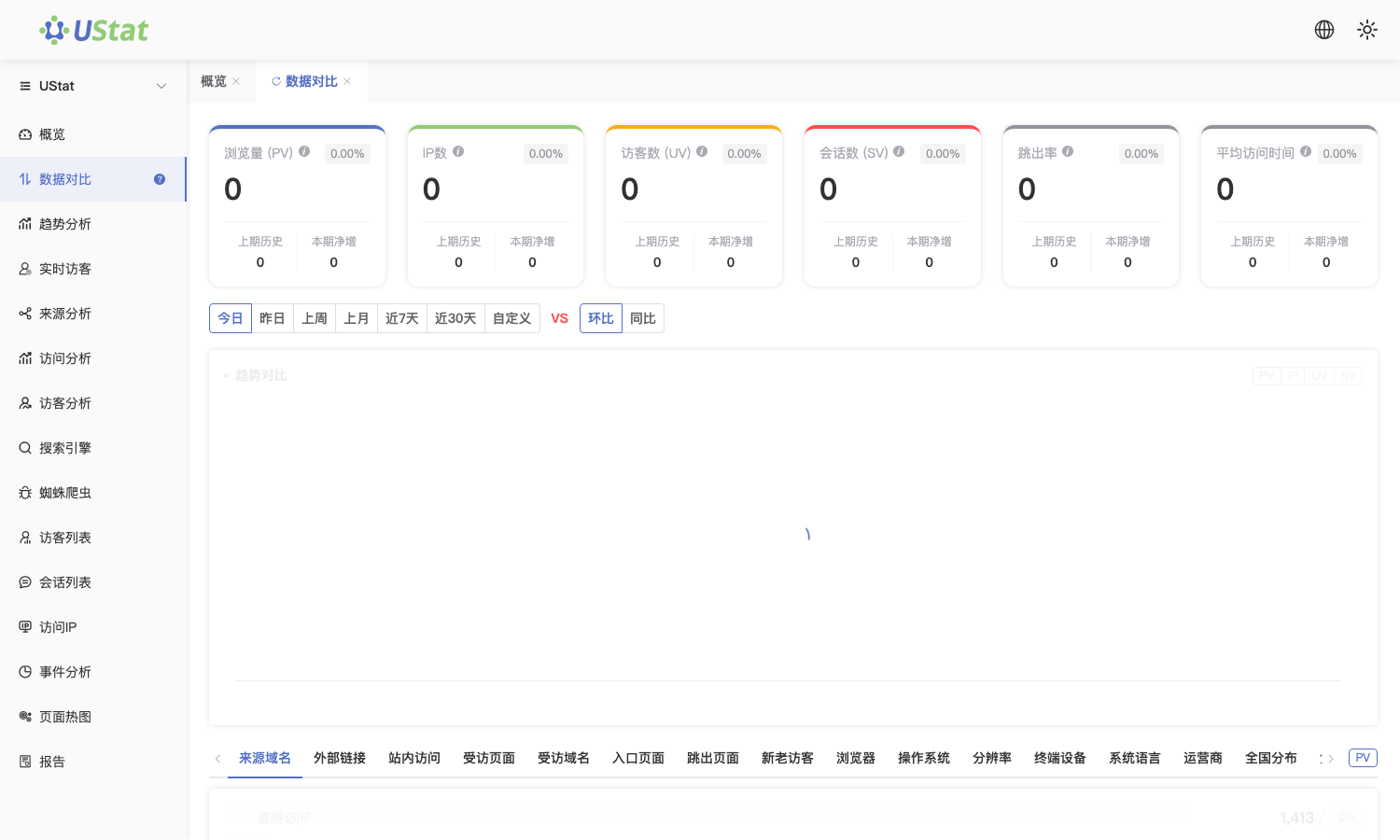
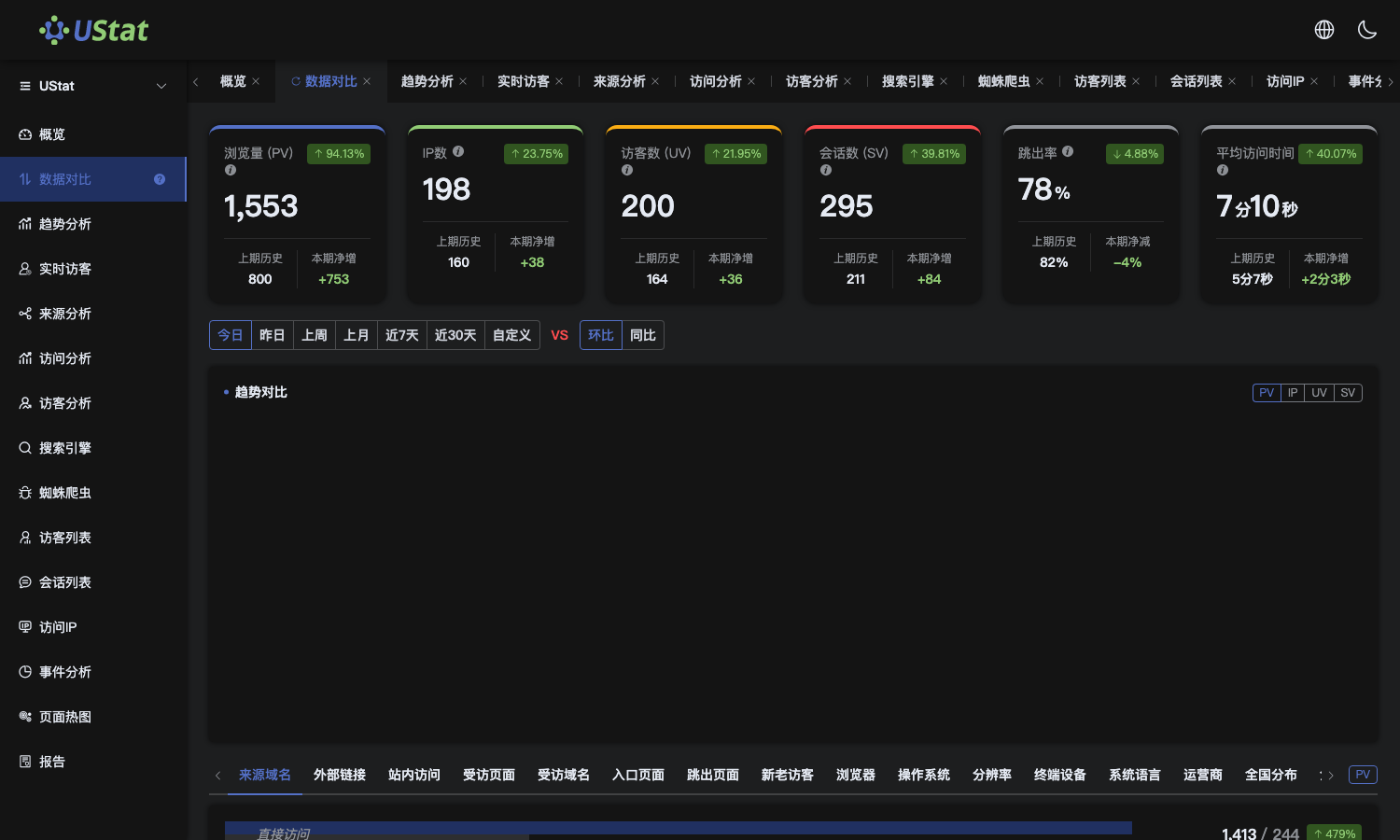 Interface example. Actual console display may vary.
-
Compare periods with the same length, such as this week vs last week or
this month vs last month.
-
Review metrics with the largest increase or decrease and identify
whether PV, UV, IP or sessions changed.
-
Map comparison results to campaigns, content publishing or site
releases.
Notes
-
Comparisons can be misleading if holidays, weekdays and campaign days are
mixed.
-
Comparison shows direction; causes still require source and page details.
