This article explains how to review visitor return records, visit frequency and
basic profiles.
When to use
Use it to review a visitor’s return records, visit frequency and basic profile
across a period.
Steps
-
Open Visitor List and choose the date range to observe.
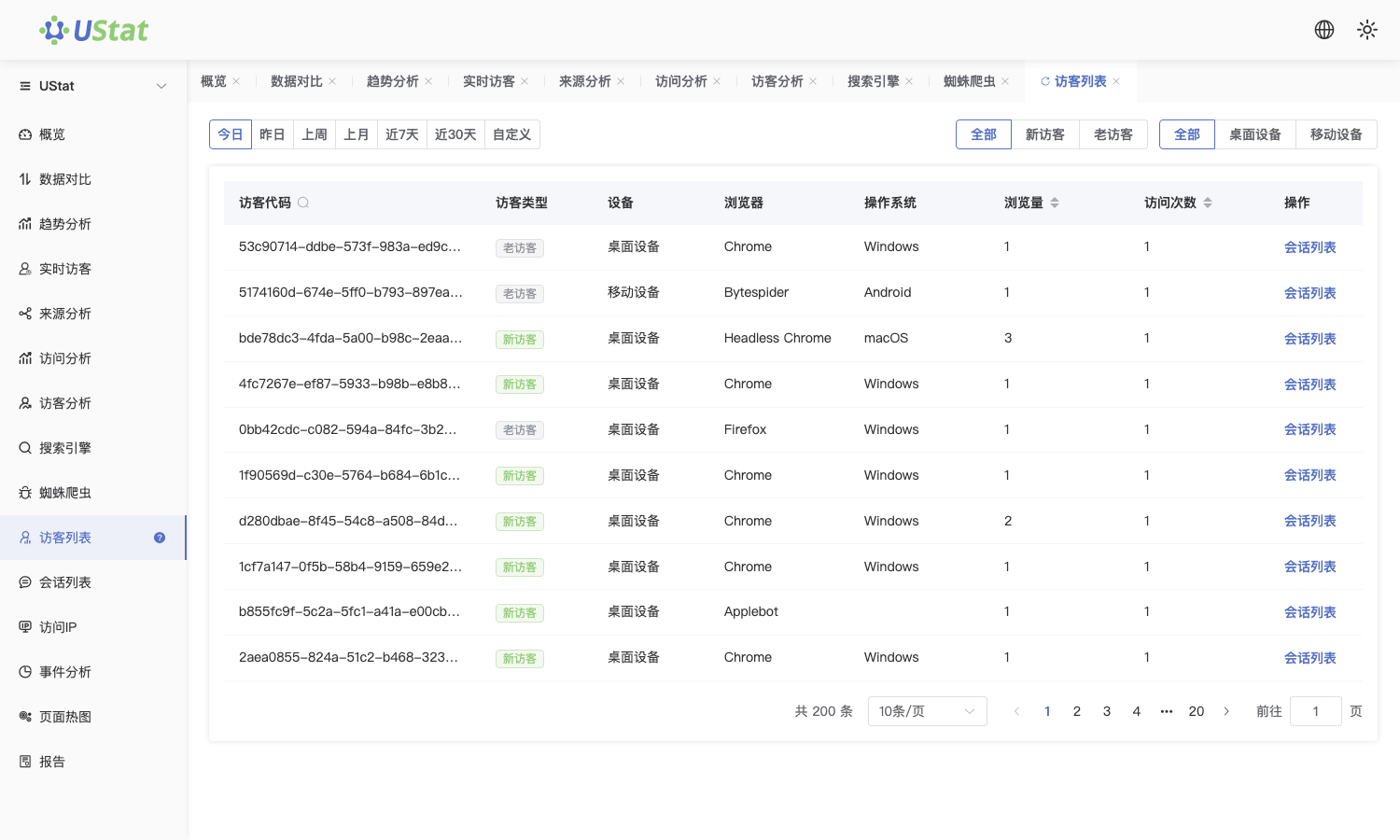
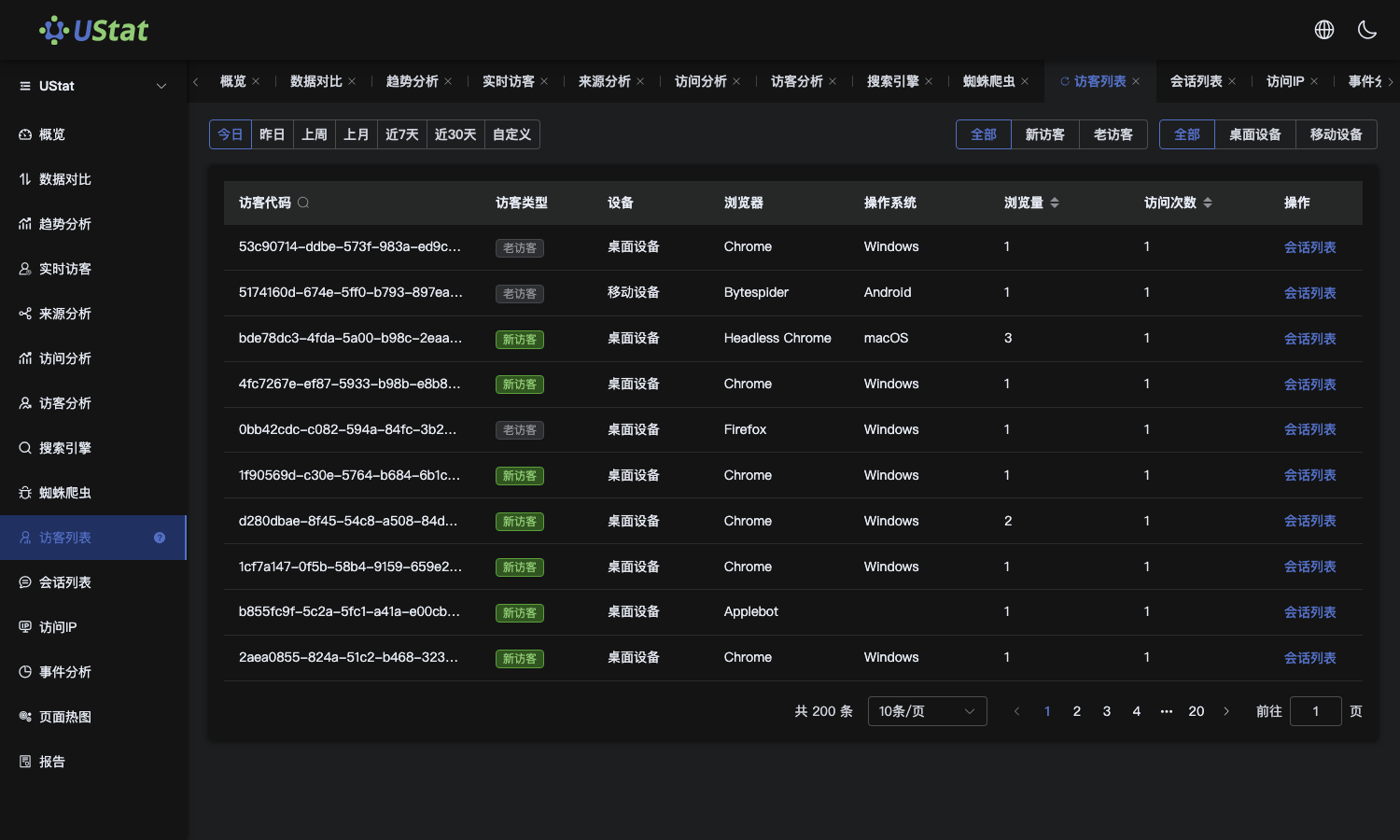 Interface example. Actual console display may vary.
-
Filter target visitor groups by source, region, device or visit count.
-
Review first visit, latest visit, total visit count and common device
for a single visitor.
-
To understand long-term return behavior, compare visit frequency and
latest active time across multiple visitors.
Notes
-
Visitor List focuses on visitor profiles and return behavior across time.
-
Visitor identifiers support behavior analysis and do not represent real
names or account identities.
