This article covers the full flow from account registration to adding a site,
copying the tracking code and verifying first data.
When to use
Use it when setting up UStat for the first time or when confirming how to create
a site and get the tracking code.
Steps
-
Open the UStat website and sign up or sign in; first-time users should
create an account first.
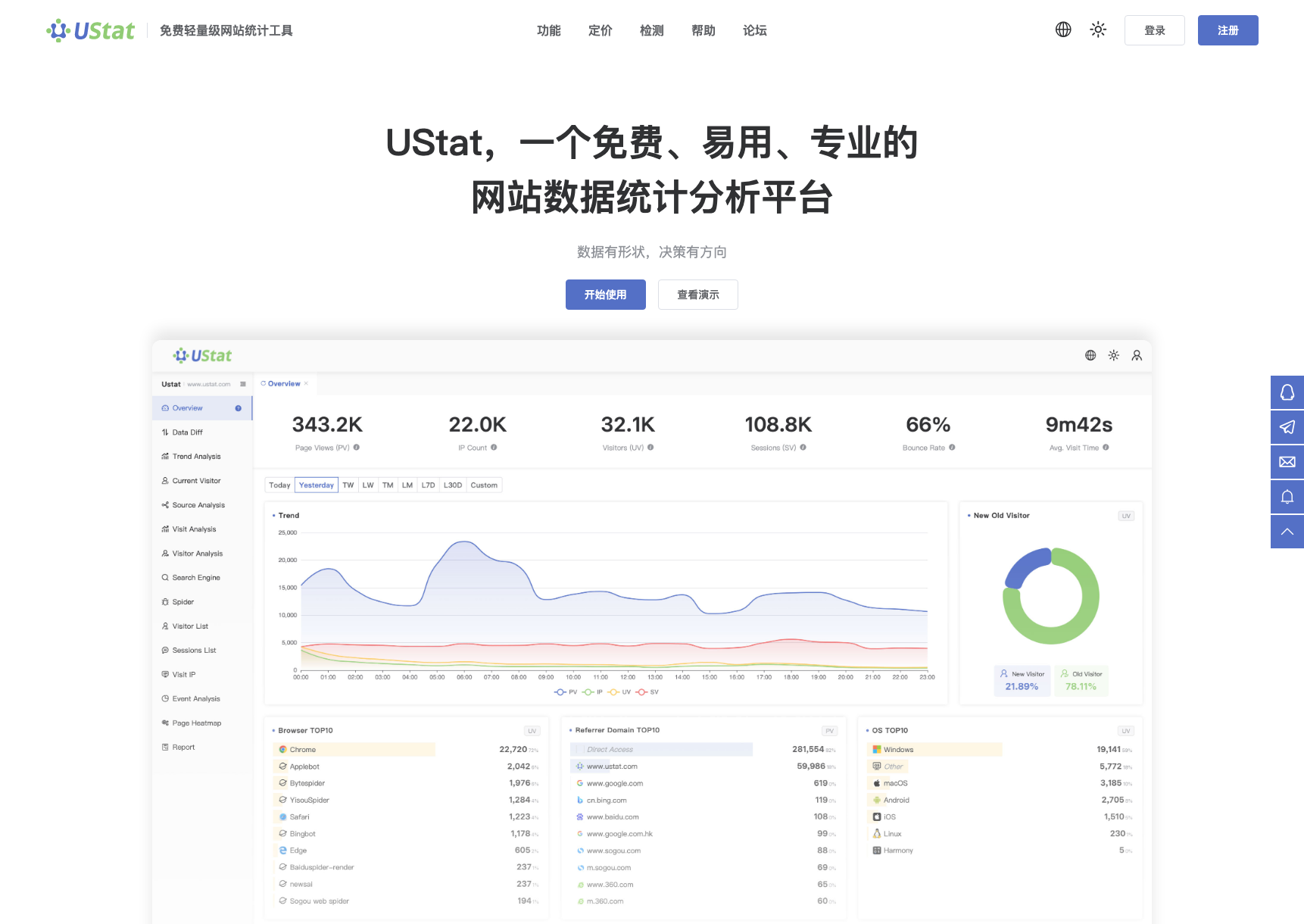
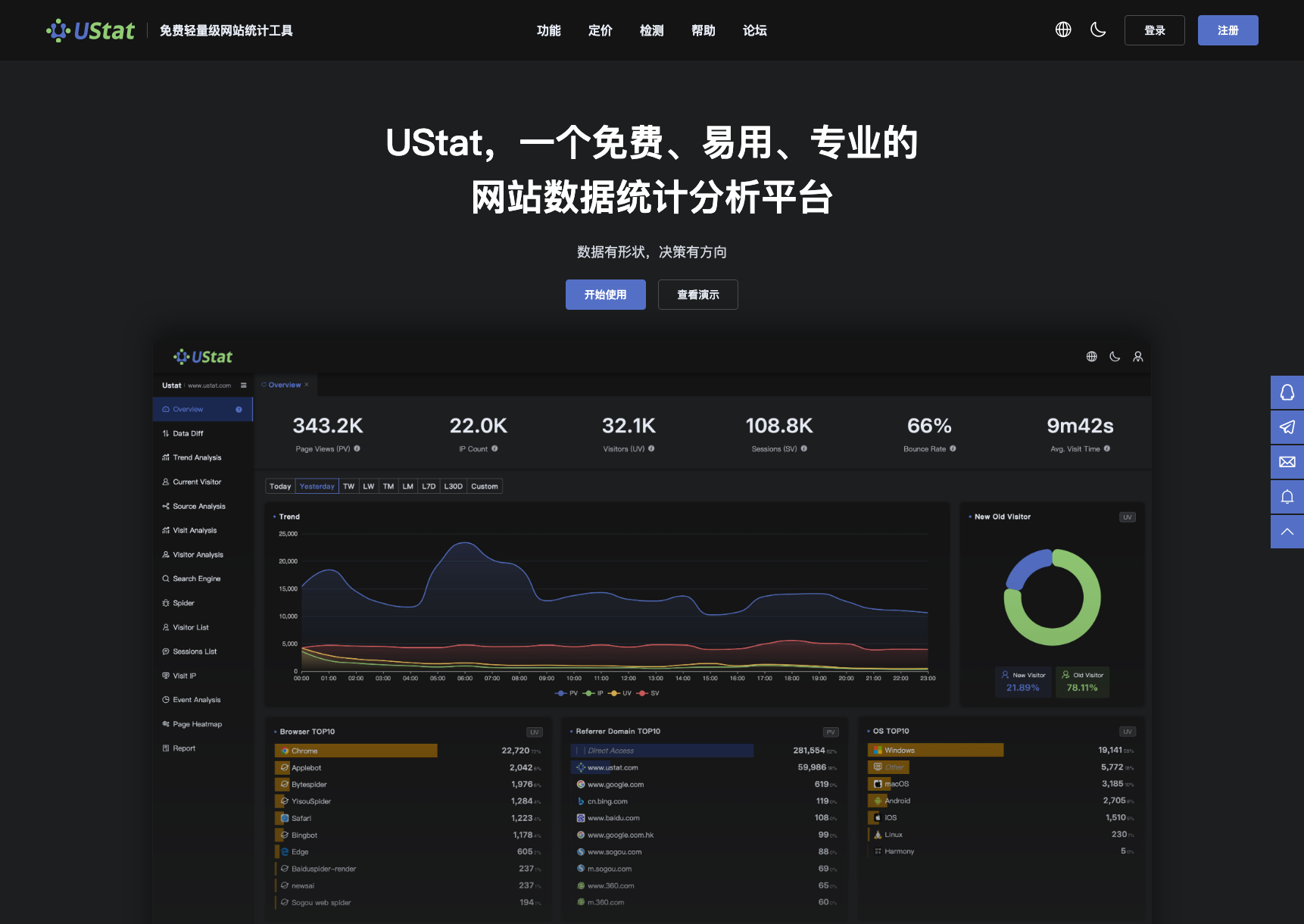 Interface example. Actual console display may vary.
-
In the user console, add a site and enter the real domain where the
tracking code will run.
-
Copy the site tracking code and hand it to a developer or paste it into
the shared header template.
-
After publishing, visit the site once and return to Overview to confirm
that PV, UV or IP starts appearing.
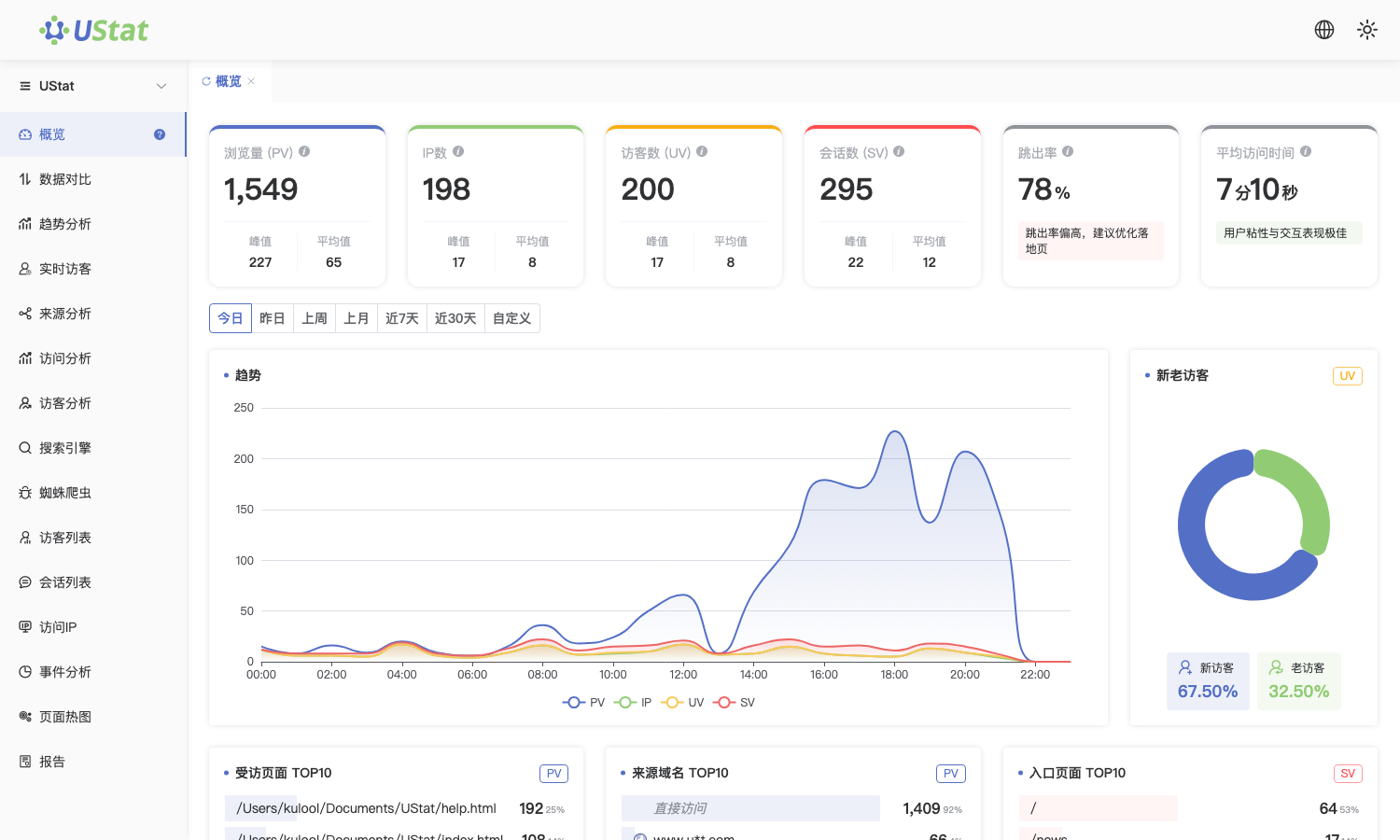
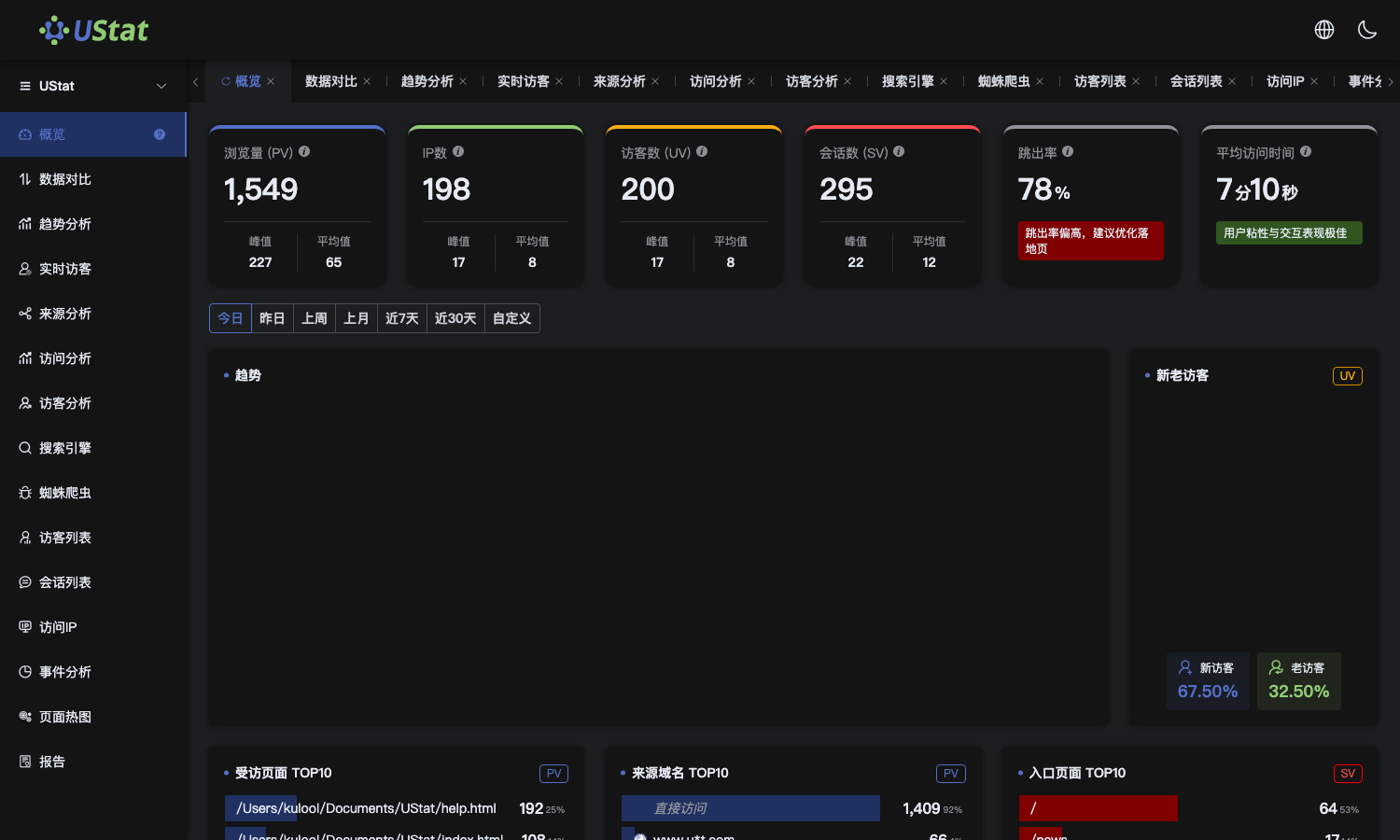 Interface example. Actual console display may vary.
Notes
-
The domain should match the actual visited domain, including www, subdomains
and protocol differences.
-
Initial data may have ingestion delay. Use the code checker to confirm
installation status.
