This article introduces visitor profile data such as region, device, system and
language preference.
When to use
Use it to understand main visitor groups and support mobile experience, regional
campaigns or content optimization.
Steps
-
Open Visitor Analysis and review dimensions such as region, device,
system and language.
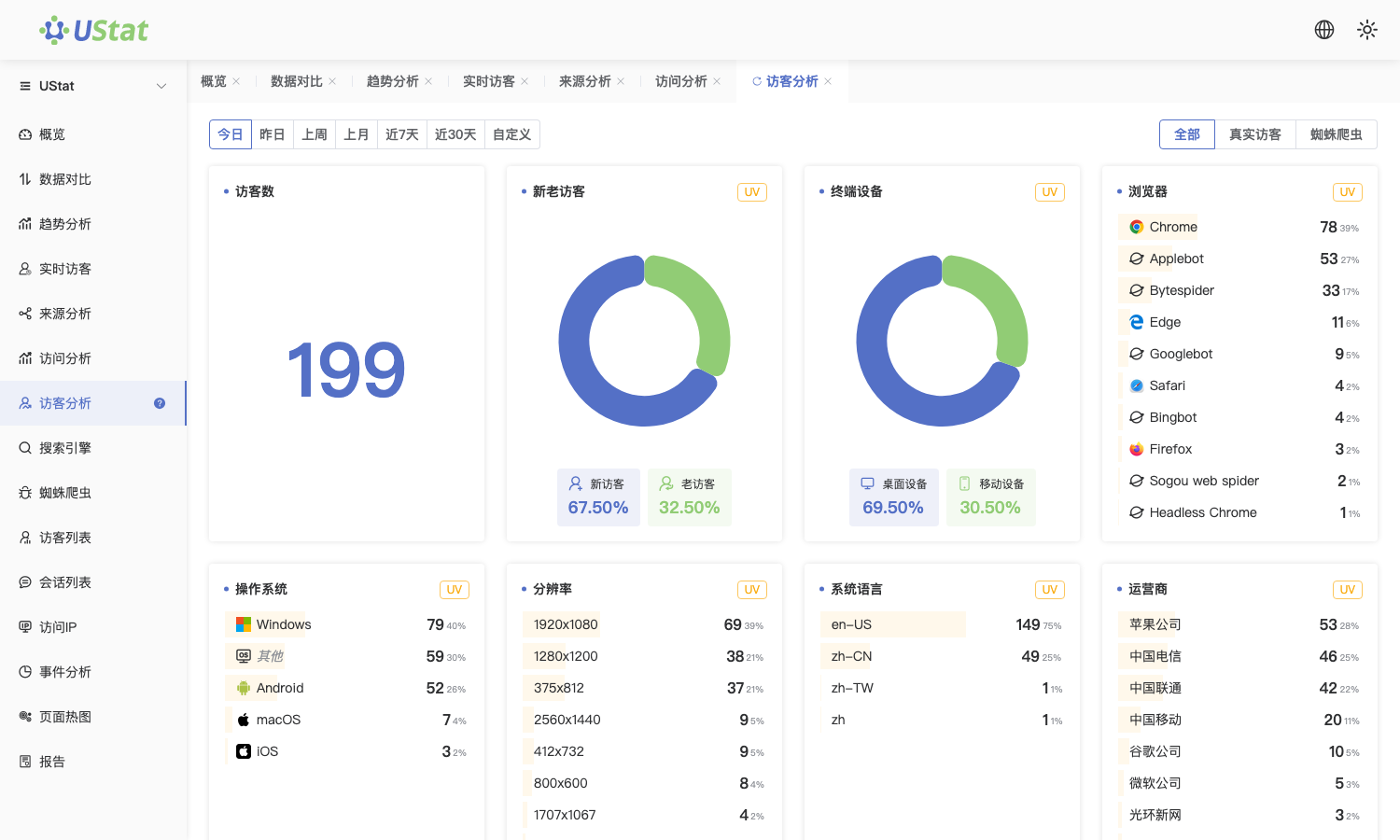
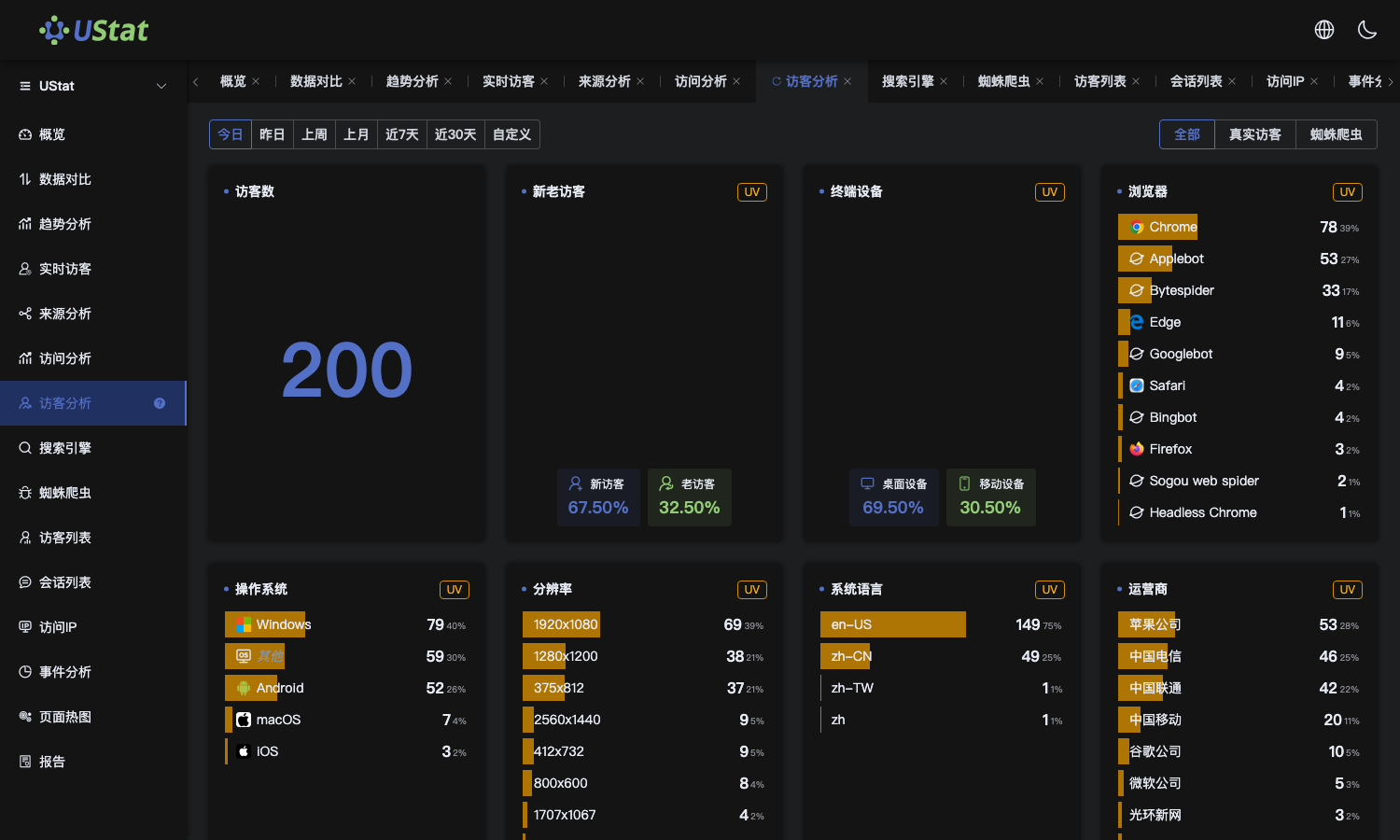 Interface example. Actual console display may vary.
-
Start with the largest regions and devices to understand main visitor
groups.
-
For sites with high mobile share, prioritize mobile page experience
checks.
-
Combine visitor profiles with sources and page performance for campaigns
or content optimization.
Notes
-
Visitor profiles are aggregated statistics and should not be used to
identify a person.
-
Region detection depends on network environment, so small deviations are
normal.
