📊 Module: Overview
📍 Access:
Default landing page after logging into UStat and selecting a website.
🧩 Functionality:
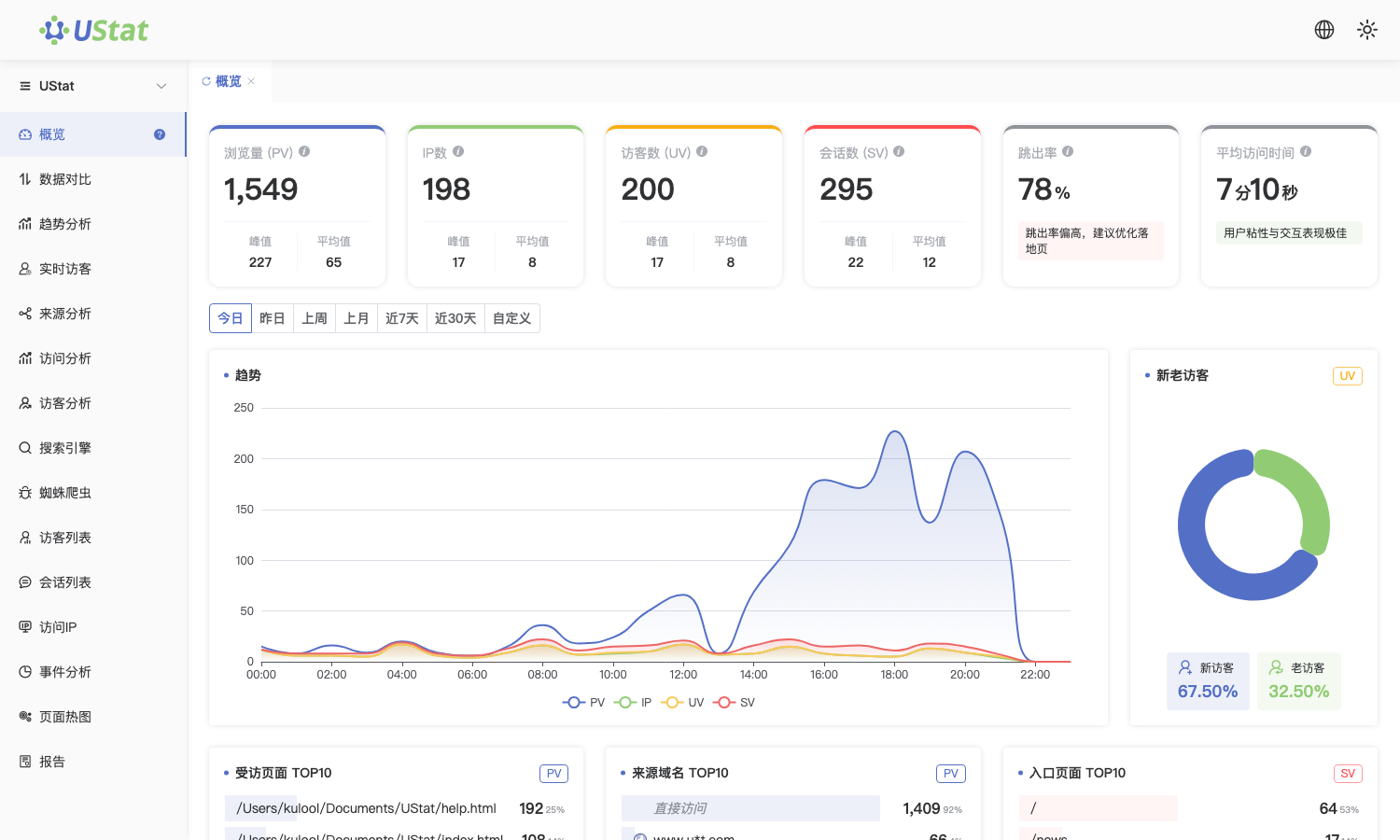
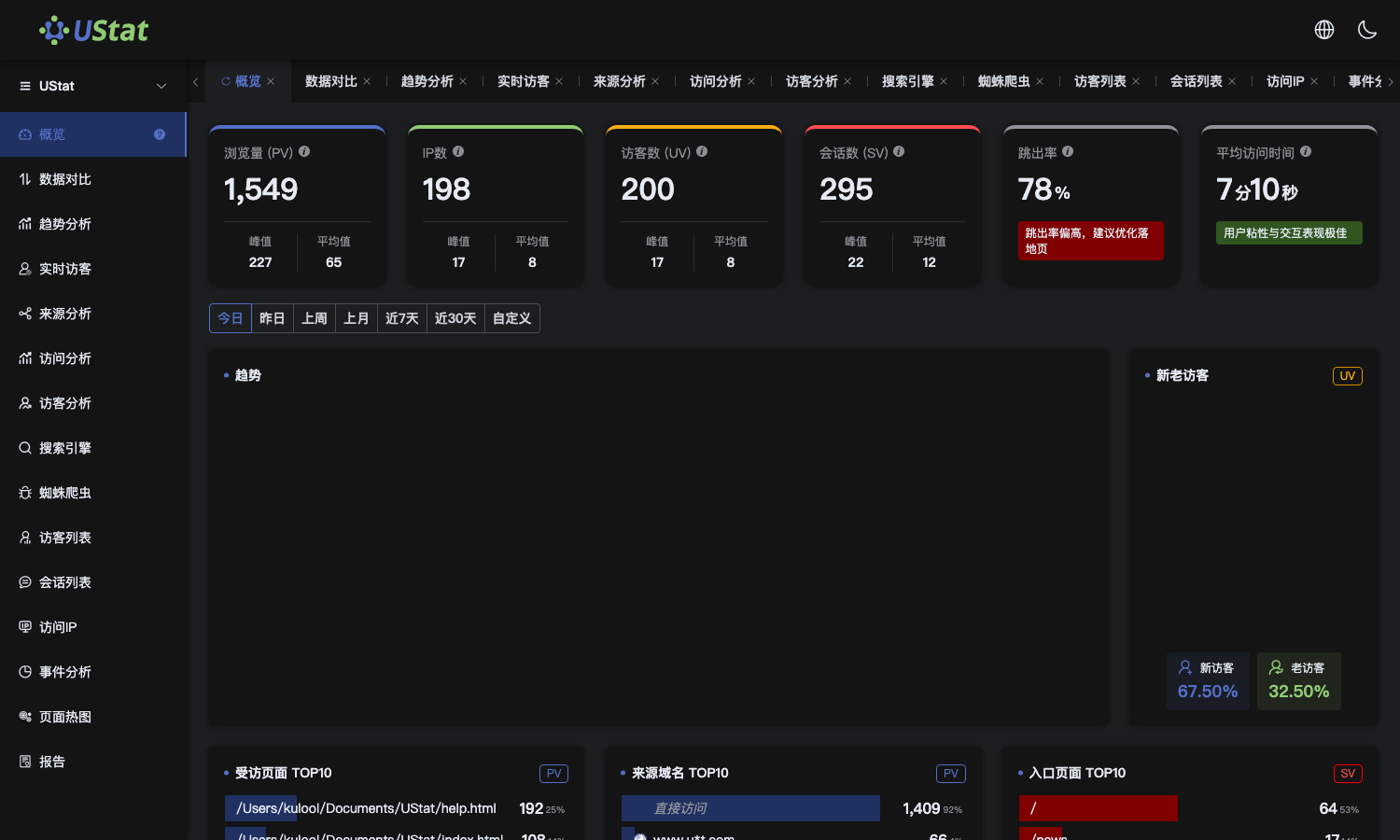
The Overview module delivers a comprehensive snapshot of your website’s traffic and audience composition. Ideal for both analytics beginners and data-driven marketers, it provides intuitive, actionable insights at a glance.
📄 Page Structure:
- 1. Traffic Summary Cards (Top)
Display today's key metrics:
- Page Views (PV): Total page loads
- Unique IPs: Distinct IP addresses:
- Unique Visitors (UV): Individual users (browser/device-based)
- Sessions (SV): Independent visits:
- Bounce Rate: % single-page visits
- Avg. Session Duration: Average visit time
💡 Formula: Bounce Rate = (Single-page sessions ÷ Total sessions) × 100%*
- Trend Charts
Default view: Today’s PV, UV, IP, and SV trends.
- Time Filters: Today/Yesterday, This/Last Week, This/Last Month, Last 7/30 Days, Custom Range
- Toggle Metrics: View individual datasets
- TOP10 Rankings
Identifies high-impact content and sources:
- Top Pages: Most-viewed URLs
- Top Referrers: Leading external traffic sources
- Top Entry Pages: First-viewed pages
- Audience Attributes
Visualizes visitor technology profiles:
- Top 10 Browsers (Chrome, Safari, Edge)
- Top 10 OS (Windows, iOS, Android)
- Device Split: Desktop vs. Mobile
- Geographic Distribution
- China Map: Visitor density across Mainland China
- Global View: Country/region traffic percentages
⚙️ Interactive Features:
- All charts/rankings support time filtering
- Hover over charts for precise values
✅ Best Practices:
- Daily Check: Spot traffic anomalies immediately
- Metric Correlation: Pair PV/UV/Bounce Rate shifts to gauge content/channel effectiveness
- TOP10 Monitoring: Identify trending pages or irregularities