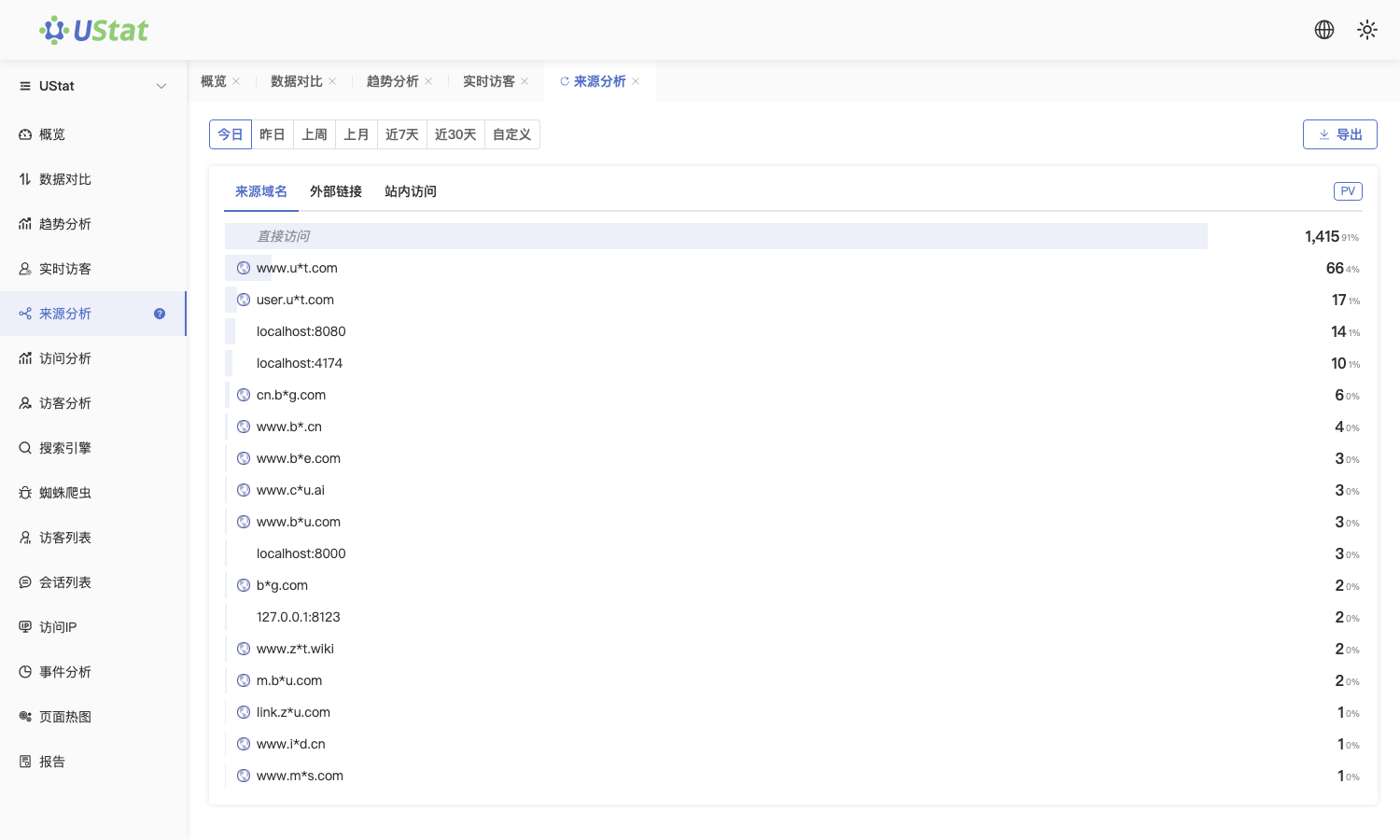
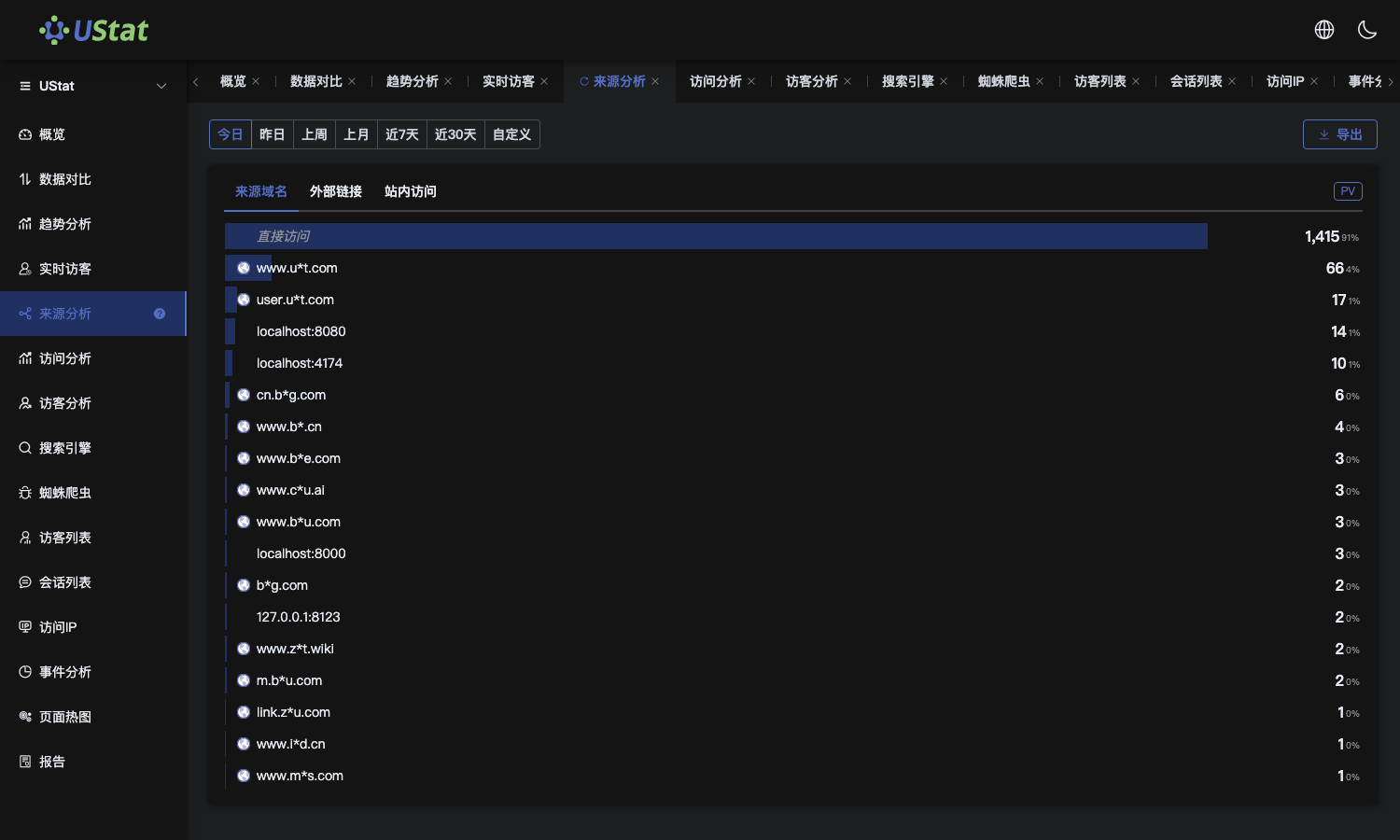
📊 Module: Source Analysis
📍 Access:
After logging into UStat and selecting a website, navigate via left sidebar → [Source Analysis].
🧩 Functionality:
Analyzes traffic origin channels to reveal how visitors discover your site. Essential for:
Measuring campaign effectiveness
Evaluating SEO performance
Optimizing acquisition strategies
Ideal for: marketing ROI assessment, content distribution tracking, and channel comparison.
📄 Page Structure:
- Time Range Selector (Top)
- Quick filters: Today/Yesterday, This/Last Week, This/Last Month, Last 7/30 Days, Custom Range
- All data updates dynamically with time selection
- Source Type Breakdown
Three categorized data tables:
① Referral Domains
- External websites driving traffic (e.g., www.example.com)
- Metrics per source:
- Page Views (PV)
- Top Landing Pages
- Destination Domains
🌐 Identifies high-performing referral partners
② Referrer URLs
- Full source page URLs
- Critical for:
Guest post tracking,Sponsored content ROI,Ad campaign analysis
🔗 Example: (e.g., http://example.com/article123.html)
③ Internal Navigation
- age-to-page jumps within your site
- Reveals: Navigation efficiency and User interest flow
📄 Optimize menus/content recommendations
🧠 Key Terminology:
- Referral Domain: External site directing traffic
- Referrer URL: Exact source page address (HTTP Referrer)
- Internal Navigation: User journeys between your pages
⚙️ Interactive Controls:
- Click any source for visitor path analysis
Export channel-specific reports
✅ Best Practices:
- SEO Audit: Monitor search engine traffic growth stability
- Channel Optimization: Compare bounce/conversion rates across referrals
- Internal Link Tuning: Boost engagement if internal navigation rates are low
- Anomaly Detection: For sudden traffic spikes/high bounce rates, cross-check with Visitor Details for fraudulent traffic