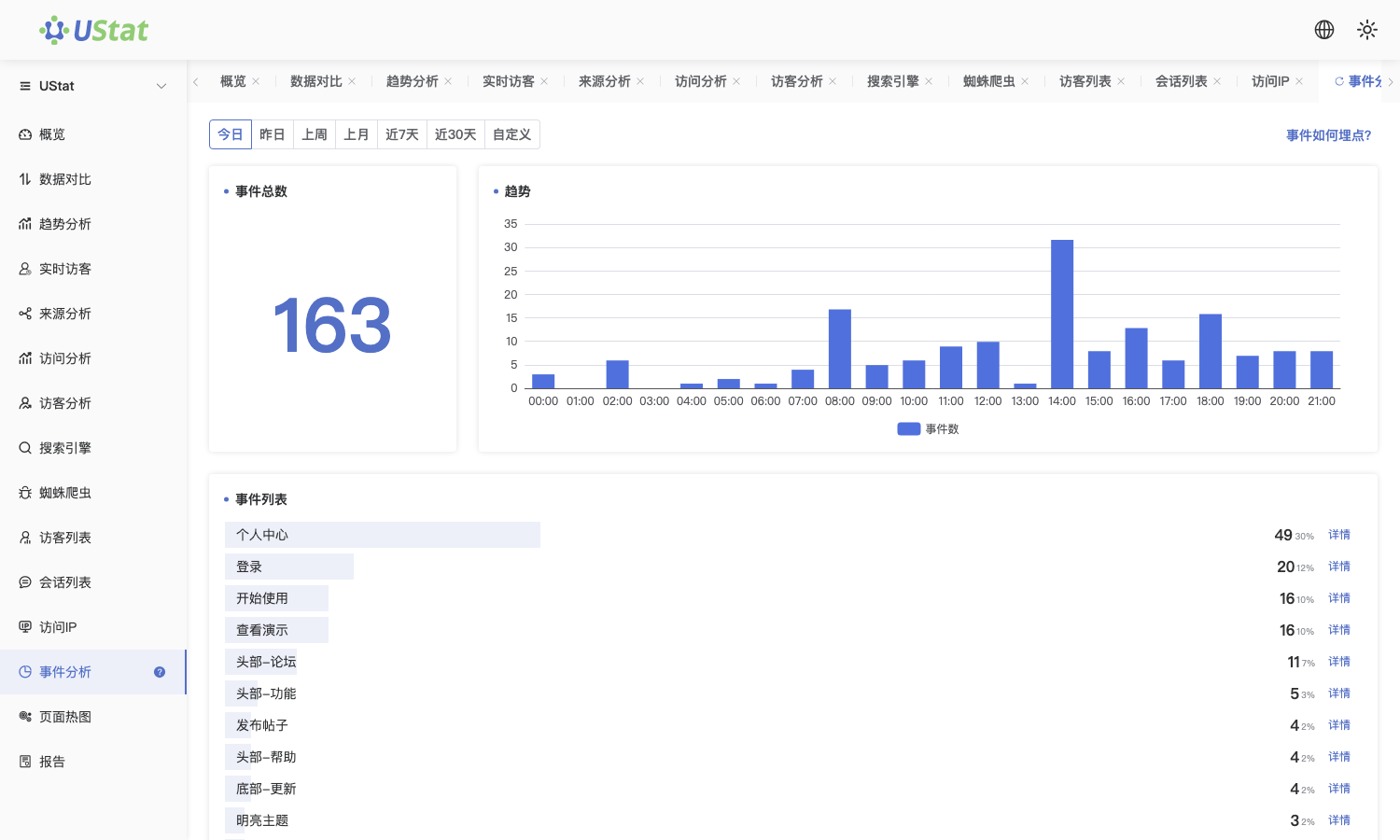
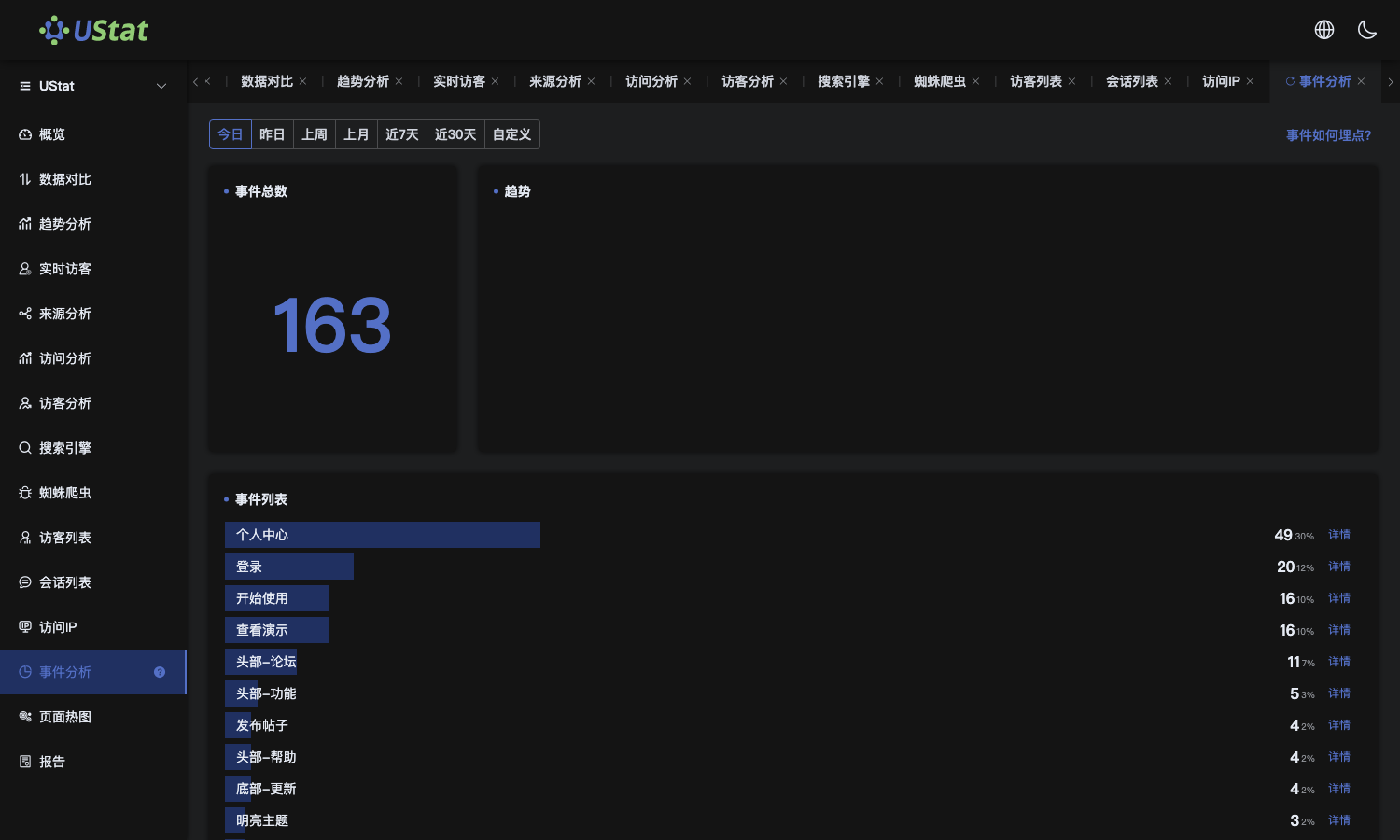
🎯 Module: Event Analytics
📍 Access:
After logging into UStat, navigate via left sidebar → [Event Analytics].
🧩 Functionality:
Tracks and analyzes custom user interactions on your website, including:Button clicks, Form submissions, Video plays, Scroll depth, Custom engagements
Provides multidimensional analysis of event frequency, user participation trends, and granular behavior tracking.
Key Use Cases:
- Conversion funnel optimization (CTAs, downloads, registrations)
- UI/UX interaction improvement
- Content engagement hotspots identification
- Campaign component performance validation
⚙️ Event Tracking Attribute Specification
The data-ustat attribute serves as the system's exclusive identifier for custom event tracking:


Description:
- The data-ustat ="custom_event_name" as the unique identifier for custom event tracking in the UStat system;
- The content in quotation marks is the name of the event, which can be customized (it is recommended to use English or pinyin naming for unified management);
- Support embedding Events tracking in any web page element, and the Ustat will automatically identify and collect user behaviors.
📄 Page Structure:
1. Filters (Top Bar)
- Time Range: Today/Yesterday, Week/Month, Last 7/30 Days, Custom ;
- Event Search: Keyword-based event lookup
- Metric Toggles: PV, UV, IPs, Sessions
2. Event Trend Charts (Bar/Line Graphs)
- Visualizes trigger frequency over time ;
- Granularity: Hourly/Daily
- Identifies peak engagement periods
3. Event Performance Table
- Columns:(Event Name, Trigger Count, Unique IPs, Unique Visitors, Detail Button)
- Click the 【 Detail 】 Button → Drill-down analytics
4. Event Detail Dashboard
Per-event multidimensional analysis:
- Device Split (Desktop/Mobile)
- Browser/OS Distribution
- ISP Networks
- Screen Resolutions & Languages
- Geographic Heatmaps (Global/China)
✅ Best Practices:
- Strategic Tracking:
Tag conversion-critical elements: BtnCheckout, FormContact, DownloadWhitepaper
- Maintain naming conventions:
BtnLogin、MenuDownload、FormSubmit etc.;
- Cross-reference with Trend Analysis for traffic-event relationships
- Anomaly Detection:
Investigate abnormal frequency spikes for implementation errors
- Iterative Optimization:
Test placement/design based on low-engagement events