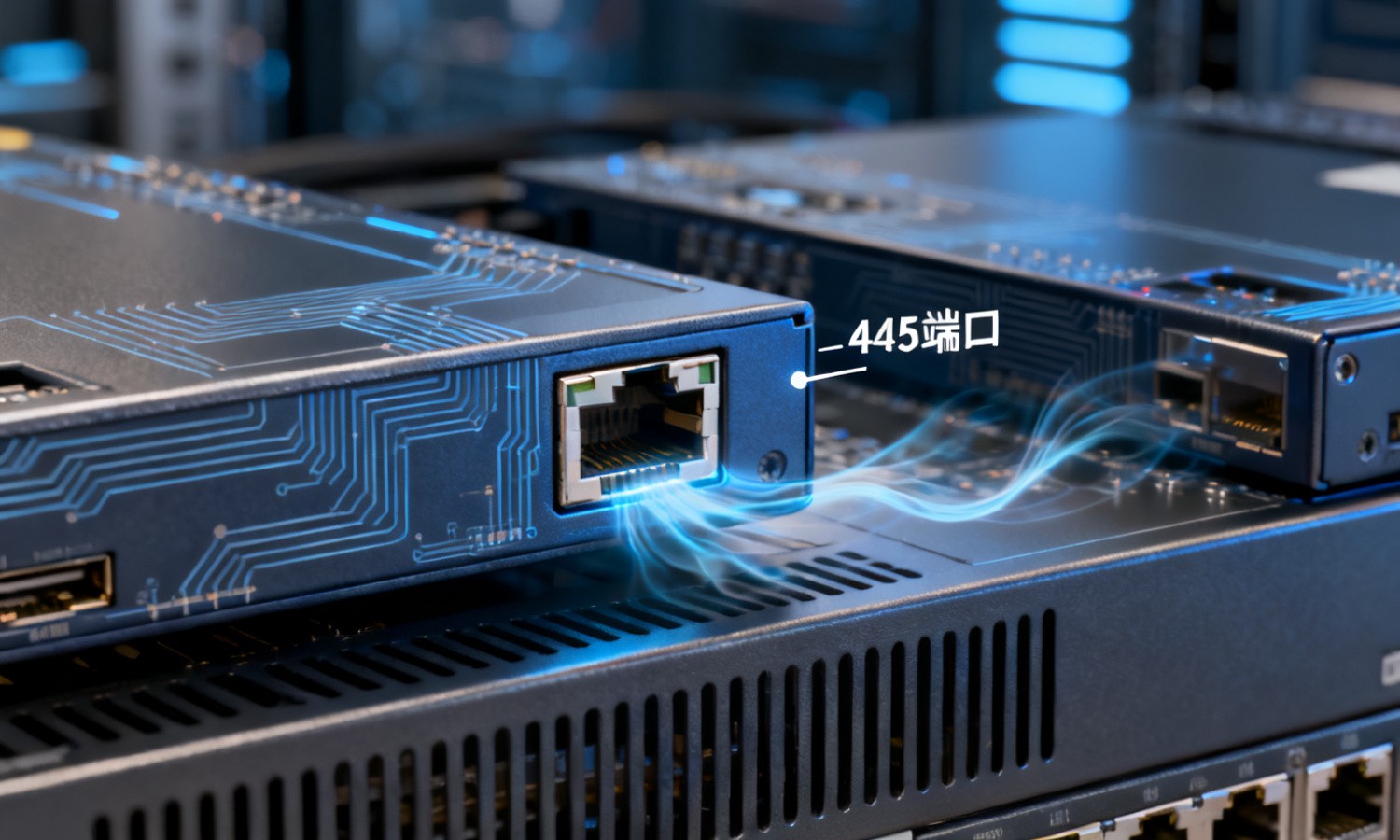
in the scene of LAN data interaction and resource sharing, ports are the key channels for communication between devices, and different ports undertake exclusive network service functions. Port 445, as a representative existence, not only provides convenient support for file sharing and printer sharing within enterprises, but also is well known to many users due to early security incidents. This article will comprehensively dismantle the relevant knowledge of port 445 from the dimensions of technical principles, core roles, security risks and management strategies, and help everyone clearly understand the value and precautions of this network port.
to understand the 445 port in depth, we first need to clarify its essential attributes and positioning, which is the basis for mastering its subsequent functions and risks.
1, 445 port technical positioning
445 port is the network port responsible for SMB protocol transmission in the TCP/IP protocol cluster, which is mainly used in the LAN communication scenario of Windows systems. It is an upgraded replacement for the early port 139, which solves the limitation of port 139 relying on the NetBIOS protocol. It can directly realize resource sharing communication between devices through the TCP protocol, without the need for additional name resolution services, which greatly improves the efficiency and stability of LAN data transmission.
2, 445 port operating environment
445 port is open by default in Windows 2000 and above operating systems, and is the core communication channel of the built-in file sharing service in Windows systems. In the enterprise office LAN, as long as multiple Windows devices are in the same network environment and the file sharing function is turned on, Port 445 will automatically participate in the process of resource interaction to achieve cross-device access to folders, printers, disk partitions and other resources.
grasp the working principle of port 445, can help readers understand how it realizes resource sharing between devices, as well as the core logic of data transmission.
1, 445 port communication triggering mechanism
When the user opens the file sharing service in the Windows system, the system will automatically listen to the network request on port 445. When another device in the same LAN tries to access the shared resource, it will send a connection request to port 445 of the target device, which contains access authority verification information and resource access requirements. After the target device receives the request through port 445, it will verify the access party's authority first, and then establish a dedicated communication link after confirming that it is legal.
2, 445 port data transmission logic
after the communication link is established, the 445 port will transmit data based on the SMB protocol. The SMB protocol encapsulates the shared files, printer instructions and other data into standardized data packets, which are transmitted between devices through the 445 port. During the transmission process, the 445 port will be responsible for sending and receiving and verifying the data packet to ensure that the data is complete and not lost. At the same time, according to the permission rules set by the system, the access party will limit the operation scope of the shared resource, such as the distinction between read-only, read-write and other permissions.
as a key channel of LAN communication, 445 port in the enterprise office and daily use of a number of core functions, is an important support to improve resource utilization.
1, LAN file sharing service
this is the core role of the 445 port, enterprise employees can access the shared folder on the colleague's computer through the 445 port to realize the fast transmission of documents, installation packages, material files and other resources without the use of physical storage devices such as U disks and mobile hard disks, which not only improves office efficiency, but also avoids the risk of virus transmission caused by physical devices. At the same time, administrators can also manage the shared servers within the enterprise through the 445 port to achieve centralized storage and allocation of resources.
2, network printer sharing function
in the scenario of multiple devices sharing a printer, the 445 port also plays a key role. After the host connected to the printer enables the sharing function, other devices can send printing instructions through the 445 port, and the host can control the printer to complete the printing task after receiving the instructions. This function greatly reduces the equipment procurement cost of enterprises, eliminating the need to equip each employee with a separate printer, and also simplifies the printer management process.
3, cross-device system management support
445 port also provides support for remote management of Windows systems, administrators can combine 445 ports through remote desktop, system settings adjustment, software installation, troubleshooting and other operations on other devices in the local area network, without having to visit the equipment site, which greatly improves the efficiency of enterprise IT operation and maintenance, especially for large enterprises with a large number of devices.
although the 445 port provides convenience for resource sharing, there are also certain security risks, which require users to take targeted protective measures.
Key security risks for1 and 445 ports
because the 445 port is turned on by default and widely used, it has become a ransomware attack entrance in the early years. For example, the WannaCry virus exploits the vulnerability of the 445 port to achieve rapid spread in the local area network, resulting in a large number of users' files being encrypted and locked. In addition, if the user does not set strict access rights, hackers can illegally access sensitive files in the device through the 445 port, resulting in data leakage risk.
2, 445 port protection management strategy
For ordinary users who do not need to use the sharing function, port 445 can be closed directly in the system firewall to cut off the relevant security risks from the root cause. For enterprise users who need to use port 445, complex account passwords and strict access rights should be set, and only devices with designated Internet Protocol Address should be allowed to access shared resources; at the same time, install system security patches in a timely manner to block known vulnerabilities, and regularly conduct security scans of the network environment to investigate potential risk points.
sum up, port 445 is the core communication channel responsible for resource sharing in Windows LAN, which has both efficient resource interaction ability and certain security risks. It realizes cross-device access to files, printers and other resources through the SMB protocol, providing convenient support for enterprise office, but also needs to be protected by closing useless ports, setting permissions, installing patches, etc. Only by correctly understanding the functions and risks of port 445 can we enjoy convenience and ensure the security and stability of the network environment.